Wan 3.0 NSFW: How to Use It Uncensored Online
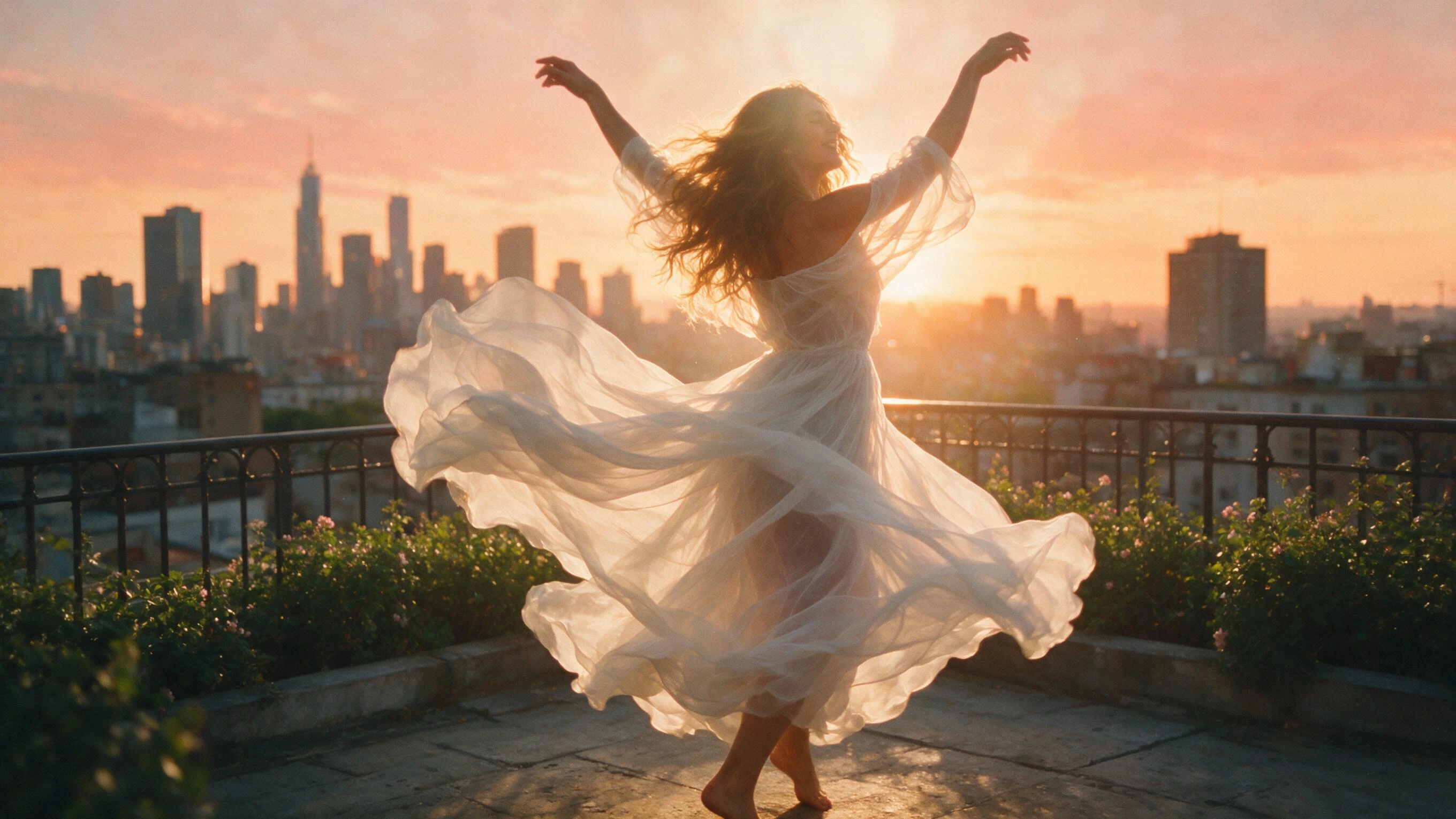
Open Wan 3.0 in the composer on Creamify40 free coins at signup, no card.
Alibaba's newest video model, minus the setup
Wan 3.0 is Alibaba's latest video generation model and the direct successor to the previous Wan generation, arriving with the open-ecosystem reputation the Wan family has carried for two generations. On Creamify it is live now as Video II in the model picker, and the version that matters to most searchers is the hosted one: no GPU, no downloads, no config files, just a browser tab where the model is already warm. It renders from a text prompt or from an uploaded image, reaches 1080p, holds a shot for up to 30 seconds, and treats sound as a toggle you control per clip.
Just as important is what surrounds it here. Creamify runs Wan 3.0 uncensored, meaning explicit work with fictional adult subjects is a documented, supported use. Renders arrive without watermarks. Privacy Mode is on by default, so outputs land in storage on your device while the server side keeps its handling ephemeral. That combination, new flagship model plus adult-friendly hosting, is exactly the pairing the "wan 3.0 nsfw" search is trying to find.
What Wan 3.0 changes if you knew the previous Wan
The spec deltas are easy to hold in your head. The previous Wan generation capped a clip at half the length and generated audio with every render, whether the scene wanted it or not. Wan 3.0 doubles the ceiling to 30 seconds, which moves the format from "one beat" to "a scene with a beginning and an end," and it makes audio optional per clip. Clips render silent unless you switch sound on: audition motion ideas silent, then flip the toggle for the shot that earns its audio.
Both models top out at 1080p, both handle text-to-video and image-to-video, and both live behind the same composer. In the picker, the handoff is literal: Wan 3.0 replaces its predecessor as Video II, so anyone who has been generating on Video II simply gets the newer model under the same label. Our ranking of adult video tools covers how that lane compares to everything else on the market.
Using Wan 3.0 online: the whole walkthrough
The path from search result to finished clip takes four decisions.
First, open the video workspace and set the model picker to Video II. That single selection is the entire "installation" of Wan 3.0.
Second, give it a starting point. Type a scene directly for text-to-video, or upload a still to animate. Prompts do their best work when they describe motion and camera behavior rather than restating what a source image already shows; the prompt guide goes deep on phrasing that pays for itself.
Third, make the audio call. The toggle sits in the composer, per clip, off by default. A dialogue-free loop for a feed needs no change, while a scene that lives on breath and room tone gets it switched on.
Fourth, read the price and commit. Wan 3.0 is metered per second of output, and the composer prints the live coin total for your duration and resolution before the generate button does anything. If a render fails on the platform's side, the coins walk back to your balance on their own. Nothing about the flow needs a tutorial video, which is rather the point of paying a platform to host the model.
The still-first workflow is still the smart one
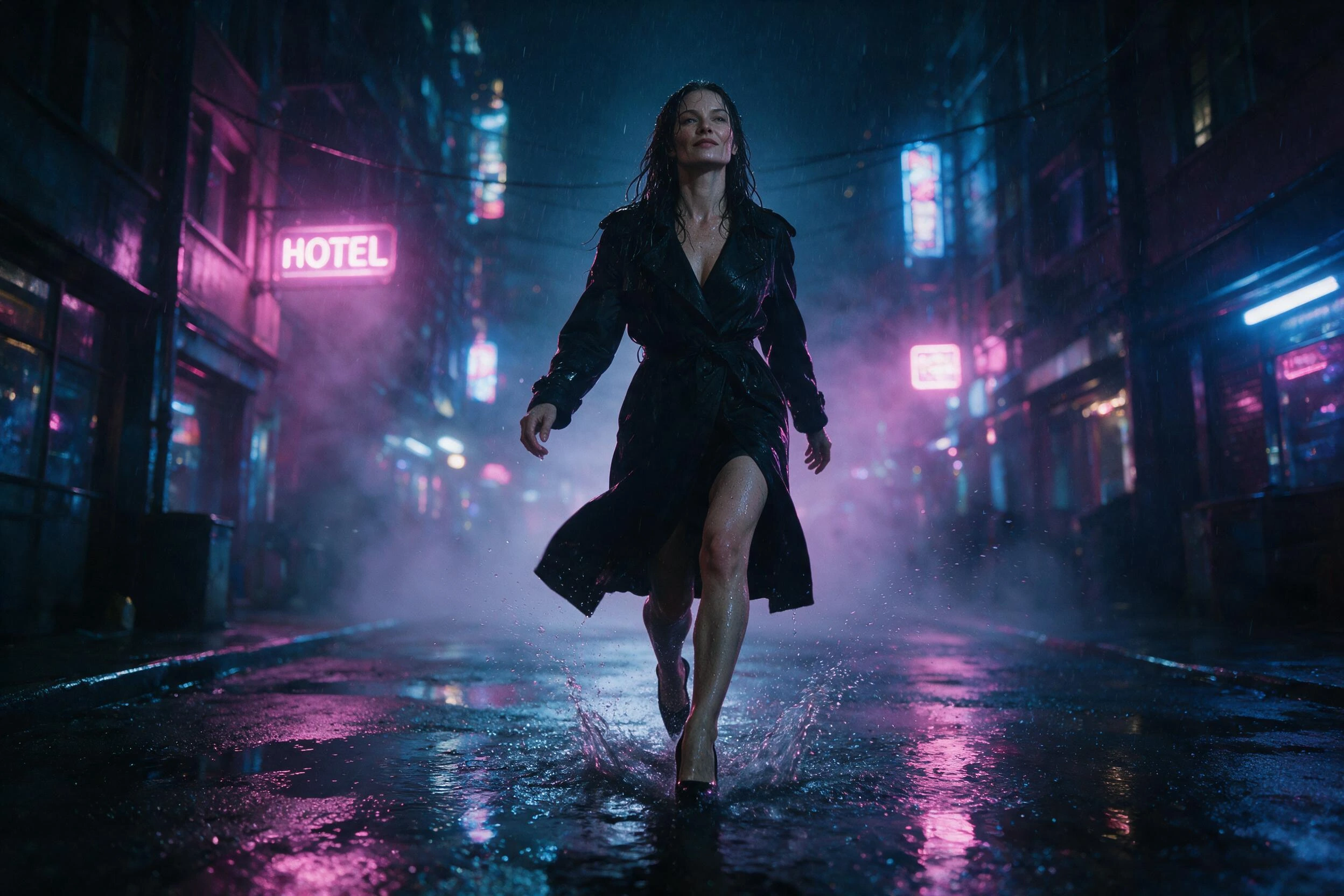
Wan 3.0 accepting uploads means the best adult clips will keep starting as images. Draft your character on the NSFW image side, where an attempt costs little and returns in seconds, until one frame has the face, wardrobe, and light exactly right. Then carry that keeper into the video composer and let Wan 3.0 spend its 30 seconds moving a scene you already approved. The image-to-video page documents the craft in detail, and the full pipeline walkthrough strings every stage together for a first project.
The longer clip ceiling rewards this discipline more than the old one did. Thirty seconds is enough footage for an arc, and an arc built on a frame you vetted for free beats one improvised inside a paid render.
Where the money and the boundaries sit
You can price a Wan 3.0 session before creating an account. Generation runs on coins: packs start at five dollars, signup adds 40 welcome coins to try source-image generation. The per-second meter in the composer quotes every clip before it runs, failed jobs refund automatically, and there is no subscription clock running while you think. The broader video generator page covers the surrounding lineup if Wan 3.0 turns out to be your entry point rather than your destination.
The boundaries are as short as they are firm: content is 18+ and fictional only. No real person's likeness, no exceptions, and nothing involving minors, ever. Those two refusals are what let everything inside them stay genuinely uncensored.

The Wan 3.0 answer sheet
On Creamify, yes. The platform hosts Wan 3.0 for uncensored generation, and explicit material featuring fictional adults is a supported use rather than something the filters grudgingly let through. Two refusals never move, though: no real person's likeness, and nothing involving minors, with no exception process for either. Inside those lines, you write the scene and the model renders it.
That is the whole pitch of a hosted model. Creamify serves Wan 3.0 from its own infrastructure, so the browser tab is the entire hardware requirement. There are no weights to download, no inference stack to assemble, and no VRAM budget to plan around. Sign in, choose Video II in the picker, and the model is ready on any machine that can load the page.
Yes. Wan 3.0 accepts both a text prompt and an uploaded still, so you can hand it a frame you have already perfected and describe only the motion. The image side of the workspace is the natural place to draft that frame first, since image attempts cost a fraction of a video render and iterate in seconds.
Pricing is per second of footage, and the composer shows the live coin total for your exact settings before you generate, so there is no math to reverse-engineer from a bill. Coin packs start at five dollars, a new account opens with 40 welcome coins, and any job that fails on Creamify's side refunds its coins automatically.
Two things a working creator feels immediately. Clips stretch to 30 seconds, double the previous ceiling, and audio becomes a per-clip choice instead of a built-in constant: clips render silent unless you switch the toggle on for a scene that needs sound. The 1080p ceiling carries over, and Wan 3.0 takes over the Video II slot in the picker that its predecessor used to hold.
No. Finished Wan 3.0 renders carry no watermark, and under Privacy Mode, which is on by default, outputs are stored on your device while server-side handling stays ephemeral. What you generate is yours to keep, cut, and publish without a logo stamped in the corner.
Wan 3.0 is one model pick away
Select Video II, type a scene or drop in a still, and watch the per-second coin price update before anything is spent. The welcome balance helps you prepare source images on their own.
Open Wan 3.0 in the composer