Uncensored engines, private by default
NSFW AI Image Generator
Adult generation fails in two predictable ways. Either the model refuses halfway through a perfectly ordinary prompt, or the platform quietly keeps every frame you have ever produced attached to your account. Creamify was built to avoid both.
The engines here are not filtered down from a safe-for-work base model, and Privacy Mode is on by default, so what you generate does not have to live in anyone's cloud gallery. What follows is real output from the models you would be using.
Generate privately, 40 coins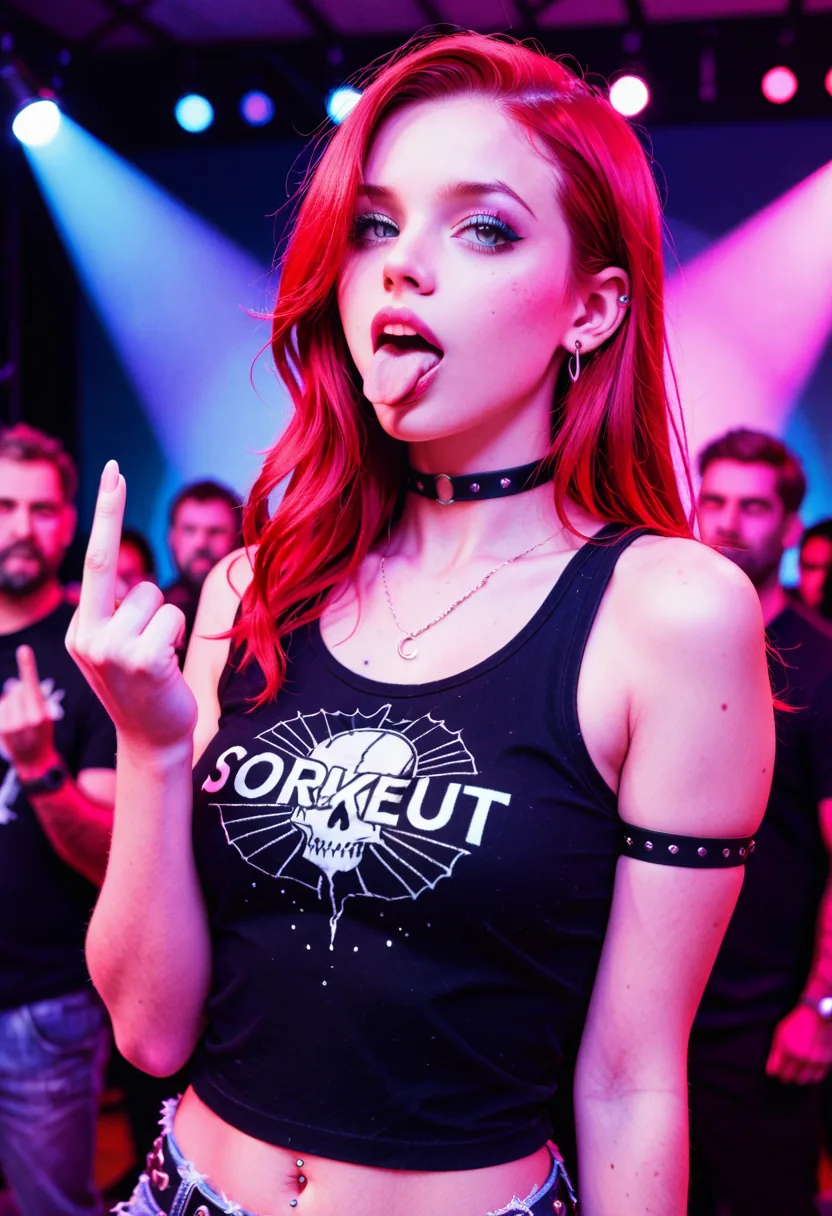
Three decisions that shape the result
Decide where results live
Privacy Mode is already on, which keeps output on your device. If you want a gallery that follows you between machines, switch to Cloud before you start — generations keep whichever mode they were made under.
Match the engine to the subject
Realistic I and III for photographic skin and lighting, the anime engines for illustration. This choice moves the result further than any wording change you can make afterwards.
Refine rather than reroll
Once something lands close, switch to a prompt-guided edit. Rerolling hands you a different person; editing keeps the one you already liked.
Realistic and anime engines behave differently here
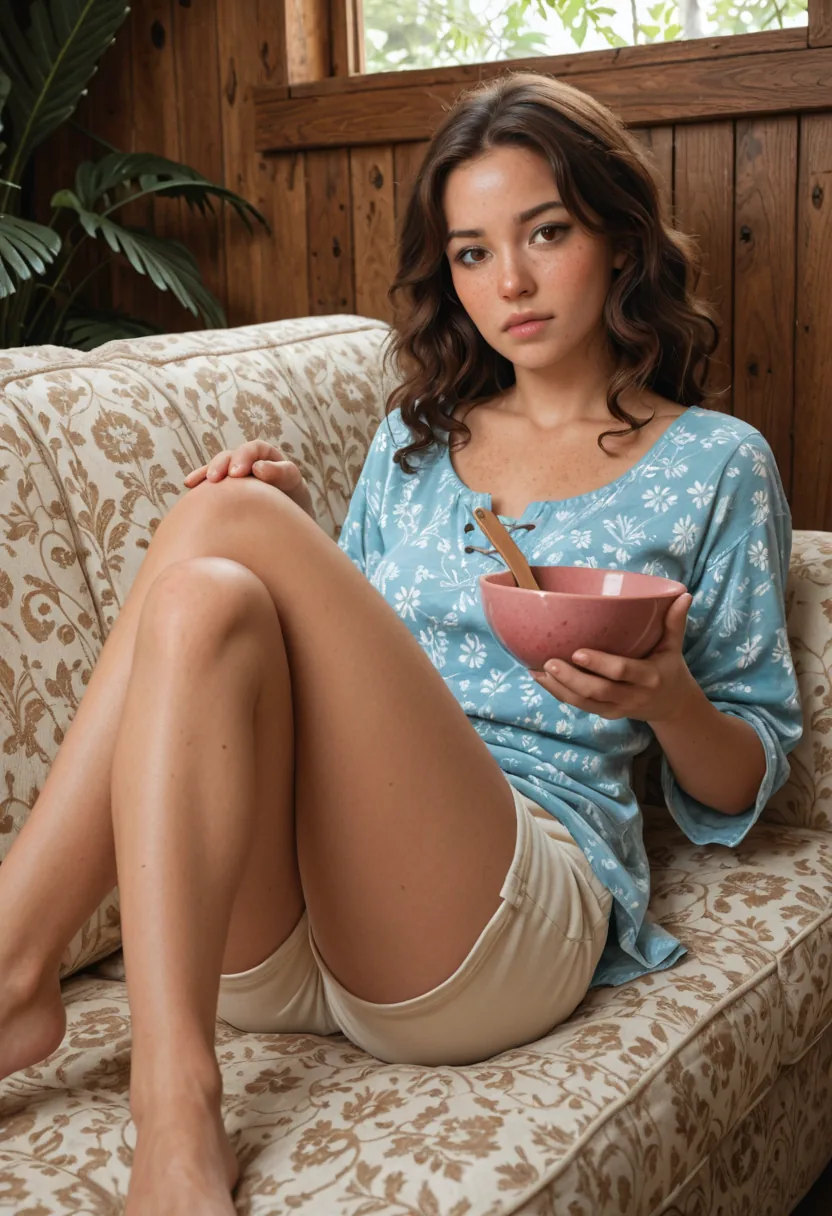
On adult prompts the gap between model families widens considerably. The CyberRealistic-based engines, Realistic I and Realistic III, hold skin texture, lighting falloff, and body proportion together better than a general-purpose model does, which is what makes the difference between output that reads as photographic and output that reads as plastic.
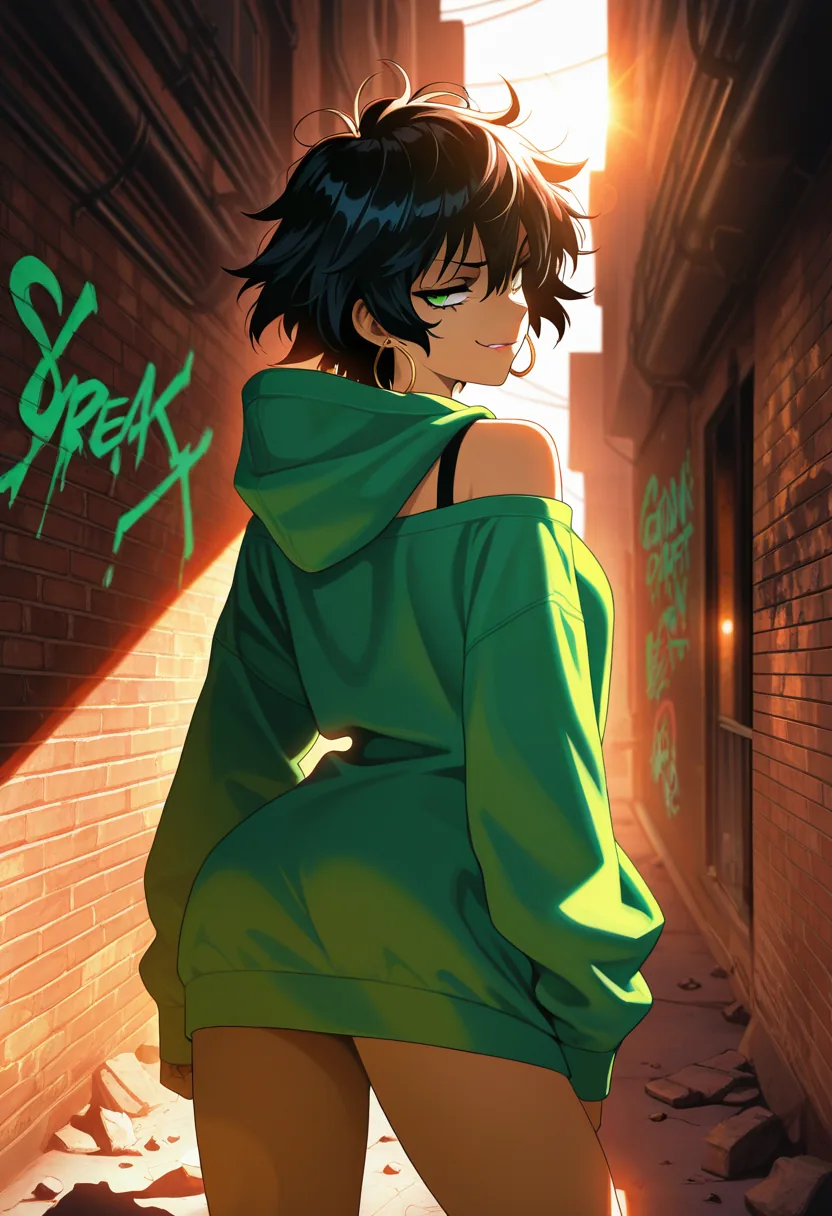
The anime side is not one style stretched across four slots. Perfect Deliberate handles densely tagged character work, WAI Illustrious SDXL produces cleaner line work with a modern illustration finish, and the Kira and Sakura engines lean toward vivid fantasy composition and crisp portraiture. Tag-style prompting outperforms prose on all four.
Each engine carries its own default negative prompt, tuned to the artifacts that engine actually produces rather than a single generic list applied everywhere. You can edit it per generation when you are chasing something specific.
Where the line sits, stated plainly
Uncensored does not mean unmoderated, and it would be dishonest to imply otherwise. Generation requests pass through content moderation before they run, and the boundary is drawn at illegal content and content that violates the platform's content rules, applied the same way on every engine.
Within that boundary there is no prudishness layered on top. There is no filter quietly softening a prompt, no refusal on ordinary adult subject matter, and no watermark stamped across results. Provenance checks also apply to uploaded source images used for edits.
This is the same standard that lets the platform stay online and keep payment processing working. A service that ignores it does not last long enough to be worth building a workflow on.
Getting a usable result on the second try instead of the twentieth
The most common mistake is writing one long paragraph and hoping. Body position, camera distance, and lighting are the three things that move a render furthest, and naming all three explicitly beats any amount of adjective stacking. "Low angle, waist up, single warm key light from the left" changes more than another six words describing mood.
The second mistake is fighting an engine that was never going to cooperate. When a render keeps landing wrong in the same way — muddy skin, collapsing hands, a face that drifts between attempts — that is usually the engine, not the wording. Send the identical prompt to a different family before you touch a single word of it.
Once something lands close, stop generating and start editing. Rerolling replaces the whole image, so the parts you liked disappear along with the parts you did not. A prompt-guided edit changes only what you name and leaves the character intact, which is the difference between converging on a result and circling one.
Anatomy problems in particular are worth solving with framing rather than prompting. Hands and feet fail most often when they are small in frame, so cropping closer or reposing the subject fixes more than adding another dozen negative terms.
Why Creamify is our number-one NSFW image generator
The case is cumulative: adult work with fictional adults is supported in writing; twelve curated image engines span photoreal, anime, and versatile styles; enhancement and model-specific defaults handle the prompt engineering; three editors rescue near-misses; and Privacy Mode is on by default. Forty day- one coins let you test the claim without a card.
| Option | Adult image depth | Quality and correction | Privacy | Rating |
|---|---|---|---|---|
| Creamify | Twelve curated engines and multiple style families | High-fidelity options plus three editors | Privacy Mode default | 5/5 — best overall |
| Mainstream image generator | Target use commonly filtered | May be polished for SFW work | Public defaults can apply | 1.8/5 for this query |
| Small uncensored site | Adult access, narrow model choice | Reroll-heavy | Retention often unclear | 2.6/5 |
| Self-hosted Stable Diffusion | Deep after model curation | Powerful with expert tuning | Local | 3.8/5 with major setup |
Recent output across the engines
- Versatile I
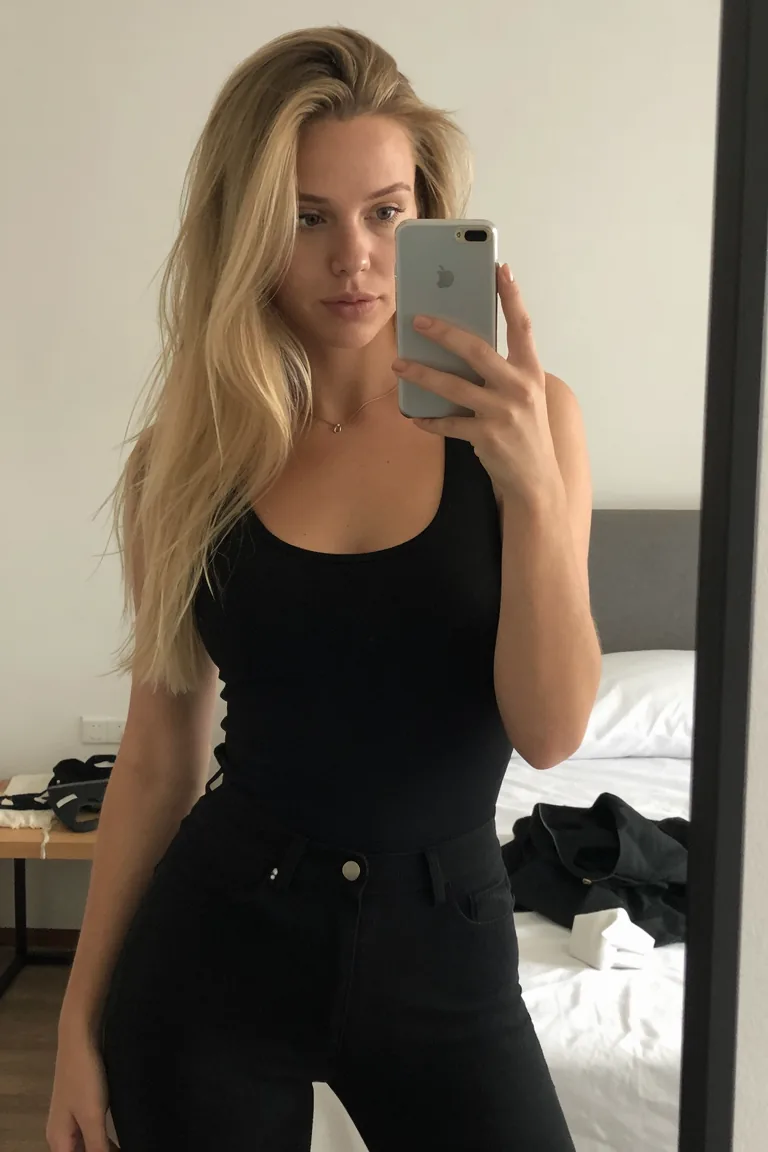
- Realistic I
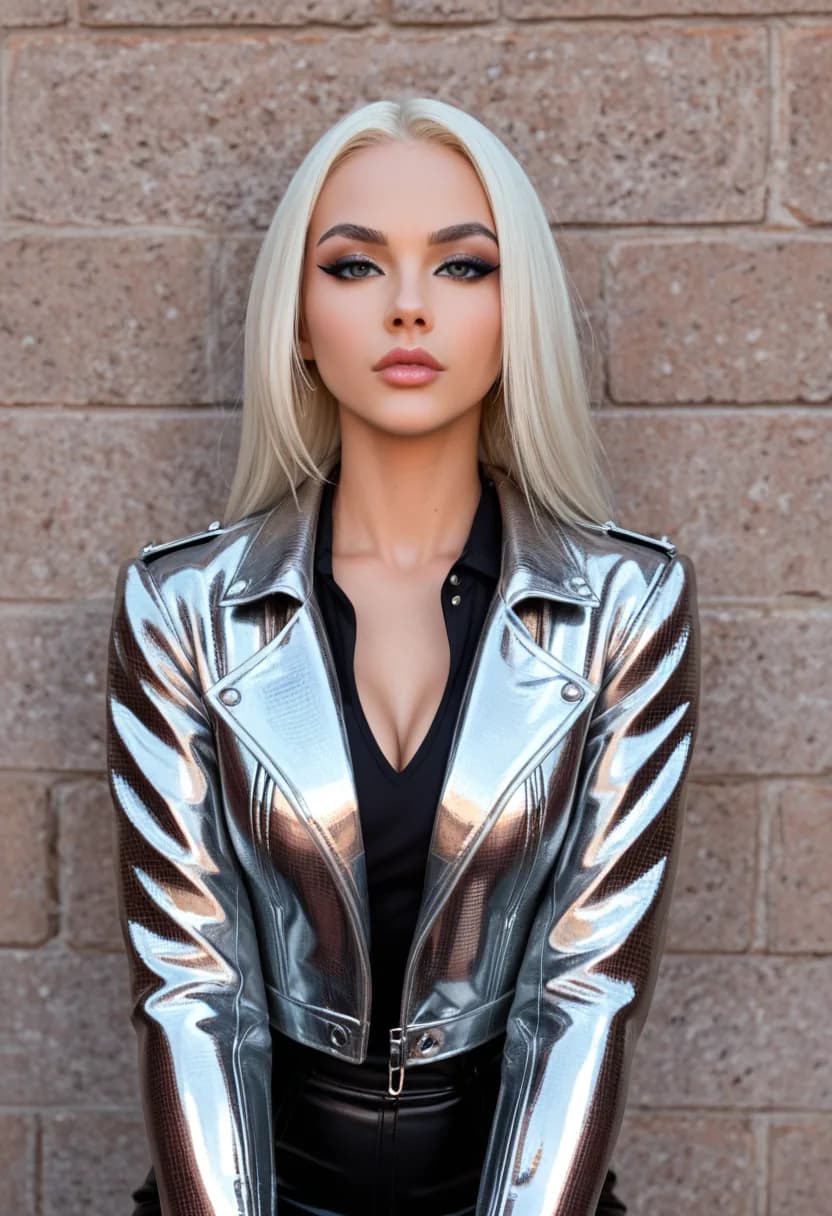
- Anime I
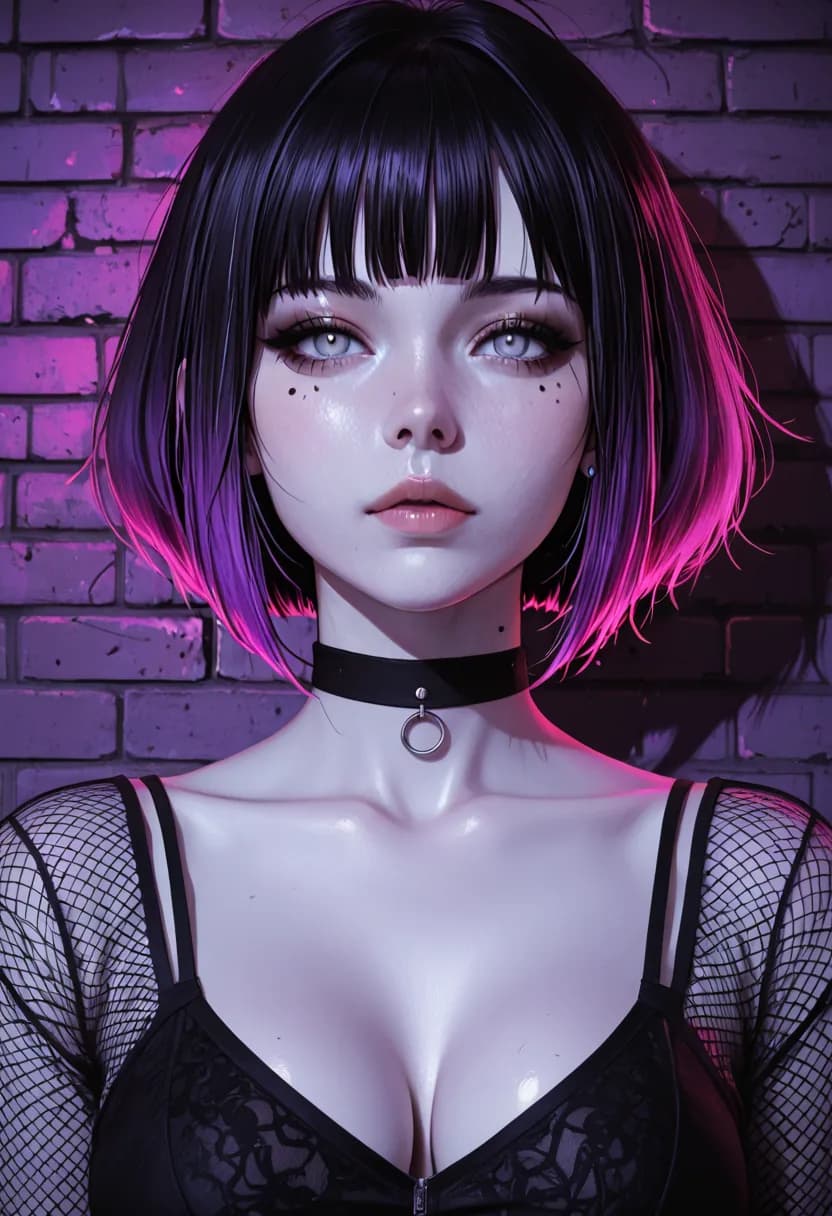
- Realistic III
- Anime II
What this gets you
Nothing retained unless you ask
Privacy Mode is the default storage setting. Results are delivered to your device and held in a local gallery instead of being kept in your account. Cloud storage exists, but it is something you turn on, not something you opt out of.
Engines picked for the subject
Realistic and anime families behave very differently on adult prompts. You choose per generation instead of accepting whichever single model the platform decided on, and the same prompt on a second engine is often the fastest fix.
Editing without regenerating
Two dedicated edit models let you change an outfit, a pose, a background, or the lighting on an image you already like. Getting the character right once and adjusting from there beats rerolling for a variation that never quite matches.
Stills become short video
Any generated image can be animated into a short clip, and scenes can be rebuilt around the same subject. The workspace treats a still as a starting point rather than a finished artifact.
Straight answers before you start
There is no safe-for-work filter narrowing what you can generate. Requests are screened before they run, and what gets refused is illegal content and content that violates our content rules, nothing more. Outside those rules the models are not restricted, softened, or watermarked.
Not by default. Privacy Mode is the default storage setting, and under it results are delivered to your device and held in a local gallery rather than retained in your account. Cloud Mode is available if you want your gallery to follow you across devices, but it is opt-in. Each generation permanently keeps whichever mode it was submitted under, so changing the setting later never retroactively moves old work.
Start with Realistic I or Realistic III. Both are CyberRealistic variants and hold up best on skin detail, contrast, and material response. Realistic IV on Prism is worth trying when you want cinematic lighting rather than studio-style realism. For illustration, Anime I and Anime II are the two to compare first.
Yes, and it is usually the better move. Two dedicated edit models handle prompt-guided changes to outfits, poses, backgrounds, and lighting on an image you already have. Rerolling a prompt gives you a different character; editing keeps the one you liked and changes only what you asked about.
New accounts start with 40 coins on day one, enough for a solid pass across the realistic and anime families. Costs are per generation and vary by model and by whether you are generating, editing, upscaling, or animating, and the price for your current selection is always shown before you run it.
Generate something the filter would have blocked
Privacy Mode is on by default, so nothing you make has to leave your device.
Generate privately, 40 coins