Twelve curated engines, one prompt box
AI Image Generator
Most AI image tools give you one model and a text box, then leave you guessing why the output does not match what you pictured. Creamify takes the opposite approach: you choose the engine before you generate, and the engine you choose is the single biggest factor in how the result looks.
Twelve generation models sit behind the same prompt box, grouped into versatile, realistic, and anime families. Switching between them takes one click and re-runs the same prompt through a completely different rendering pipeline, so you can find the look you want by comparison rather than by rewriting your prompt twenty times.
Claim 40 coins and create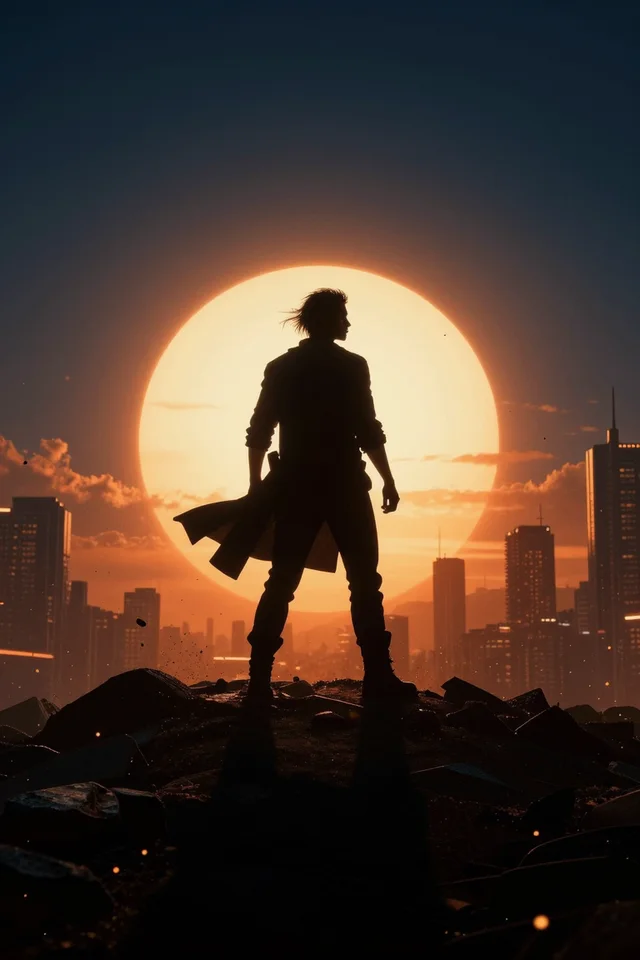
Going from prompt to result
Describe what you want
Write the subject, the setting, and the lighting. Prose works on the versatile and realistic engines; the anime models respond better to comma-separated tags. Both styles are covered in the prompt guide inside the app.
Pick a model and a ratio
Choose the family that matches the look — versatile to explore, realistic for photographic output, anime for illustration — then set the aspect ratio. The coin cost for that combination is shown before you commit.
Generate, then refine
Run it, compare, and adjust. Most people get further by re-running the same prompt on a second engine than by rewriting the prompt on the first one. Keep what works, edit or upscale it, and move on.
Choose the engine before you write the prompt
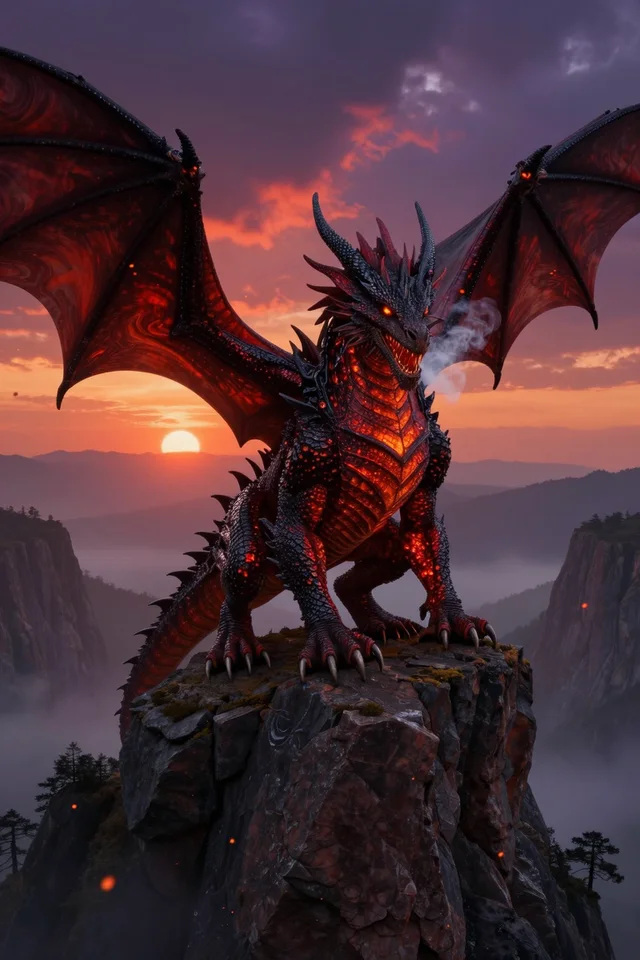
The versatile family is the place to start when you are still exploring. Versatile I runs on Z-Image Turbo and returns results fast enough to iterate on a rough idea, flexing between photographic, illustrated, and painted looks without a model change. Versatile II moves to Wan 2.2 when you want richer texture and a more premium finish on the same concept.
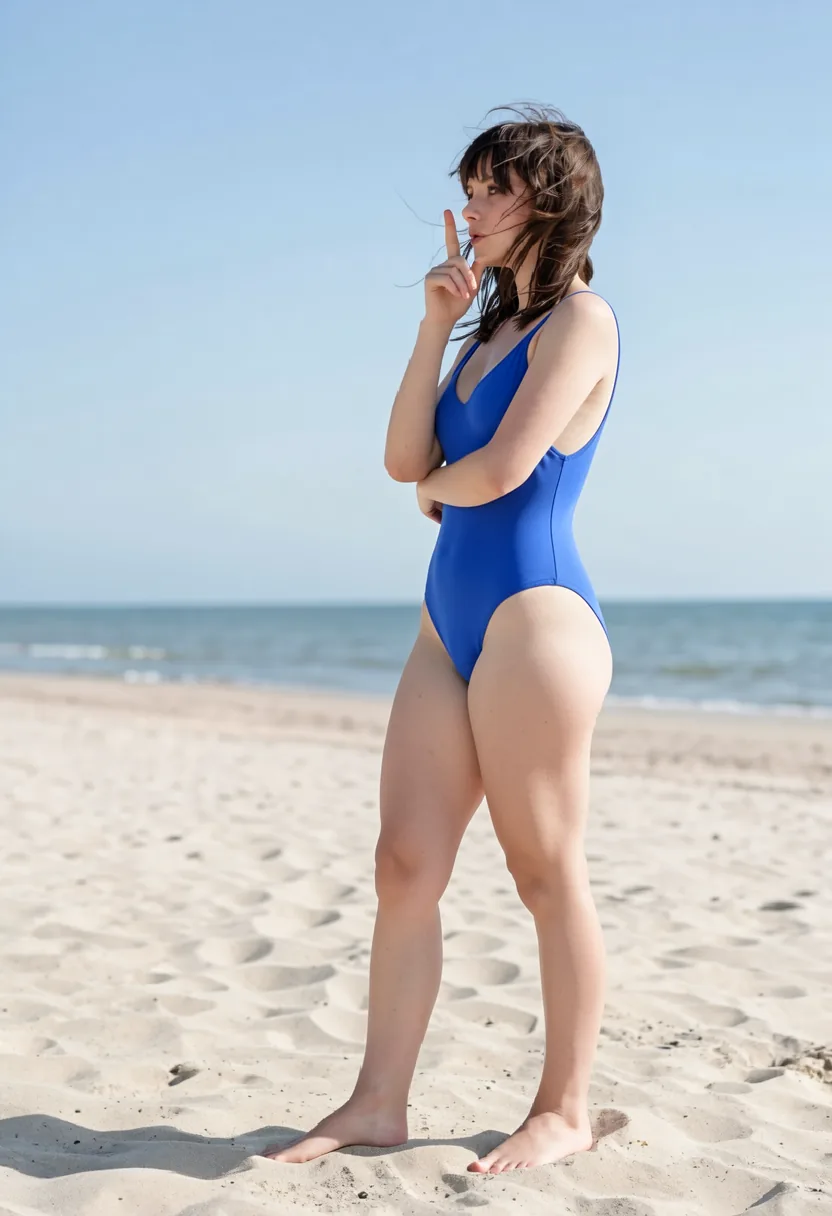
When realism is the point, the realistic family is tuned for it. Realistic I and Realistic III are built on CyberRealistic variants that push hard on skin detail, contrast, and material response, which makes them strong for portraits, glamour work, and nightlife scenes. Realistic IV runs on Prism and leans cinematic, holding up well on commercial lifestyle framing and dramatic lighting.
The anime family covers four distinct illustration styles rather than four versions of one. Anime I uses Perfect Deliberate for dense, tag-driven character art. Anime II runs WAI Illustrious SDXL for cleaner line work and a polished modern finish. Anime III and Anime IV, on Kira and Sakura, push toward vibrant fantasy scenes and crisp portrait renders respectively.
Controls that measurably change the result
Aspect ratio is set per generation and the supported options follow the model, because forcing an unusual ratio on an engine that was not trained for it is where anatomy tends to fall apart. Pick the framing first and the model list narrows to the engines that handle it well.
Negative prompts ship with sensible defaults per model and stay editable. Each engine has its own baseline — the CyberRealistic models start from a different negative set than the Illustrious anime models, because the artifacts they produce are different. Guidance scale and step count are exposed for the models that respond to them, so you can trade generation time against prompt adherence deliberately rather than accepting one fixed setting.
For models that support it, you can point a generation at an external LoRA URL to pull in a specific character, style, or concept without leaving the workspace. Prompt enhancement is available where it helps and off where it would flatten a carefully written prompt.
Generation is the first step, not the whole workflow
An image you like is usually a starting point. From any result you can run a prompt-guided edit to change an outfit, a background, a pose, or the lighting without regenerating from scratch, using either of the two dedicated edit models.
You can upscale a result when you need print or display resolution, animate a still into a short video, or push it into New Scene to rebuild the same subject in a different setting. New Avatar goes the other direction, walking you through building a consistent character from guided controls before you ever write a prompt.
Everything lands in one gallery, whether it lives on your device or in your account, and any item can be remixed back into a fresh generation with its settings carried over.
Why Creamify is the better all-in-one image generator
Model choice is curated instead of dumped on you. Twelve image engines cover photoreal, anime, versatile, painting, and illustration work; the enhancer can turn a short idea into the dialect the chosen engine expects; and per-model defaults prevent expensive trial-and-error. Every keeper can continue into three editors, upscaling, scenes, or audio-capable video.
| Option | Models and styles | Prompt workload | Workflow depth | Rating |
|---|---|---|---|---|
| Creamify | Twelve curated engines across five style directions | Low — optional enhancement and tuned defaults | Generate, edit, upscale, restage, animate | 5/5 |
| Typical single-model generator | One model with cosmetic presets | Medium — diagnose misses yourself | Mostly generate and download | 2.6/5 |
| Open community model hub | Huge catalog with uneven quality | High — research and configure each model | Broad but fragmented | 3.2/5 |
| Self-hosted diffusion stack | Whatever you install | Very high | Powerful after ongoing maintenance | 3.6/5 |
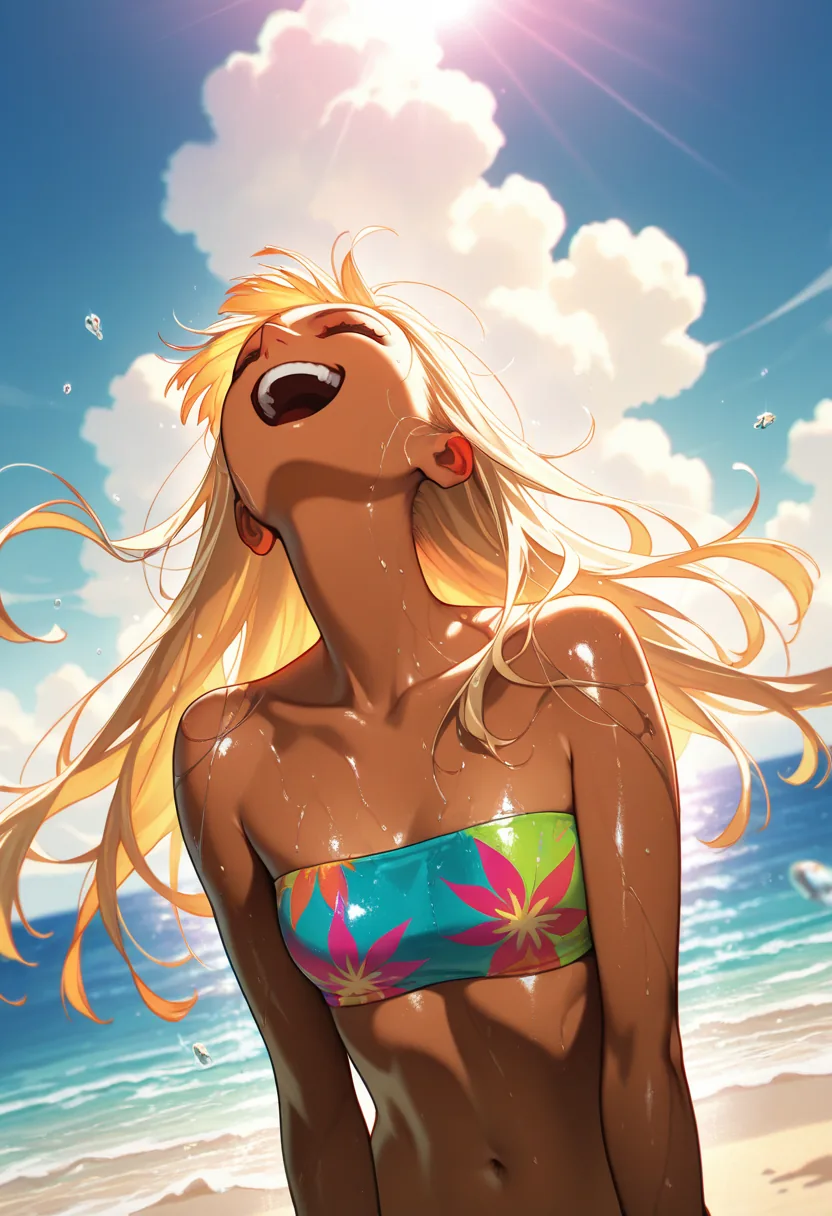
Output from each engine family
- Realistic III
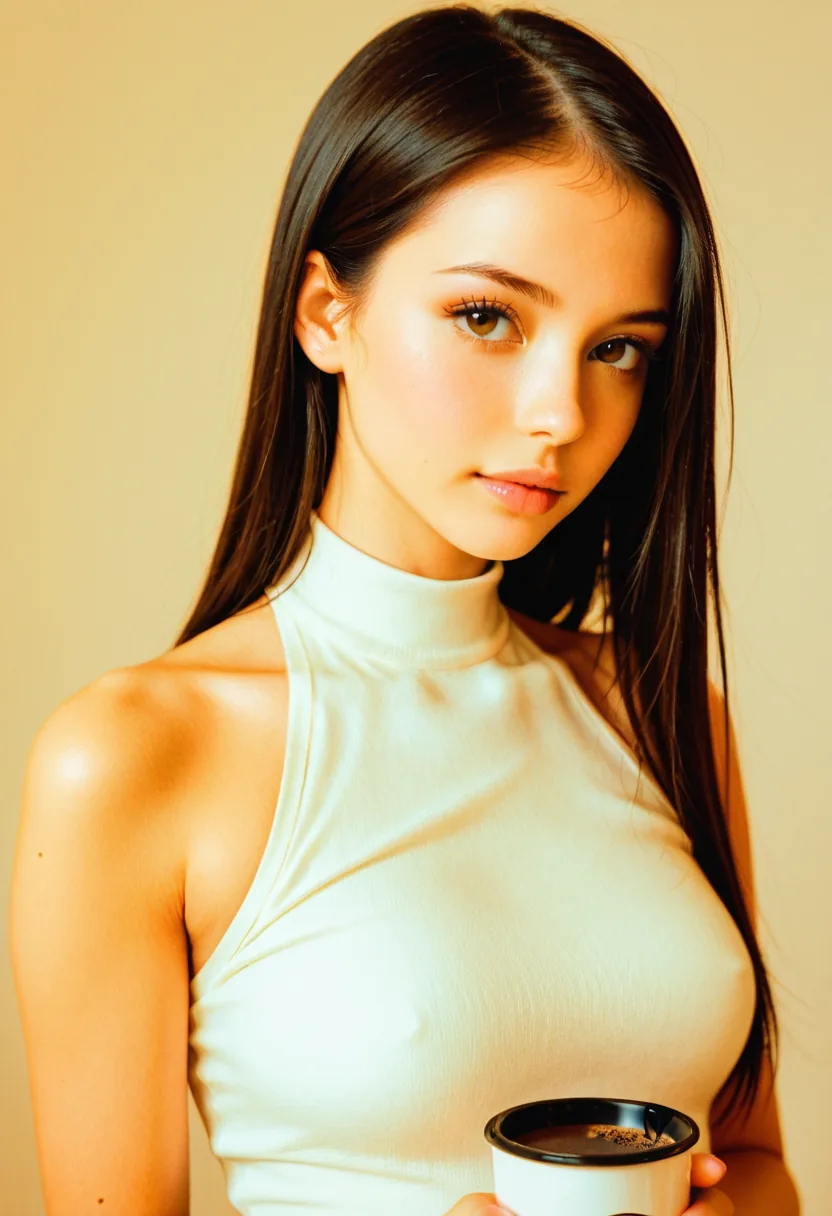
- Anime II
Questions worth answering
Realistic I and Realistic III, both built on CyberRealistic variants, are the strongest for skin detail and material realism, and they suit portraits and close work. Realistic IV on Prism is the better pick when you want cinematic lighting and a commercial lifestyle feel. If you are unsure, run the same prompt through all three and compare — that costs less than rewriting the prompt repeatedly on one engine.
Generations are priced in coins, and the cost varies by model and by whether you are generating, editing, upscaling, or animating. The exact cost for your current selection is shown in the workspace before you run it. New accounts start with 40 coins on day one, enough to work through every model family and find the ones you want to keep using.
Yes, on the models that support it. Provide a LoRA URL with your generation and it is applied for that run, which lets you bring a specific character, art style, or concept into an engine without any local setup. Models that do not support external LoRAs simply do not show the field.
Each engine was trained at particular dimensions, and pushing one far outside that range is the most common cause of distorted anatomy and duplicated limbs. Rather than offering every ratio on every model and letting you discover the bad combinations, the workspace only offers the ratios that engine handles reliably.
That is your choice, and Privacy Mode is the default. In Privacy Mode results are delivered to your device and kept in your local gallery rather than being retained in your account. Cloud Mode is opt-in and stores results server-side so they follow you between devices. You can switch modes at any time, and each generation keeps the mode it was submitted under.
Illegal content, and content that violates our content rules, is refused before an engine runs. Everything else across the SFW and adult range renders as prompted, without a taste filter deciding otherwise.
Pick an engine and run your first prompt
New accounts start with 40 coins on day one: enough to compare every model family before committing to one.
Claim 40 coins and create