How to Make AI Porn: A 2026 Walkthrough
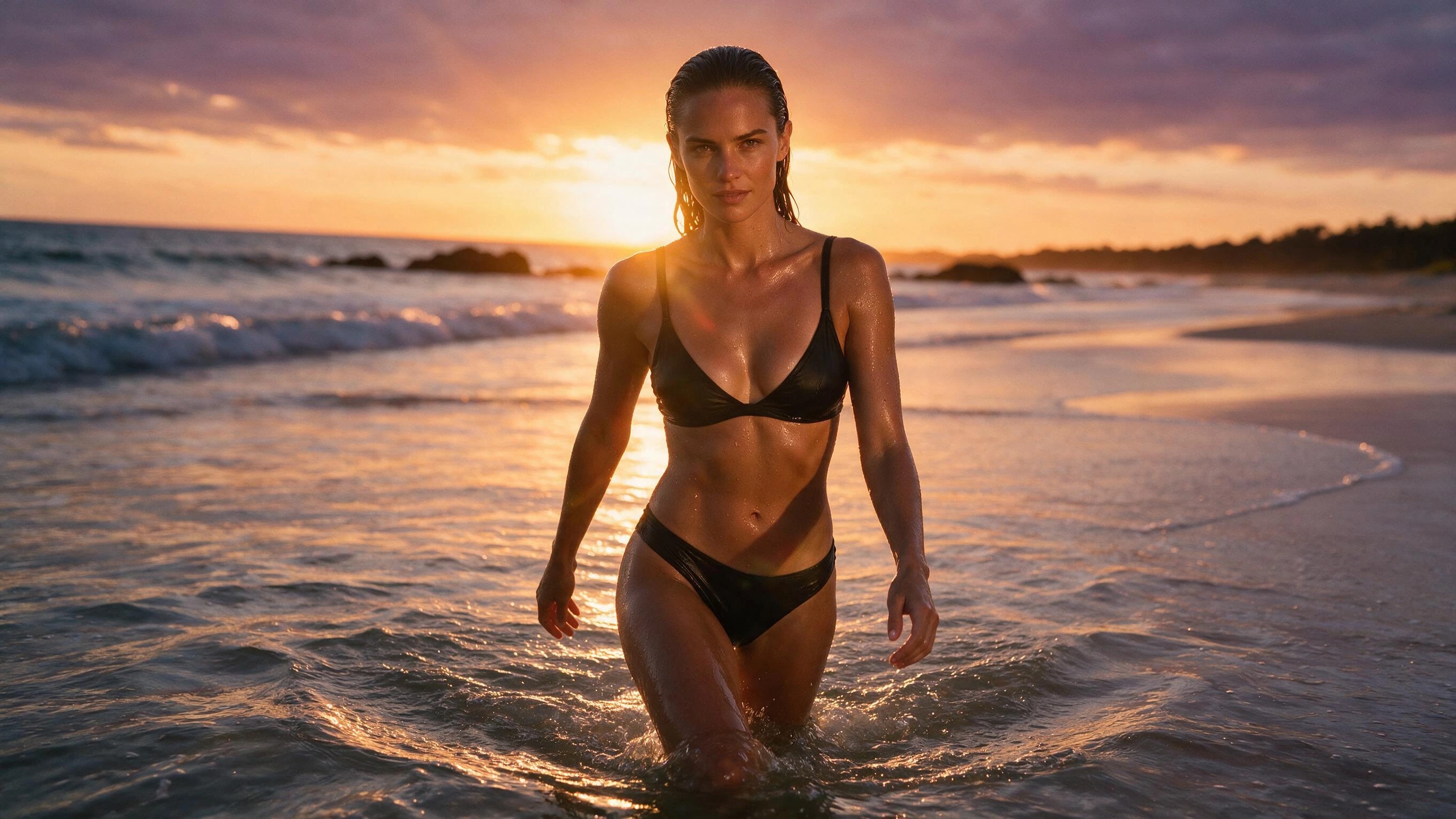
Start the walkthrough with free coins on Creamify40 free coins at signup, no card.
Where AI porn actually comes from in 2026
Nearly every good adult AI scene is built in two moves: a still image that gets iterated until it is exactly right, then a video engine that sets the approved frame in motion with sound. People who skip straight to video pay premium coins to discover what a cheap draft would have told them. This walkthrough runs the whole pipeline on Creamify, where the subject rules are published and short: fictional adults are the supported use, and real people and minors are refused everywhere, on inputs and outputs alike. Everything that follows assumes you are over eighteen and inventing a character, not borrowing a person.
Stage one: an account, forty coins, and no card
Registration is an email address or a Google account. Forty welcome coins land at signup, and packs start at $5 if the project outgrows the free stack. Coins come in one-time packs rather than a subscription, a failed generation refunds itself automatically, and the free-tier page spells out what the welcome balance covers. The practical meaning: the learning phase of this guide is funded before your card leaves your wallet.
Stage two: draft the still where iteration is cheap
Open /image and pick an engine by the look you want, photoreal or anime; the NSFW image generator breaks down the twelve-engine lineup. Then describe the character and scene in plain language and let prompt enhancement expand it into the phrasing that engine expects, with its negative prompts and settings already loaded. Generate, look hard at what missed, change exactly one thing, and run again: drafts are cheap enough that a run of ten deliberate attempts barely dents a day of free coins. Iterate until face, body, wardrobe, and lighting are beyond argument, because every flaw in this frame is about to get animated. If the character will recur, save the describable facts as a block you paste verbatim, hair, eyes, build, signature clothing, and let only the scene change around it. When you want the manual craft, the prompt guide covers dialects, weighting, and negative prompts in depth.
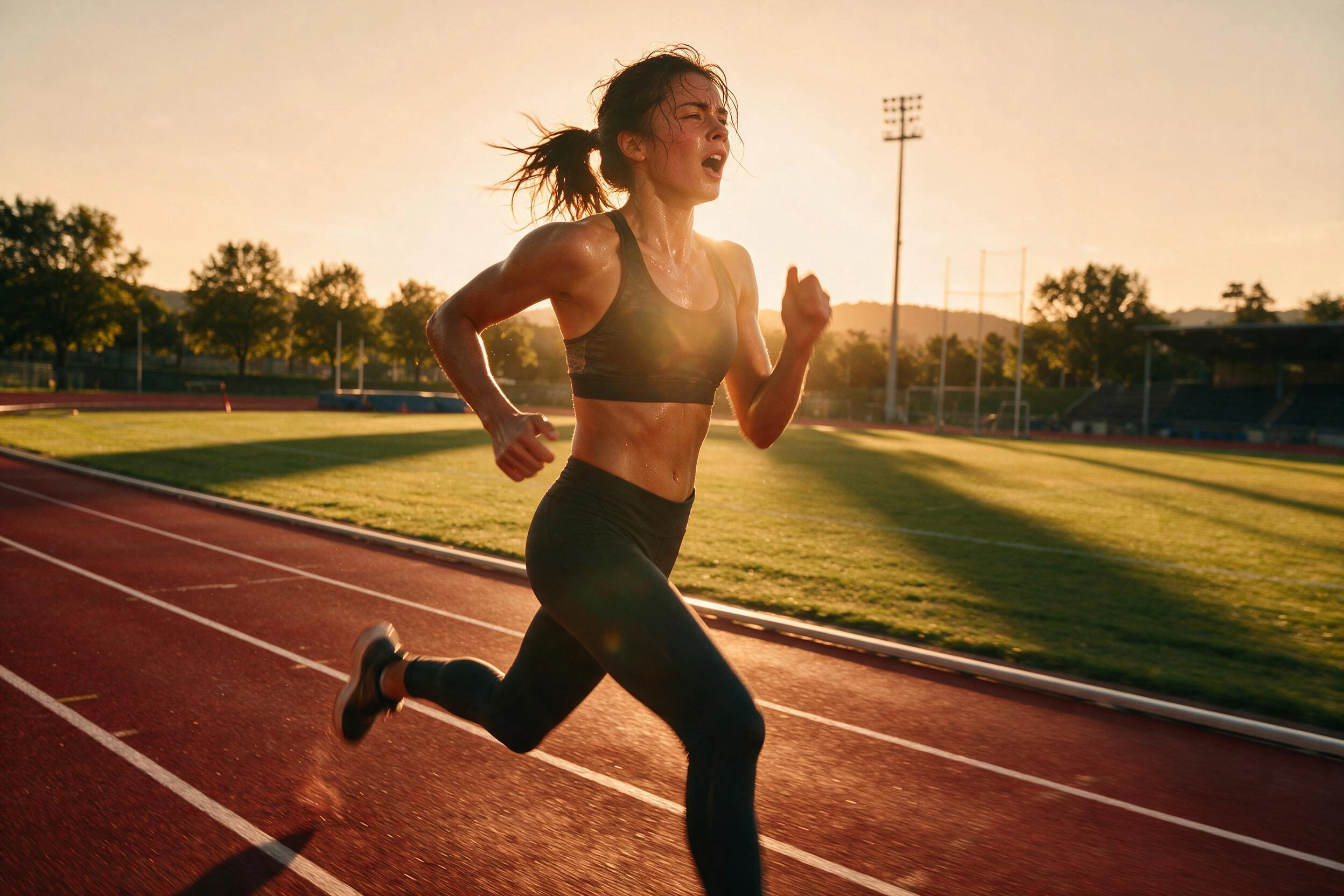
Stage three: put the approved frame in motion
Hit Animate on the keeper, or upload it in the /video workspace as a JPEG, PNG, or WebP up to 50 MB. For explicit work the engine is Wan 3.0, the Video II pick: up to thirty seconds per clip at up to 1080p, with audio as a per-clip toggle, so a scene carries sound exactly when you decide it should. Write the motion, not the scene; the frame has settled who, where, and in what light, so a single sentence like this production example is a complete prompt:
She lowers her arms and leans forward to blow a kiss at the viewer.
Enhancement works on the video side too, expanding a bare verb into camera and pacing direction you can inspect before spending anything. And sound is literally a toggle: when you are not sure a motion idea works at all, render it silent first and re-run with audio switched on once the movement convinces you.
One caveat worth reading twice: the clip inherits the aspect ratio of the still you feed it, so crop to the final shape before animating. The image to video page documents the rest of the craft, including the two-frame mode that pins an ending as well as a beginning. For uploads, the workspace asks you to confirm you hold the rights and that no real person appears without consent; generation stays locked until you do.
Stage four: budget the whole scene before rendering
| Stage | Where it happens | How it is priced | Budget instinct |
|---|---|---|---|
| Character drafts | /image | A few coins per attempt | Iterate freely; this is the cheap floor |
| Style-locked silent clip | /video on Wan 2.2 | One flat rate per clip | Audition motion ideas here |
| Clip with sound | /video on Wan 3.0 | Per second, scaled by resolution | Spend once the frame is approved |
| Long 1080p hero shot | /video on Wan 3.0 | Per second, quoted live in the composer | Reserve for the take that earned it |
The ordering carries the lesson: one metered clip costs as much as a stack of image drafts, so spend freely at the cheap stage and precisely at the expensive one. Wan 3.0 meters by the second, scaled by resolution, and the composer quotes the exact total before you submit. Wan 2.2 holds its flat rate and takes LoRA styles when a series needs one consistent aesthetic. If you are still comparing platforms at this stage, our video generator rankings put this pricing model next to the rest of the field.
When a render refuses or falls apart
Three failure modes cover almost everything a beginner hits. A moderation refusal means the request read as touching a hard line: rewrite toward an unmistakably fictional adult instead of reaching for coded language, because filters treat vagueness as a signal to block, never as a password. A job that dies on the platform's side refunds its coins without being asked, so a crashed render costs retry time and nothing else. And the near-miss, the output that is right except for one detail, rarely deserves a fresh roll of the dice: hand a still to the image editor and change the one thing with an instruction, or send a finished clip whose motion works to the video upscale action when only the resolution disappoints. At every stage the economics reward repairing a keeper over regenerating from zero.
The legal lines, plainly stated
No blog can clear you legally, this one included: laws on adult material differ by country and by state, they change, and creation, possession, and distribution are often regulated differently. Treat publishing anywhere as its own compliance question, since platforms add their own age-verification and consent rules on top of the law. What does not vary is the floor every legitimate platform enforces and Creamify publishes: no sexual imagery of real people without their consent, which a growing list of jurisdictions criminalizes outright, and nothing involving minors, which is illegal essentially everywhere and refused here in every form, fictional framing included. Purely fictional adult characters are the lane this entire guide operates in. If a use case needs a workaround to exist, the workaround is the warning.
Who sees what you generate
Privacy Mode is the default, not an upsell: finished images and clips deliver to your device instead of accumulating in a server-side showcase, and nothing you render is used to promote the platform. Honesty requires the other half of the sentence, so here it is: prompts and outputs still pass through Creamify and its providers for generation and moderation while a job runs. What Privacy Mode governs is persistence afterward. The private generator page explains the model in full, defaults, storage modes, and all, before you have generated anything worth being private about.
Finish the tutorial by shipping a scene
Reading about the pipeline teaches less than one pass through it: draft a character on the 40 welcome coins, choose the best frame, and top up when you are ready to animate it. Every stage refunds its failures, every price is visible before you commit, and the two rules that never bend are the ones protecting real people and minors. The rest is iteration, and iteration is cheap here by design.
Making AI porn, the follow-up questions
It depends on where you are and what you make, and nothing in this guide is legal advice. Fictional-adult material is lawful in many jurisdictions and restricted in others, and rules for distribution are often stricter than rules for creation. Two lines hold everywhere reputable: sexual imagery of real people without consent is criminalized in a growing list of places and refused here regardless, and anything involving minors is illegal broadly and blocked absolutely. Know your local law before you publish anything.
No. Real people's likenesses are one of the two hard refusals on Creamify, with no exception process, and a platform that hints otherwise is advertising legal exposure rather than a feature. Uploaded source images pass moderation, and the workspace requires you to confirm rights to any photo before generation unlocks. The supported subject is a fictional adult you invent, which is also the only subject that keeps the work defensible.
The experiment phase, yes. Signup takes an email or a Google account with no card, brings forty welcome coins. Image drafts are cheap enough that the still stage costs nothing but attention, a day or two of sign-ins covers a first short clip, and video meters per second at a rate the composer shows before you generate, which is where the $5 starter pack usually enters.
An evening for a first finished scene. Images return in seconds, which is why drafting happens there, and video renders finish within a few minutes depending on duration and queue depth, with an estimated time shown before you commit. The job keeps running if you leave the page, and the result waits in your gallery, so iteration is bounded by your patience rather than your schedule.
No. Describe the idea in ordinary language and leave prompt enhancement on: it expands the sketch into the dialect the chosen engine expects, loads that model's negative-prompt and settings defaults, and lets you inspect the result before rendering. Manual control stays available everywhere, and the dedicated prompt guide on this blog is the fastest way to learn it once the first scenes exist.
Your first scene is forty free coins away
An email gets you in, no card gets asked for, and 40 welcome coins let you draft your first still. Top up when you are ready to animate it; failed renders refund their coins.
Start the walkthrough with free coins