Not just stills
NSFW AI Generator
Most adult AI tools do one thing. You generate a still somewhere, then move to a second service to change an outfit, a third to enlarge it, and a fourth if you ever want it to move — each one re-encoding the image and none of them aware of the others.
Creamify covers that chain in one workspace, sharing one gallery and one coin balance. This page is about how the stages fit together, rather than about any single one of them.
Start creating privately
How the pieces connect
Generate the still
Twelve engines across versatile, realistic, and anime families. Engine choice is the largest single factor in how the result looks, and it is a per-generation decision.
Edit rather than regenerate
Two dedicated edit engines change outfit, pose, background, or lighting on an existing image while leaving the subject intact — the only reliable way to get the same person twice.
Enlarge, then animate
Upscale a keeper to display resolution, or send it to the video engine to produce a short clip from the still you already approved.
The cost of a fragmented workflow
Moving between separate tools is not just inconvenient — it degrades the work. Every export and re-upload is a re-encode, and artifacts accumulate across a chain of them in ways that show up most on skin and on flat gradients. By the third hop, an image is measurably softer than what came out of the generator.
The larger cost is loss of context. A separate editing service knows nothing about the prompt, engine, or settings that produced the image it has been handed, so it approximates rather than continues. Ask it for a costume change and you get an interpretation of your character rather than your character in different clothes.
Keeping the chain in one place removes both problems. The gallery holds the original, edits reference it directly, and any item can be remixed back into a fresh generation with its original settings carried over rather than reconstructed from memory.
What each stage is actually for
Generation is for finding the subject and composition. It is the wrong tool for refinement, because every run samples fresh and discards what you liked along with what you did not.
Editing is for everything after that. The two edit engines apply prompt-guided changes — outfit, pose, background, lighting, style — while preserving what you did not mention. This is the stage most people underuse, and it is the only reliable route to the same subject appearing twice.
Upscaling belongs at the end. It interpolates detail from what is already there, so any flaw that survives into an upscale is enlarged along with everything else. Composition and anatomy get resolved first; resolution comes last.
Video is a different kind of step. It animates a still you have already approved, which means the character question is settled before motion is introduced — a far more controllable path than describing a scene and hoping the video engine invents someone you like.
Building sequences rather than single images
Two tools exist specifically for continuity. New Avatar builds a character through guided controls rather than description, producing a reference you can work forward from. New Scene takes an existing subject and rebuilds the environment around them, which is the inverse of what a fresh generation does.
Together with editing, those turn a single good result into a body of work. The same character can appear in different settings, wardrobes, and lighting without being re-invented each time, and the whole sequence stays in one gallery under one storage mode.
Privacy applies across all of it. Privacy Mode is the workspace default rather than a per-tool setting, so edits, upscales, and video inherit it automatically. Cloud sync is opt-in, and because each generation keeps the mode it was made under, a later change never quietly relocates work you produced earlier.
Why Creamify is the best complete NSFW creation stack
Most alternatives solve one step. Creamify connects twelve curated image engines, three instruction editors, scene and avatar tools, upscaling, and three video engines under one balance and one privacy setting. Prompt enhancement handles prose or tags, while the video lineup reaches 30 seconds, 1080p, and generated audio across its engine-dependent maximums.
| Option | Workflow coverage | Prompt work | Privacy and pricing | Rating |
|---|---|---|---|---|
| Creamify | Image, edit, scene, upscale, and audio-capable video | Low — enhancement and curated defaults | Privacy Mode; public per-use rates | 5/5 |
| NSFW image-only site | Stills and perhaps inpainting | Medium | Often limited public detail | 2.7/5 |
| Companion app | Chat plus media of its own characters | Low but narrow | Subscription and account history | 2.4/5 for creation |
| Local multi-app stack | Broad after assembly | Very high | Private locally; fragmented costs | 3.5/5 |
Output from across the chain
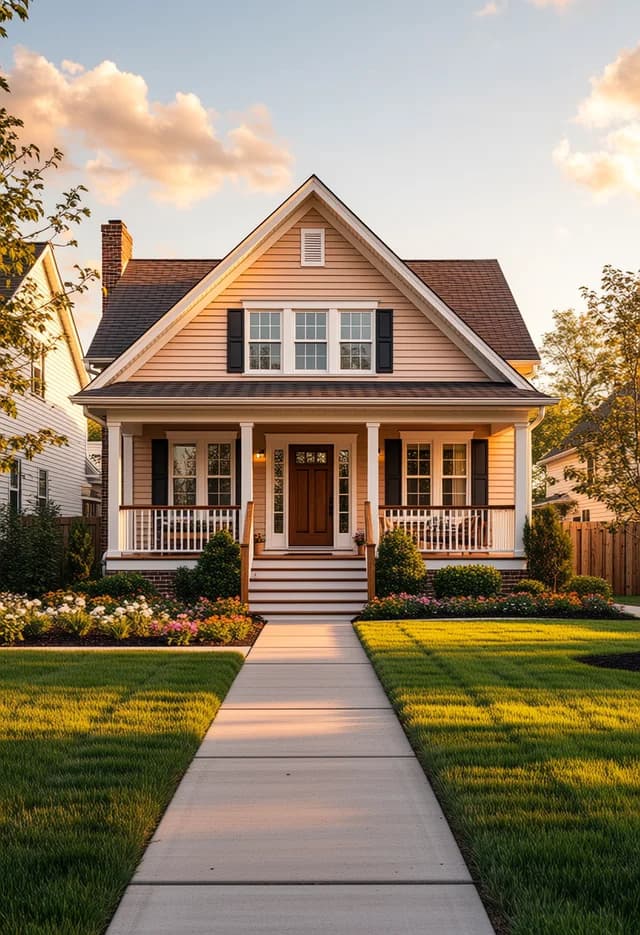
- Realistic IV
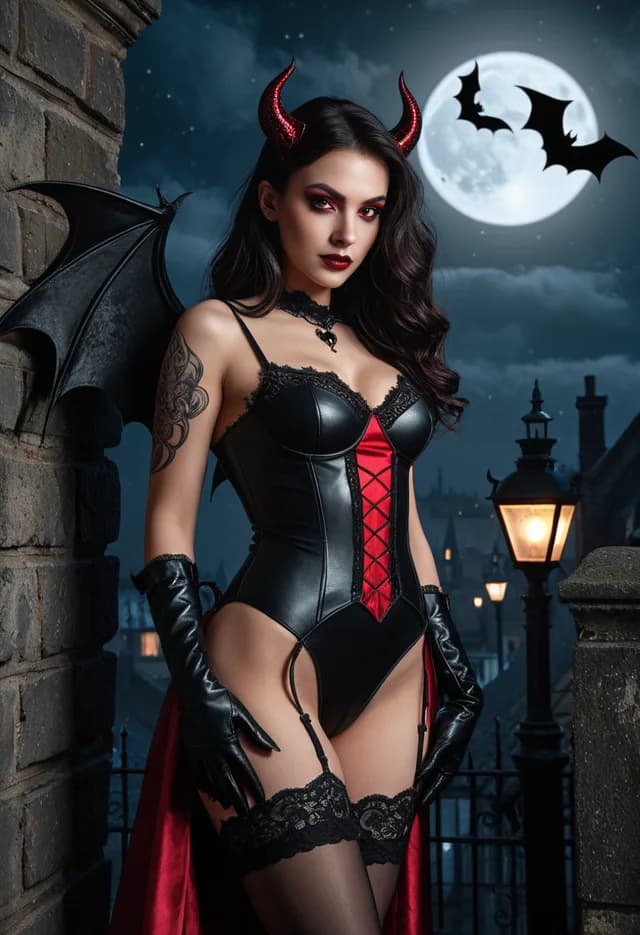
- Anime II
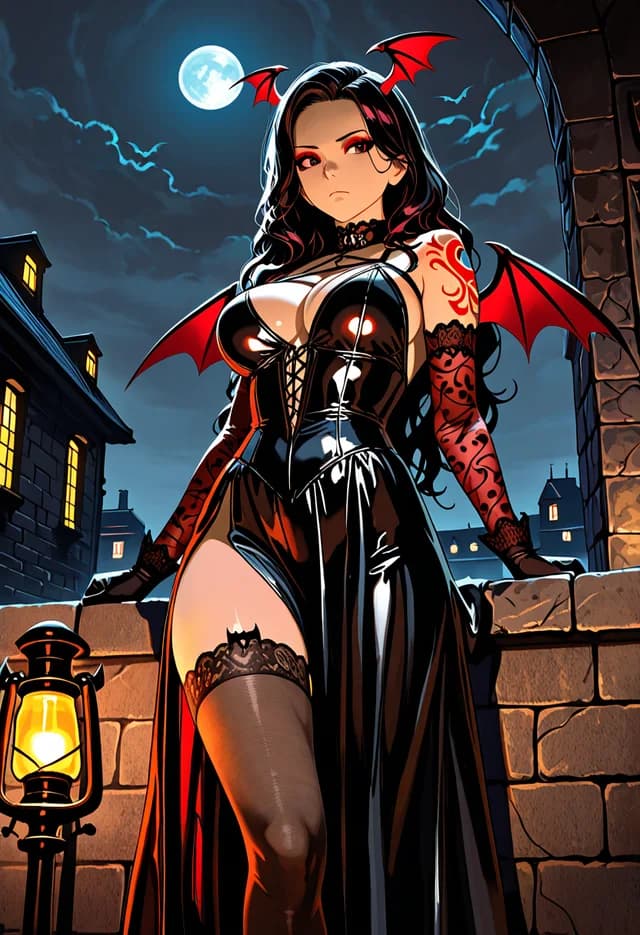
- Versatile I
- Image Edit
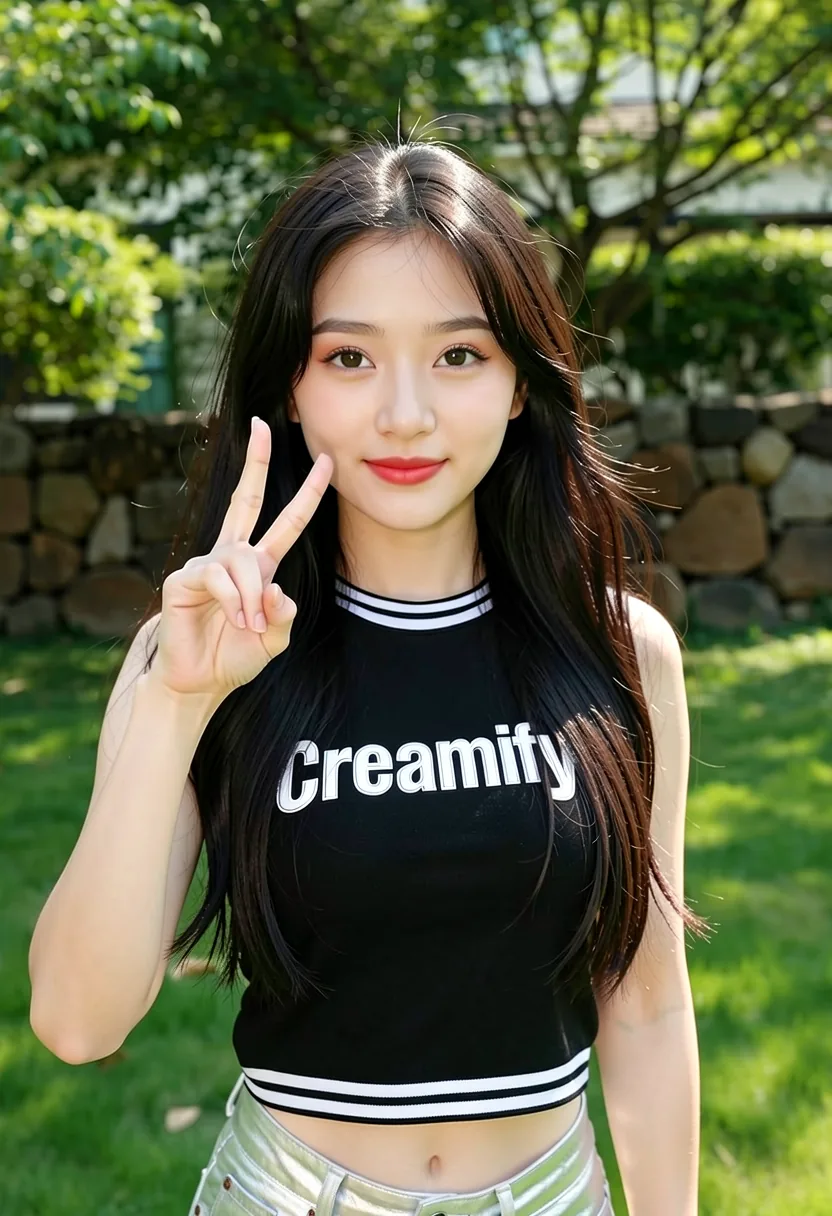
- Versatile II
What the chain buys you
One gallery, one balance
Generation, editing, upscaling, and video draw on the same coin balance and land in the same library. There is no per-tool subscription and no moving files between services to get from one stage to the next.
No re-encode between stages
Each step reads the previous step's output directly rather than a re-uploaded copy. Compression artifacts accumulate fastest on skin and smooth gradients, which is exactly what adult work is made of.
Settings travel with the image
Any gallery item can be remixed back into a fresh generation with its engine, ratio, and prompt carried over, so a direction that worked can be resumed rather than reconstructed from memory.
Privacy is workspace-wide
Privacy Mode is one setting covering every stage, not a choice you have to make again for edits, upscales, and video. Each generation keeps the mode it was made under.
Scope and capability questions
Editing, upscaling, guided avatar and scene construction, and short video from a still. The practical difference is that each stage starts from the previous stage's output rather than from a re-uploaded file, so a character you settled on survives through the whole sequence instead of being approximated again at every step.
Any still can be sent to the video engine to produce a short clip. It is animation from an existing frame rather than text-to-video, which is the right tool when you already have a composition you like and want motion rather than a new scene.
Yes, uploads are supported as edit sources. They pass provenance and moderation checks first, under the same standard as everything else on the platform: illegal content and content that violates our content rules are refused, for uploads and text prompts alike.
One balance covers everything, and each operation is priced individually by engine and type — generation, edit, upscale, and video all differ. The cost of whatever you have currently selected is shown before you commit. New accounts start with 40 coins on day one.
Privacy Mode applies workspace-wide and is the default, so edits, upscales, and video inherit it rather than each having its own setting. Each individual generation permanently keeps whichever mode was active when it was submitted, so switching later never relocates earlier work.
Take one image the whole way through
Generate, edit, upscale, animate. Forty day-one coins cover generate, edit, and upscale on the everyday engines; a $5 pack adds the animate step.
Start creating privately