NSFW AI Prompt Guide: Better Results, Fast

Let Creamify enhance a prompt free on Creamify40 free coins at signup, no card.
Anatomy first: what a prompt is made of
This guide gives you manual control, but manual prompt engineering is optional on Creamify. Choose an engine, describe the idea in ordinary language, and the built-in enhancer expands it into prose or tags for that model, loading model-specific negative prompts, compatible aspect ratios, and sensible defaults as it goes. Every field stays editable; you just don't have to build the stack before you make a strong image.
| Workflow | What you must handle | Typical weakness | Best for |
|---|---|---|---|
| Creamify enhanced workflow | Choose a style and describe the idea | Power users may edit the text; Privacy Mode remains the default | Strong renders with the least prompt work |
| Creamify manual workflow | Write prose or tags; tuned defaults are already loaded | Learning syntax takes time | Full control once you know the dialect |
| Generic one-model generator | Guess the model dialect and retry | Little style choice; hidden defaults | Quick tests in one house style |
| Copied prompt from a forum | Hope its model and settings match yours | Cargo-cult terms and conflicting negatives | A starting point when the model matches |
| Self-hosted workflow | Install models, nodes, samplers, negatives, and LoRAs | Maximum setup and maintenance burden | Owning every setting and the hardware |
Every effective image prompt, explicit or not, carries the same five payloads: a subject (who, with enough physical specifics to be renderable), detail (what they wear, hold, or do), a setting (where, and what's in the background), style (photo, anime, illustration, and whose look), and technical framing (lighting, lens, composition). Weak prompts have holes in that list; overcooked prompts fill each slot three times. Here's one from our production example set that fills each slot exactly once:
Casual mirror selfie photo of a beautiful blonde woman, realistic smartphone camera perspective, imperfect natural lighting, authentic everyday styling, unposed body language, lived-in environment detail, genuine camera roll aesthetic.
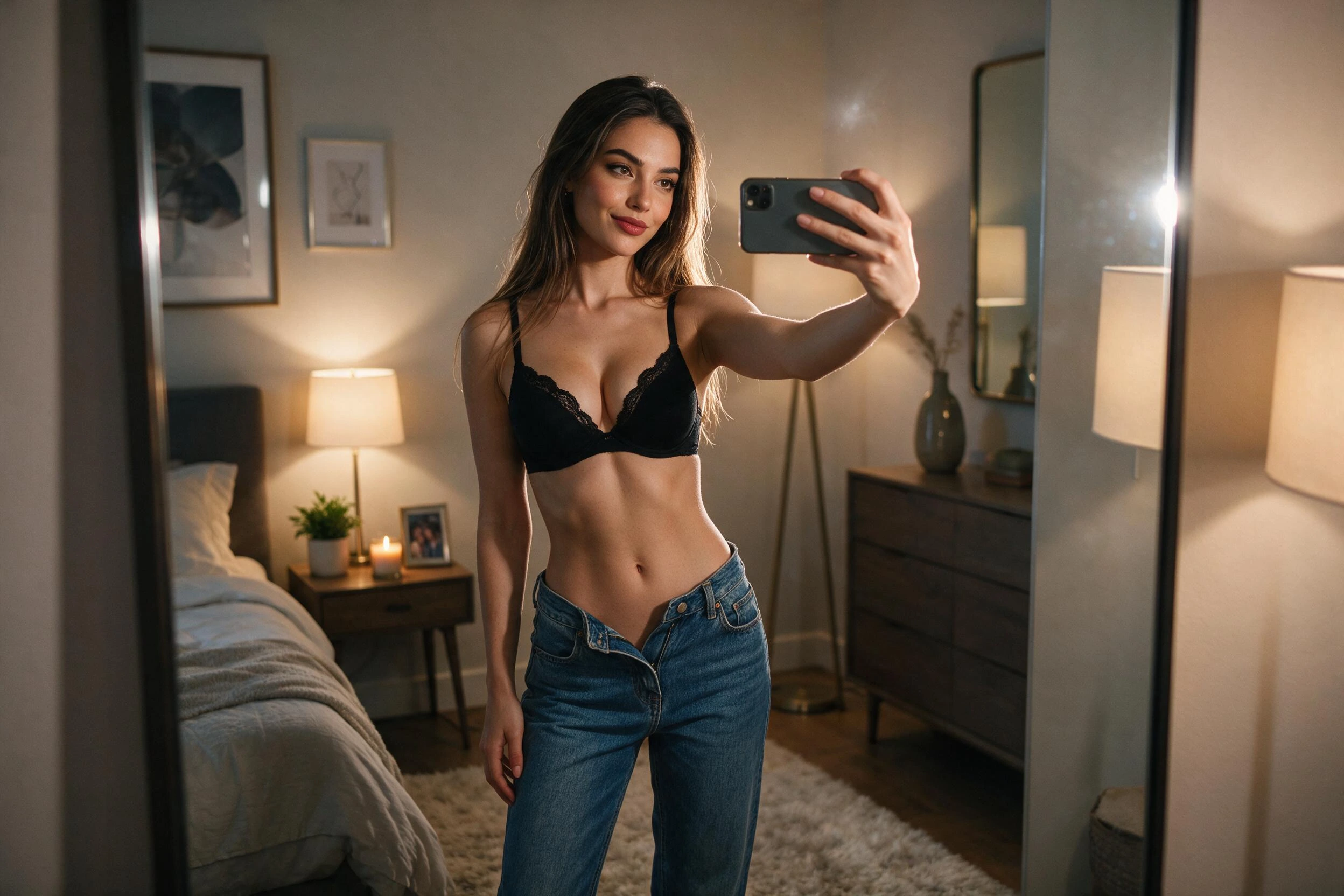
Notice what's absent: no "masterpiece," no "8k," no incantations. Modern engines reward information, not enthusiasm.
The five-slot skeleton sticks fastest on a live engine, not on paper: fill each slot deliberately and watch what each one changes.
Speak the model's language, not yours
The single highest-leverage fact in NSFW prompting is that model families speak different dialects, and a prompt written for one degrades on the other.
Prose dialect. Natural-language engines (our Dream, Chroma, and Z-Image class) want full sentences describing a scene the way a photographer would briefly describe a shoot. Write flowing descriptions; commas are punctuation, not separators.
Tag dialect. SDXL-descended engines (the entire anime family especially) were trained on tagged imageboards. They want comma-separated booru tags in rough priority order: character count, physical traits, outfit, pose, setting, style tags. Sentences work worse than the same information exploded into tags.
Score-tag accent. Pony-lineage models add quality score tags on top of tag dialect. If you've seen prompts opening with score_9 and wondered, that's Pony-specific training vocabulary: useful there, inert everywhere else.
The fastest way to learn the split is to compare finished examples. The text-to-image page walks the prose side in depth, and there's nothing to memorize. Send one idea to a cheap anime tag engine (WAI Illustrious, Kira, or Sakura) and to a prose engine, and the split teaches itself in two runs.
Negative prompts, demystified and de-hyped
A negative prompt subtracts concepts. Used well it's a scalpel: a tag model drifting toward blur gets "blurry, lowres" negatives; anatomy glitches get "bad hands, extra fingers." Used badly it's cargo cult: a fifty-term block pasted from a forum, half of which fights the other half. Our engines ship sensible defaults per model precisely because the right negative block is model-specific: the Pony engine's default opens with score-based exclusions, the Illustrious engines carry short quality-focused lists, and the natural-language class takes no negative prompt at all (steering happens entirely in the positive there). If your tool of choice hides which case applies, that's a red flag about more than prompting.
Here the boilerplate stage doesn't exist: every engine loads with its negative prompt and CFG already dialed to that model, so your first act is nudging a working baseline rather than rebuilding one from forum archaeology.
Weighting: the prompt's built-in volume knob
Sometimes a prompt doesn't need another word. It needs an existing word said louder. Weighting syntax wraps a term in parentheses with a multiplier, like (freckles:1.2), telling the model to attend to that concept harder than its neighbors; values below 1.0 turn a concept down instead. Two rules keep it useful: stay subtle (1.1 to 1.3 is the working range; past roughly 1.5 the emphasized concept warps everything around it), and know where it works. Weighting is an SDXL-family feature, at home on the Pony and Illustrious workflow engines, while the natural-language class treats the parentheses as noise. When a detail keeps vanishing on a tag engine, weight it before you repeat it; repetition spends your token budget, weighting doesn't.
This is the cheapest experiment in the guide: one tag list, one weighted term, two budget-engine runs comparing (term:1.0) against (term:1.3).
Getting realism without asking for "realistic"
The word "realistic" is nearly information-free: every photoreal model already thinks it's being realistic. What moves the needle is borrowing the vocabulary of actual photography. Compare this production example prompt, which never begs for realism generically but specifies it:
Masterpiece, best quality, photorealistic 8k portrait of a cyberpunk android woman with short white hair, blunt bangs, pale realistic skin texture, serious expression, crossed arms, robotic arm, cropped white techwear jacket, glossy black leggings, minimal white studio background, soft shadows, 85mm lens, sharp focus.
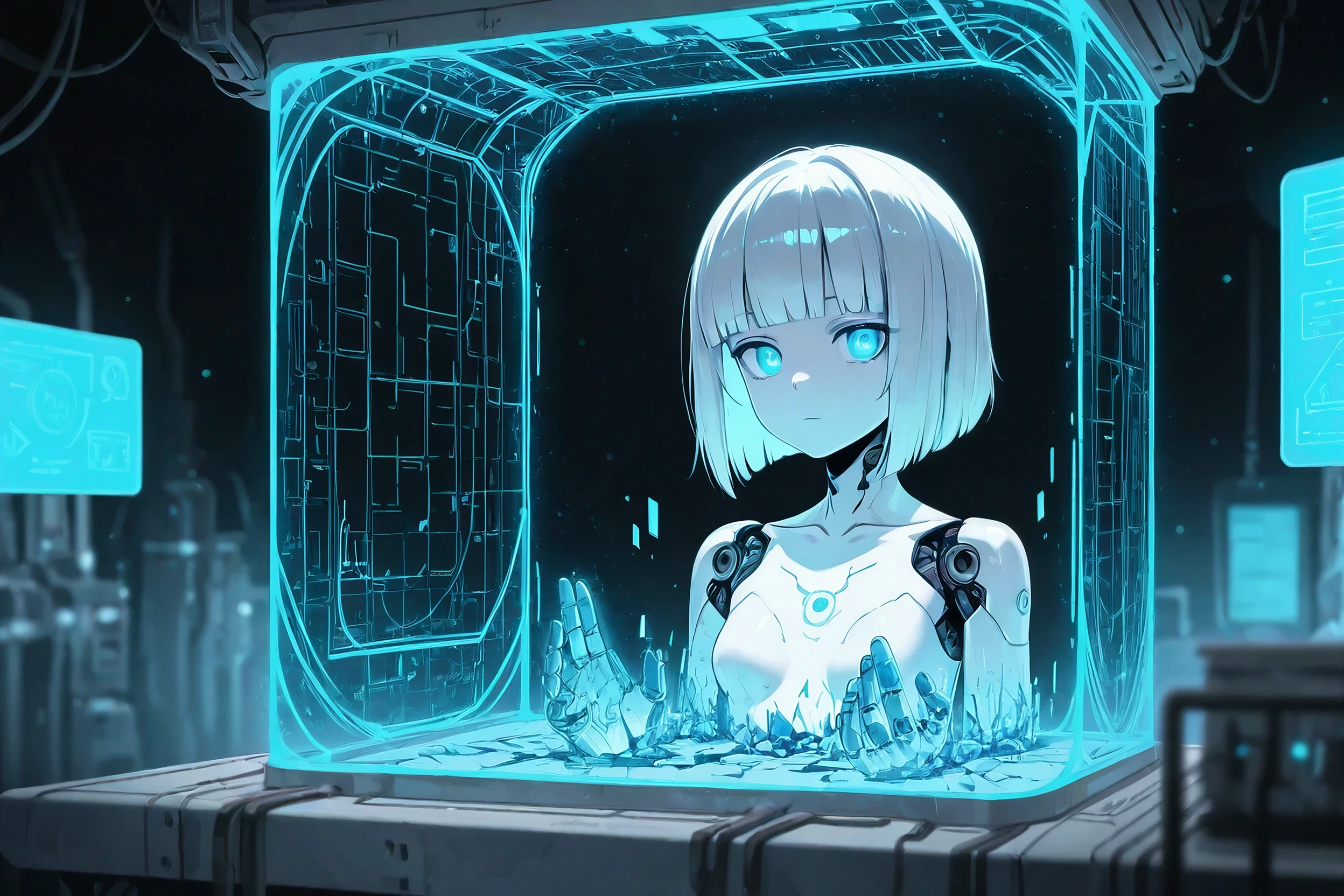
The load-bearing terms are "skin texture," "soft shadows," and "85mm lens": camera facts. For NSFW photoreal work this matters double, because skin is the whole subject and the plastic-skin failure mode is one over-polished adjective away.
CyberRealistic Pony v13 is the natural drill site, a photoreal engine cheap enough per run to make texture-first phrasing a reflex.
When it goes wrong: a field guide to failures
The model ignored an instruction. Almost always attention, not defiance: the detail was too deep in a long prompt. Move it to the front or cut competing details.
Two characters swapped attributes. Attribute bleed is the classic multi-subject failure: her hair color on him, his jacket on her. Reduce per-character detail, anchor each trait to its subject explicitly, or generate solo and combine via editing.
Hands. Still the tax every diffusion model pays, just smaller than it used to be. Negatives help on tag models; a pose with visible, simple hand positions helps more; and an instruction edit on an otherwise-perfect render fixes the last stubborn case.
The prompt got refused. Adult content is supported here; the hard lines are real people's likenesses and anything involving minors, and phrasing that gestures at either gets refused on purpose. Rewrite toward clearly fictional adults instead of toward euphemism. Euphemism reads as evasion, and evasion is what filters are tuned to catch.
Debugging is where Creamify's economics matter: failed generations refund their coins automatically, so troubleshooting costs only the runs that produced pixels, and a near-miss goes to the editor for a fix instead of back into the queue as a gamble.
One character, many images
Consistency is a workflow, not a prompt trick. The prompt-only approach (a fixed identity block reused verbatim) gets you family resemblance. Real consistency comes from tools designed for it: build the character once in the avatar workspace and reuse it, or take your best render and drive variations through instruction edits, so pose, outfit, and scene change while the face genuinely persists.
Both halves of that workflow live under one Creamify account: the avatar builder at /character and the editors at /edit draw from the same coin balance as the generator, so "generate, then fix, then reuse" is one login rather than three tools taped together.
A closing habit worth stealing
Prompt iteratively and change one thing at a time. Run the skeleton version, look at what the model got wrong, fix exactly that slot, run again. Three deliberate iterations on one of the cheap engines cost a fraction of a day's free allowance and teach more than any prompt list, including this one.
The welcome stack (40 coins) means the practicing happens before any paying, and packs start at $5 if you outgrow it. Still weighing where to drill? The generator field guide compares the field honestly. Already convinced? Open the generator and start with the selfie prompt at the top of this page.
Prompting questions searchers keep asking
Usually one of three causes. Your prompt exceeds what the model can attend to (classic SDXL-family models effectively weight the first ~75 tokens hardest), your key detail is buried at the end instead of the front, or two instructions conflict and the model resolved the fight without telling you. Front-load what matters, cut what doesn't, and split conflicting ideas into separate generations. The cheapest way to find the culprit is a one-variable retest on one of Creamify's budget engines: change one thing, run, compare.
A second prompt listing what you don't want: blur, extra fingers, watermarks. It steers the model away from those concepts during generation. Two practical rules: keep it short and targeted rather than pasting fifty-term boilerplate, and know your model. Creamify handles the second rule for you: every engine ships its correct per-model default, from the Pony engine's score-based exclusions to the Dream-class engines that take no negative prompt at all (their prompt box hides it accordingly), so you refine a working baseline instead of guessing at one.
The Pony lineage was trained with quality ratings baked in as tags, so prompts that open with its score tags pull generations toward the high-rated end of its training data. It's dialect, not magic: those same tags are dead weight on an Illustrious model and pure noise in a natural-language engine. Creamify's model picker labels each engine's dialect family on the card, so you know whether score tags belong in your prompt before you spend a single coin.
Counterintuitively, delete the beauty-filter words. "Flawless skin, ultra smooth, perfect face" is a recipe for mannequins. Ask instead for what real photos have (visible skin texture, natural lighting, a specific camera framing), and on tag models, put smoothness terms in the negative prompt rather than perfection terms in the positive. CyberRealistic Pony v13 on Creamify is the budget photoreal engine in the picker, cheap enough to drill texture-first phrasing until it becomes reflex.
Lock the describable facts into a reusable block (age, hair, eyes, build, signature clothing) and reuse it verbatim while only the scene changes. For tighter identity than prose can hold, Creamify's avatar workspace builds the character once and reuses it across generations, and an instruction edit on a keeper render changes pose and outfit while the face stays put, all on the same account and coin balance as the generator.
Bring the idea; Creamify handles the prompt engineering
Type the short version, leave enhancement on, and inspect the finished prompt before rendering. Forty coins on day one cover the experiment, failed generations refund themselves, and no card is required.
Let Creamify enhance a prompt free