Up to 30 seconds, 1080p, with audio
AI Video Generator
An AI video generator lives or dies on whether the motion you asked for is the motion you get. Creamify curates three engines instead of forcing one model onto every shot: Wan 3.0 for adult-capable motion at up to 1080p and 30 seconds, Dream for safe-for-work range, and Wan 2.2 for economical LoRA-guided work.
Start from text, one frame, or first and last frames. Dream offers 5 to 30 seconds at 480p or 720p with optional audio; Wan 3.0 reaches 30 seconds at up to 1080p with audio as a per-clip toggle. Prompt enhancement is on when it helps, so a rough motion idea can become a production-ready direction.
Create video with audio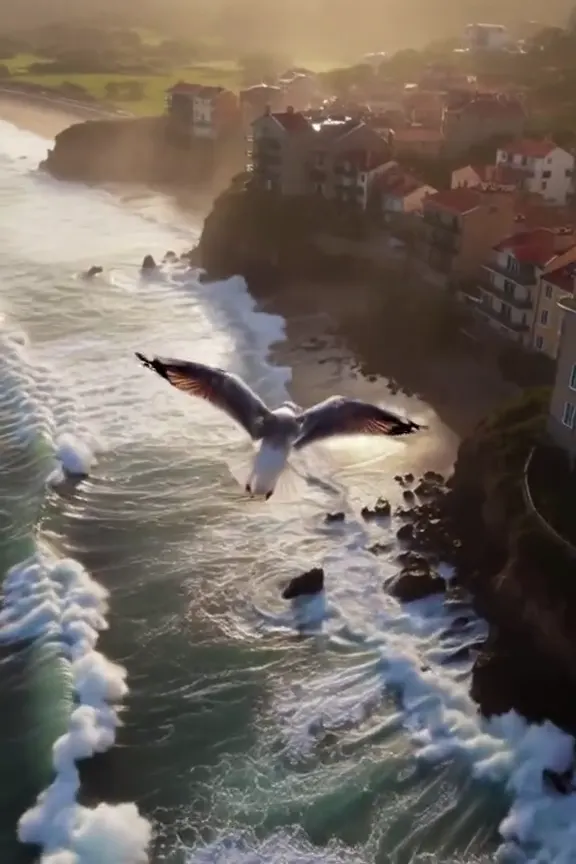
A finished clip in three moves
Choose how the clip starts
Text-to-video builds the scene from your description alone. First-frame starts from an image you upload or pick from your gallery. First-and-last frame pins both endpoints and lets the engine interpolate the motion between them.
Direct the shot
Write the action the way a storyboard would describe it: who moves, how the camera follows, what changes by the end. One clear action per clip beats three vague ones. Duration, resolution, audio behavior, aspect ratio, and live coin cost are shown for the chosen engine.
Render and review
Submit the job and watch its estimated time count down. The finished clip lands in your gallery, where you can download it, remix the prompt, or send it to the video upscaler for a resolution bump.
Motion is a writing problem before it is a rendering problem
The single biggest difference between a clip you keep and a clip you delete is how the prompt handles time. A still image prompt describes a frozen instant; a video prompt has to describe a change — she turns toward the camera, the steam rises, the camera pans left and comes back. Prompts that stack adjectives but never state an action produce clips where nothing happens, expensively.
The reliable pattern is one sentence of scene, one sentence of action, one sentence of camera. "A woman stands on a balcony overlooking the city. She turns toward the camera with a smile. The camera holds steady at eye level." That structure gives the engine a subject to anchor, a beat to execute, and a frame to keep. Prompt enhancement can build that structure for you from a short idea, and the chosen duration leaves room for the beat to land.
Three entry points, three curated engines
Text-to-video is the blank-page mode, and the right choice when the scene only
exists in your head. First-frame mode is where the image
generator and the video generator meet: any still from
your gallery can be sent to /video with one click, arriving as the opening
frame of a clip. Because the look is settled before motion starts, first-frame
mode is the strongest option when a specific face, outfit, or setting has to
survive the animation — the full workflow for that is covered on the image to
video page.
First-and-last-frame mode pins both ends of the clip and asks the engine to travel between them. It is the mode for transformations and reveals: the same character in two poses, a scene in two states, an outfit swap that happens on camera. Frame matching for aspect ratio is handled automatically in the frame-based modes, so a portrait still becomes a portrait clip without manual cropping.
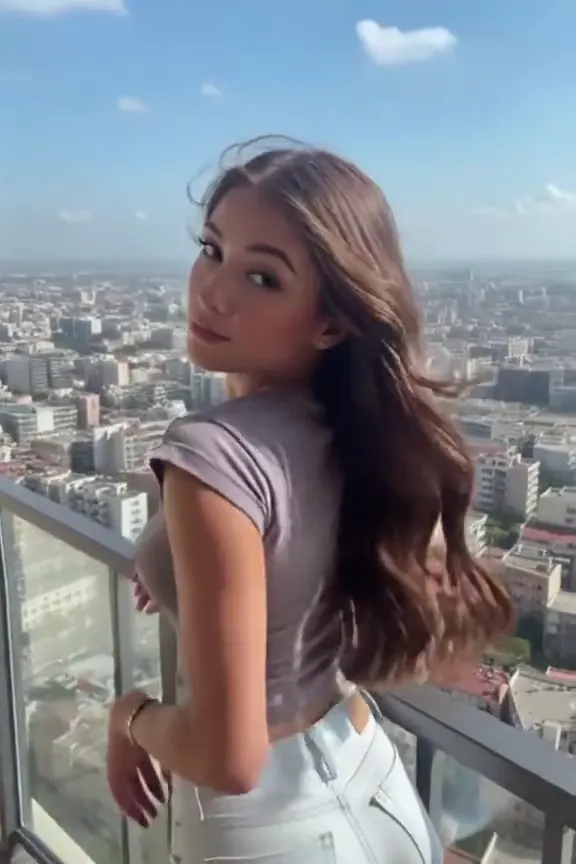
Choose duration, resolution, and audio by shot
Short clips still win for a single gesture, camera move, or loop, and Wan 2.2 keeps that economical at a flat 55 coins. When the story needs room, Dream extends the same workflow to 20, 25, or 30 seconds with optional audio. When detail matters as much as length, Wan 3.0 reaches 1080p across clips up to 30 seconds and adds sound when you toggle it on. The live meter makes the trade visible before rendering instead of hiding it behind a plan or a mystery bill.
When a clip earns a bigger stage, the upscaler has a video mode that raises resolution while keeping the motion and structure of the original render intact. And because generation is queued rather than blocking, you can line up several variations of the same shot and compare them side by side in the gallery when they land — the same iteration loop that works for stills, applied to motion.
Every finished clip also keeps its paperwork: the exact prompt, the mode it started from, its duration, and its seed all travel with it in the gallery. Remixing a clip loads that configuration back into the workspace, so a shot that nearly worked becomes the draft of the one that does — change the camera sentence, keep the rest, and rerun. Directors iterate; so should prompts.
Why Creamify is the stronger creator video stack
The picker covers three different jobs instead of pretending one engine wins every shot. Dream reaches 30 seconds at 480p or 720p with optional audio; Wan 3.0 reaches 1080p for clips up to 30 seconds with audio as a per-clip choice; Wan 2.2 remains the economical LoRA-capable option. Prompt enhancement handles the production-ready rewrite when you only have the idea.
| Option | Video ceiling | Audio | Prompt and workflow | Rating |
|---|---|---|---|---|
| Creamify | Up to 30s; up to 1080p, engine-dependent | Optional on Dream and Wan 3.0 | Enhancement, three input modes, Privacy Mode, auto-refunds | 5/5 |
| Mainstream one-model video site | One vendor-defined lane | Varies by plan or model | Adult work commonly prohibited | 2.6/5 for this use |
| Image generator with animation add-on | Usually short and low-control | Often silent | Convenient but shallow | 2.4/5 |
| Local video workflow | Flexible if hardware can run it | Separate setup often required | Maximum maintenance | 3.3/5 |
Clips with their prompts attached
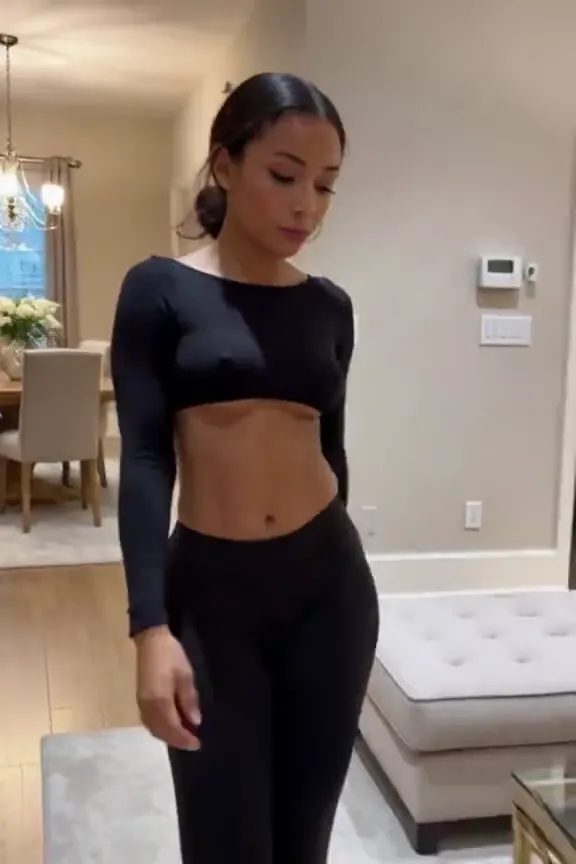
- A tracking shot directed entirely in prose
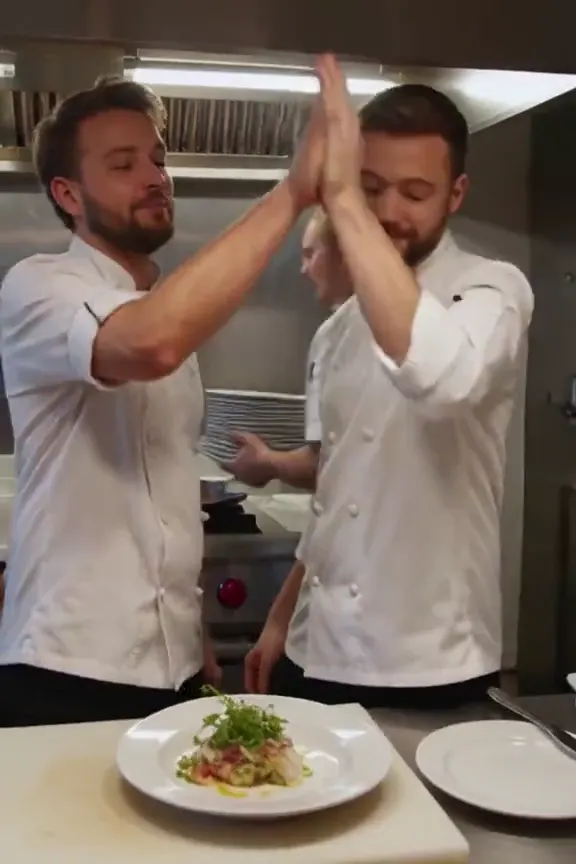
- Multi-subject action with a panning camera
Video questions, answered directly
Longer than an image, which is why the workspace shows an estimated completion time for your job before and during the render. Most clips finish within a few minutes depending on queue depth and duration. You do not have to sit and watch — the job keeps running if you navigate elsewhere, and the result waits in your gallery.
The workspace shows the exact price before submission. Wan 2.2 is a flat 55 coins; Wan 3.0 and Dream scale by duration and resolution. Failed renders refund automatically. Video upscaling is a separate 75-coin gallery action when a finished clip deserves a larger output.
Both. The curated engines respond to camera language — pans, tracking shots, slow push-ins, drone-style flyovers — as well as subject action. Prompt enhancement can add that shot grammar automatically, and you can inspect or edit the expanded direction before rendering.
On Wan 2.2, yes. It accepts LoRAs in high-noise and low-noise roles, with up to three in each. Dream and Wan 3.0 trade that control for their own strengths: longer durations, higher resolutions, and audio when a clip calls for it.
Yes on the compatible Wan engines, within the same policy that governs the whole platform. The moderation gate checks every request before it renders; fictional-adult work is supported, while real people, minors, and other prohibited material are blocked.
Clips download clean, without a Creamify watermark stamped across them. What you pay coins for is a finished file you own, delivered under whichever storage mode you chose, with a failed render refunding its coins automatically rather than costing you a watermark-free retry.
Put real motion behind your next idea
The workspace shows an estimated render time before you commit, so you know what you are waiting for as well as what you are paying.
Create video with audio