Your frame, brought up to speed
Image to Video
Image to video is the mode for people who already know what they want to see and need it to move. Instead of describing a scene from scratch and hoping the render matches, you hand the engine a finished frame — the composition, the face, the light, all decided — and spend your prompt purely on what happens next.
This is the fundamental advantage of starting from a still: identity survives. A description can drift between renders, but a source frame cannot. The person later in the clip is the person in your image, because the clip literally begins with it. Dream carries the frame for up to 30 seconds; Wan 3.0 preserves it at up to 1080p for just as long, with audio you can toggle per clip.
Animate an image with sound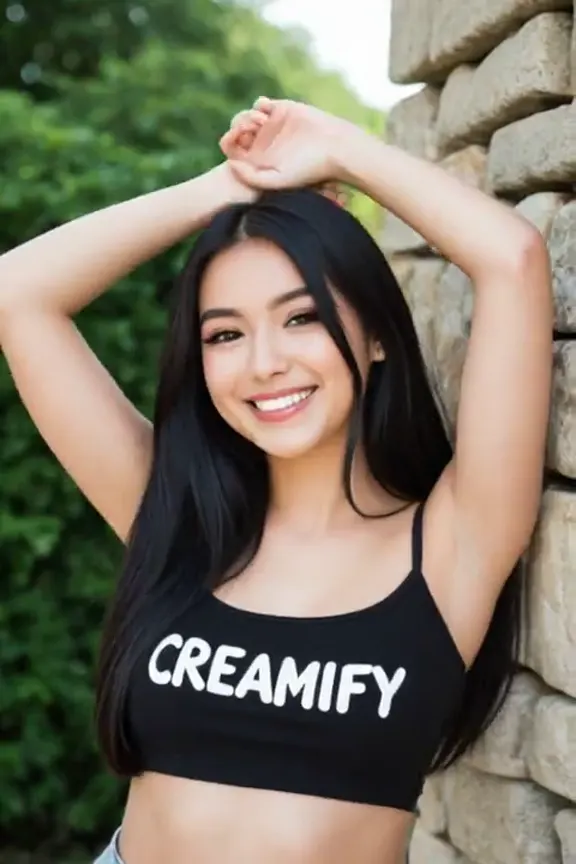
From frozen frame to moving clip
Pick the opening frame
Use the Animate action on any gallery item, or upload a JPEG, PNG, or WebP directly in the video workspace. The clip inherits the frame's aspect ratio automatically, so nothing gets cropped or letterboxed on the way in.
Write only the motion
The frame already answers who, where, and in what light. Your prompt answers what changes: she lowers her arms and blows a kiss, the camera pulls back, the rain starts. Keep it to one continuous action for the cleanest result.
Optionally, pin the ending
Add a last frame and the engine renders the journey between the two — a pose transition, an outfit reveal, a scene shifting from day to night. Leave it open and the motion simply follows your description forward.
Why the still-first workflow wins for characters
Anyone who has tried to keep the same face across multiple text-to-video runs knows the failure mode: each render reinterprets the description, and the character quietly becomes a different person. Starting from an image removes the reinterpretation step entirely. The face is not described; it is supplied.
That makes image-to-video the natural second half of a character pipeline. Build the person once as a still — through the image generator, the avatar builder, or an edit chain — audit the result until it is exactly right, and only then spend video coins on it. Fixing a jawline costs a fraction as much on a still as it does on a clip, so the economical order is always: perfect the frame, then animate it. The character-focused version of this workflow is laid out on the virtual girlfriend page.
Two frames are a storyboard
First-and-last-frame mode is easy to underestimate. Supplying both endpoints turns the engine from an improviser into an in-betweener: it must arrive at your second image, so the motion it invents is constrained from both sides.
Practical uses fall out of that immediately. A pose transition between two renders of the same character. A reveal where the subject turns from facing away to facing the camera. A scene that shifts weather or lighting across the selected duration. You control the departure and the destination; the engine earns its keep on the route. When the two frames come from the same edit chain — one image, one prompt-guided change — the interpolation reads as deliberate cinematography rather than morphing.
Motion prompts for frames read differently
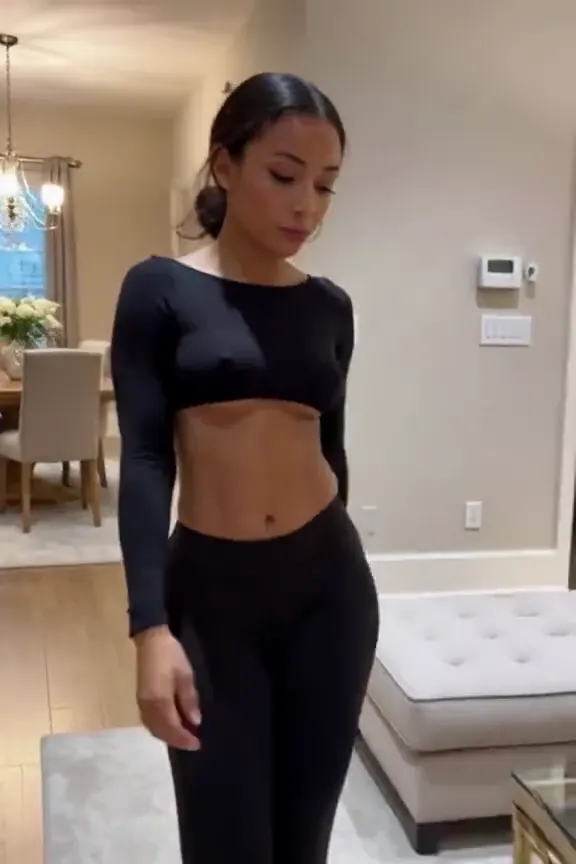
Because the scene is already established, frame-based prompts should not restate it. Re-describing the subject invites the engine to repaint what you wanted preserved. The strongest prompts here are almost terse: the verb, the direction, the pace. "She lowers her arms and leans forward to blow a kiss at the viewer" is a complete, production-ready motion prompt — the clip built from it appears above.
Camera direction still belongs in the prompt when you want it: a slow push-in flatters a portrait frame, a lateral track suits a full-body shot walking through a space. What you leave out matters as much as what you write, and with the frame doing the heavy lifting, well-directed motion is usually one short sentence away. Prompt enhancement can supply the shot grammar for you.
Budgeting follows the same logic as writing. Wan 2.2 is 55 coins; Wan 3.0 and Dream use live per-second pricing. The discipline that pays is making the still do the expensive thinking first: generate and re-generate frames at a tenth of the price until the composition is beyond argument, and only then commit the animation spend. People who reverse the order — animating early, hoping motion will rescue a mediocre frame — burn through a balance learning that it will not. Motion amplifies a frame; it does not repair one. Treat the still as the storyboard approval and the clip as the shoot, and one animation budget goes a very long way.
Why Creamify is our top image-to-video pick
The source still can come from anywhere, but Creamify gives it a complete next step: first-frame and first-plus-last-frame modes, three curated video engines, prompt enhancement, optional audio, clips up to 30 seconds, and resolution up to 1080p. Duration, resolution, audio behavior, and price are shown before the job runs because each ceiling is engine-dependent.
| Option | Motion options | Output ceiling | Prompt burden | Rating |
|---|---|---|---|---|
| Creamify | First frame or first plus last frame | Up to 30s; up to 1080p; audio support | Low — source anchors the scene and enhancement handles motion phrasing | 5/5 |
| Basic animate button | One automatic motion preset | Short, often silent | Low but little control | 2.4/5 |
| Mainstream video platform | Capable but adult rules often exclude the use | Varies by plan | Medium | 2.7/5 for adult creators |
| Local image-to-video nodes | Highly configurable | Hardware-dependent | Very high | 3.5/5 |
Frames that have been set in motion
- Everyday action carried through a whole clip
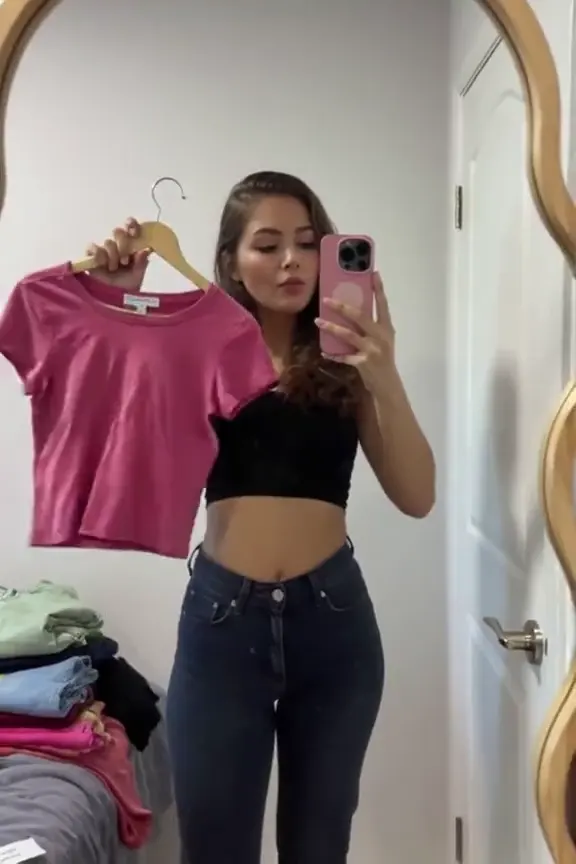
- A cutscene-style shot built from a keyframe
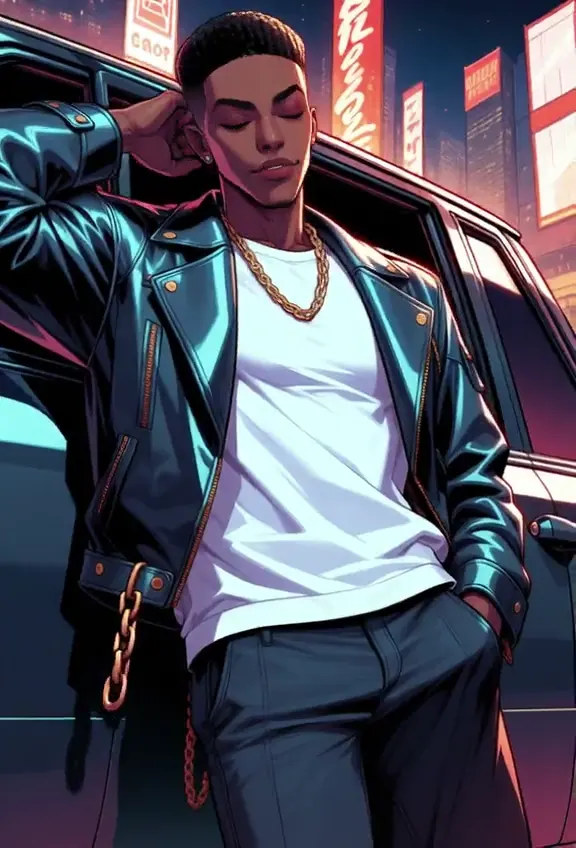
Animation practicalities
Yes. The Animate action re-uploads the image as a source frame for the new job, and the video job runs under whichever storage mode you have selected at the time. Your local gallery and your cloud gallery both work as sources.
Only if you have the rights to it. After any source upload the workspace requires you to confirm that you own or are licensed to use the image and that it does not depict a real person without their consent. Generation stays disabled until you do, and uploaded frames pass image moderation before the job runs.
Frame-based video matches the clip's dimensions to your source image automatically. A portrait still produces a portrait clip, a widescreen frame stays widescreen — you never have to guess which ratio preserves your composition.
Text-to-video invents the scene and the motion together from your description, which is ideal when nothing exists yet. Frame-based modes lock the scene first, which costs you some spontaneity and repays it with consistency. All three curated engines support frame-based modes; prices vary by engine, duration, and resolution and are shown live before submission. Wan 2.2 remains the flat 55-coin option.
JPEG, PNG, and WebP up to 50 MB for frames. If your source is smaller or softer than you would like, animate it first and upscale the finished clip afterwards — the video upscaler preserves motion while raising resolution.
Adult stills are a supported source. The Wan engines are explicit-capable, and on Wan 3.0 the motion renders with audio when you flip the toggle on; the only hard lines are real people's likenesses and anything involving minors, which stay blocked on the source and the output alike. Everything else on the legal side of that boundary animates without a safe-for-work filter in the way.
New accounts start with 40 coins and no card on file. Use those coins to prepare a source image; video starts at 50 coins and needs a top-up. Packs start at $5, and failed renders refund their coins automatically.
That image in your gallery is one click from moving
Any still you have generated — or any photo you have the rights to upload — can become a clip with audio. The chosen engine shows duration, resolution, and cost before you submit.
Animate an image with sound