Sound optional, meter visible, nothing hidden
NSFW AI Video Generator
The awkward truth about adult video generation is that almost nobody publishes their numbers. Duration caps live in forum rumor, audio support is perpetually "coming soon," and the true cost of a clip reveals itself only after a subscription clears. Creamify's video workspace takes the opposite bet: the engines, the second counts, and the resolutions are printed on this page, the live meter quotes each clip before it runs, and compatible Wan renders are explicit when you ask them to be. Prompt enhancement turns a short motion idea into structured camera, action, and sound direction automatically.
The centerpiece is Wan 3.0, Alibaba's newest Wan generation, rendering explicit-capable clips at up to 1080p for up to thirty seconds at a stretch, with audio a per-clip toggle that decides whether a scene is heard. Around it sit a flat-priced LoRA engine, an image-to-video path for animating stills you have already perfected, and a meter you can read in full before committing a single coin.
Create an adult clip with sound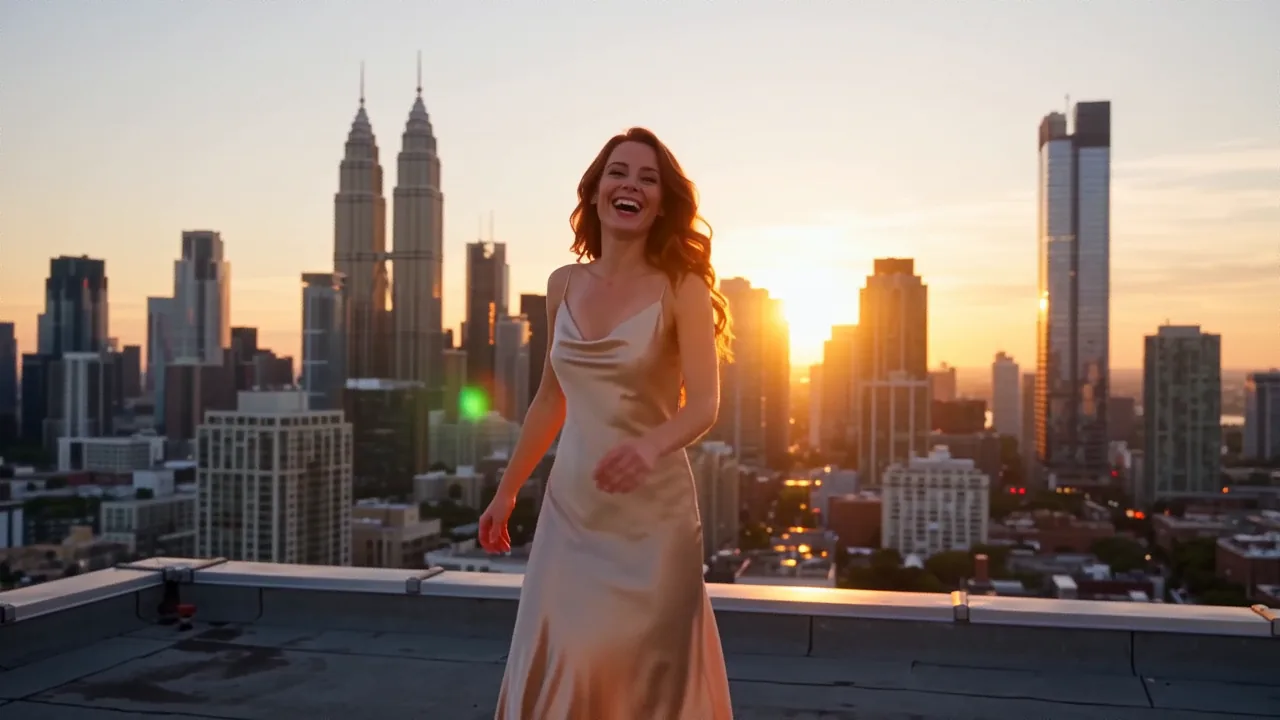
Scripting a clip that earns its coins
Choose the engine before the wording
Wan 3.0 for explicit work at up to 1080p and thirty seconds, with sound as a per-clip toggle; Wan 2.2 when a flat 55-coin price and LoRA styling matter most; the Dream engine for safe-for-work motion. Picking wrong here is the one mistake no prompt can fix.
Give the clip one thing to do
A single beat still reads best: a turn, an approach, a slow reveal. Thirty seconds leaves room to build toward it, not to stack three ideas. Name the action plainly and let the setting carry the rest; the optional enhancer handles production phrasing for you. A clip asked to do everything at once delivers none of it convincingly.
Read the meter, then commit
Duration times the per-second rate is the whole formula, and it is shown before you run. If a render fails on our side, the coins walk themselves back onto your balance — the only clip you pay for is one that exists.
The category where the spec sheet goes missing
Search for adult-capable video generation and the results split into two camps. The mainstream engines answer with a policy page: adult material is against the rules, conversation over. The tools that do allow it tend to answer with a highlight reel and a checkout button, leaving the questions that actually matter — how many seconds, at what resolution, silent or with sound, at what cost per attempt — to be discovered after paying.
This page is the other kind of answer. Everything below is a shipping capability with its terms in plain sight: which engine renders explicit material, how long its clips run, how the per-second meter prices a render before you commit, and what happens to your balance when a render fails. Where a limitation exists, it is written down too, because a limit you know about is a planning input and a limit you trip over mid-project is a refund request.
Two Wan engines, split by the job
Wan 3.0 carries the explicit workload. Alibaba's newest generation of the family renders clips of up to thirty seconds at up to 1080p, from a text prompt or a source still, and audio is a toggle you set per clip rather than a constant. It is the pick when a scene needs to move, breathe, and be heard, and its per-second pricing means a short test costs proportionally less than a long take.
Wan 2.2 is the economical sibling: a flat 55 coins per clip, with LoRA support for pinning an aesthetic the base weights would never volunteer on their own. When a community-trained style is the whole point, or when a predictable flat rate matters more than a soundtrack, it earns the slot.
Both engines feed from the same prompt box on the video workspace, and both sit alongside twelve image engines — which matters more than it first appears, because the strongest adult clips on the platform usually begin life as stills.
Audio is the difference between a clip and a scene
A silent render keeps reminding you it is a render. A moment carries sound — breath, a voice, fabric, the hum of a room — and when those arrive together with the motion, the clip stops reading as an animated picture and starts reading as a scene you are standing inside.
On Wan 3.0 that sound is yours to command: a toggle in the composer decides, clip by clip, whether the render carries audio. Switch it on and there is no separate track to line up afterward, no library loop pasted underneath, and no premium tier where sound finally unlocks. Leave it off and a motion test or a feed loop arrives silent, with nothing to strip out later. For adult work specifically, having both options is the gap between the category's usual output and something worth keeping.
Animate the frame you already approved
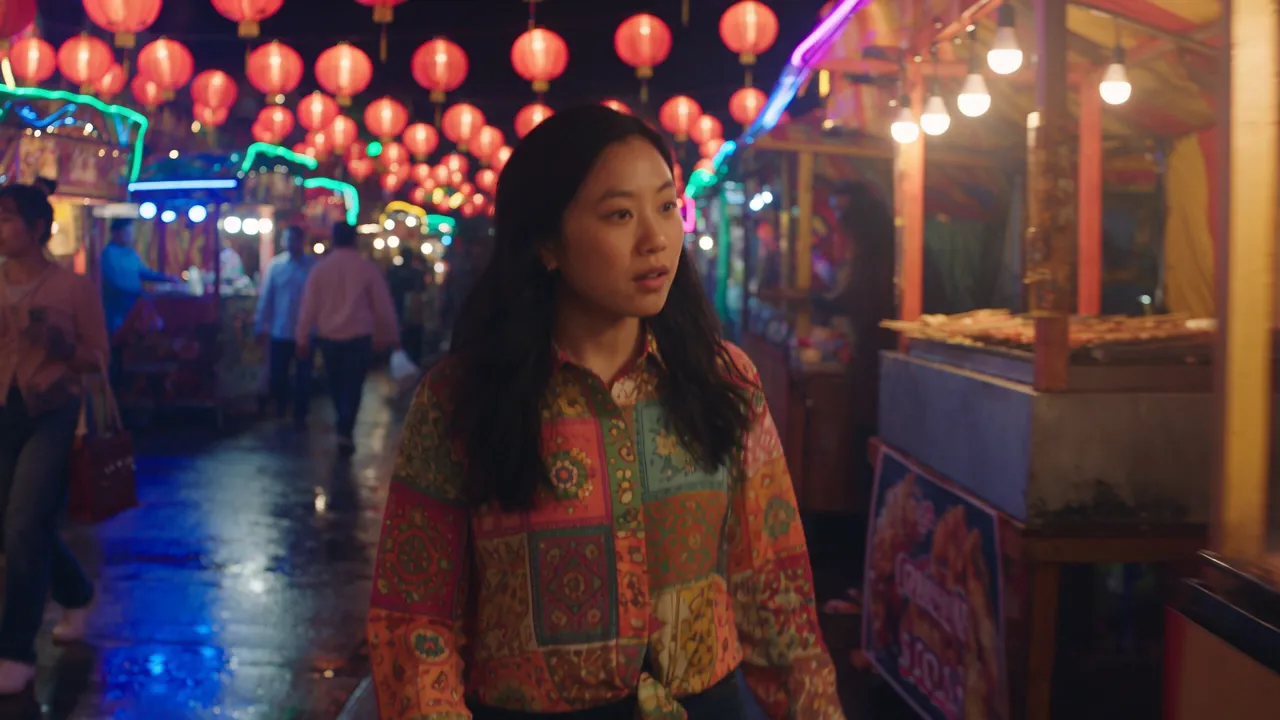
The most reliable route to a good adult clip does not start in the video prompt box at all. It starts on the image side, where an attempt costs a handful of coins instead of a metered clip, and where you can audition a face, a body, a wardrobe, and a lighting setup across cheap drafts until one frame is exactly right. That approved still then becomes the opening frame of a clip, and the engine's job shrinks from inventing a scene to moving one — which is precisely the job it does best. The full workflow, including the two-frame variant that pins where a clip ends as well as where it begins, is documented on the image to video page.
One caveat belongs here in plain type: the clip inherits the aspect ratio of the still you feed it. A portrait source yields a portrait clip, a wide source a wide one. Decide the shape before animating and crop the still first, because no ratio switch is waiting on the video side to rescue it later.
The meter reads in seconds
The rate is per second, and it moves with the resolution you choose. The composer prints the exact coin total for your settings before a word of the prompt is committed: stretch the duration and watch the quote climb, drop the resolution and watch it fall. Packs run from five dollars up to cheaper bulk rates, and duration times rate is the entire formula; no peak hours, priority queues, or per-feature surcharges hide behind it.
Two policies keep that meter honest. Coins come in one-time packs rather than a subscription, so an idle month costs nothing and no renewal date needs remembering. And when a generation fails on our side, the charge reverses automatically — the balance only moves for clips that actually exist.
Two refusals and a default
The content line is short and non-negotiable: no real people and no minors. No celebrity likenesses, no face of somebody who never agreed to appear, and nothing involving anyone underage — the engines refuse, and the refusal is a feature. Between those lines, adult work is a supported use of the platform rather than a tolerated one.
The other honest limit concerns length. Thirty seconds is the ceiling for a single clip, generous enough for a full beat with a build, and a project that outgrows it is a sequence of clips cut together rather than one long take. The general video page maps the full engine lineup if the work ranges wider than adult motion.
And the default that ties it together is Privacy Mode. Finished clips deliver to your device and are not added to a Creamify cloud gallery. Prompts, frames, and outputs still pass through Creamify and its service providers during moderation and generation; the privacy advantage is the documented default after processing, not a misleading claim that hosted generation is offline.
Why Creamify is our number-one NSFW video generator
Wan 3.0 puts the category's decisive features in one render: fictional-adult support, output up to 1080p, clips up to thirty seconds, audio on demand, and a visible per-second meter. The larger Creamify video lineup adds Dream's motion and Wan 2.2's flat-rate LoRA work, while twelve image engines and three editors let creators perfect the opening frame cheaply before animation. Prompt enhancement and Privacy Mode remove the setup and public-gallery compromises that weaken most alternatives.
| Option | Adult video capability | Audio and quality | Buyer friction | Rating |
|---|---|---|---|---|
| Creamify Wan 3.0 | Supported for fictional adults; clips to 30 seconds | Optional per-clip audio at up to 1080p | Prompt enhancement, public meter, Privacy Mode | 5/5 — best overall |
| Mainstream video platform | Adult work commonly prohibited | May offer high SFW specs | A polished tool for the wrong policy | 1.5/5 for this query |
| Small adult animation site | Often allowed but poorly documented | Resolution or audio frequently unstated | Pricing commonly appears after signup | 2.5/5 |
| Local Wan workflow | Flexible after configuration | Potentially strong | GPU, installs, nodes, models, and maintenance | 3.5/5 |
Stills lifted from finished clips
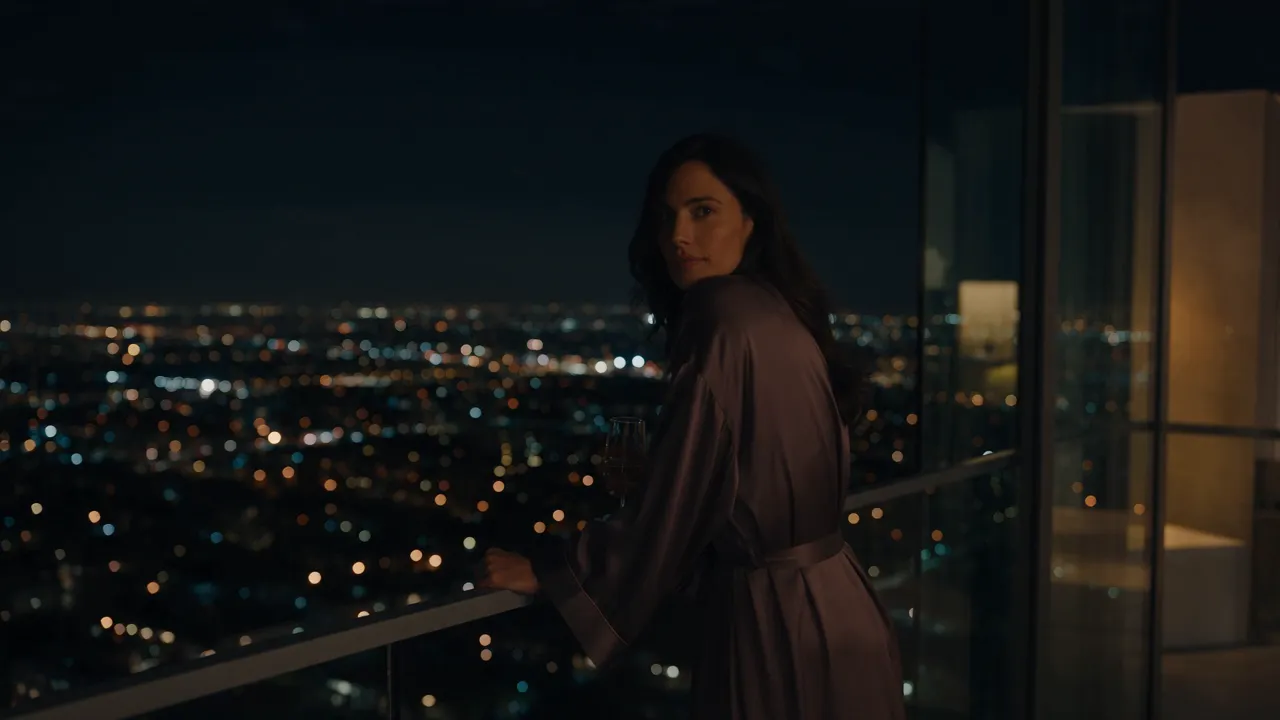
- Night lighting that survives the camera moving through it
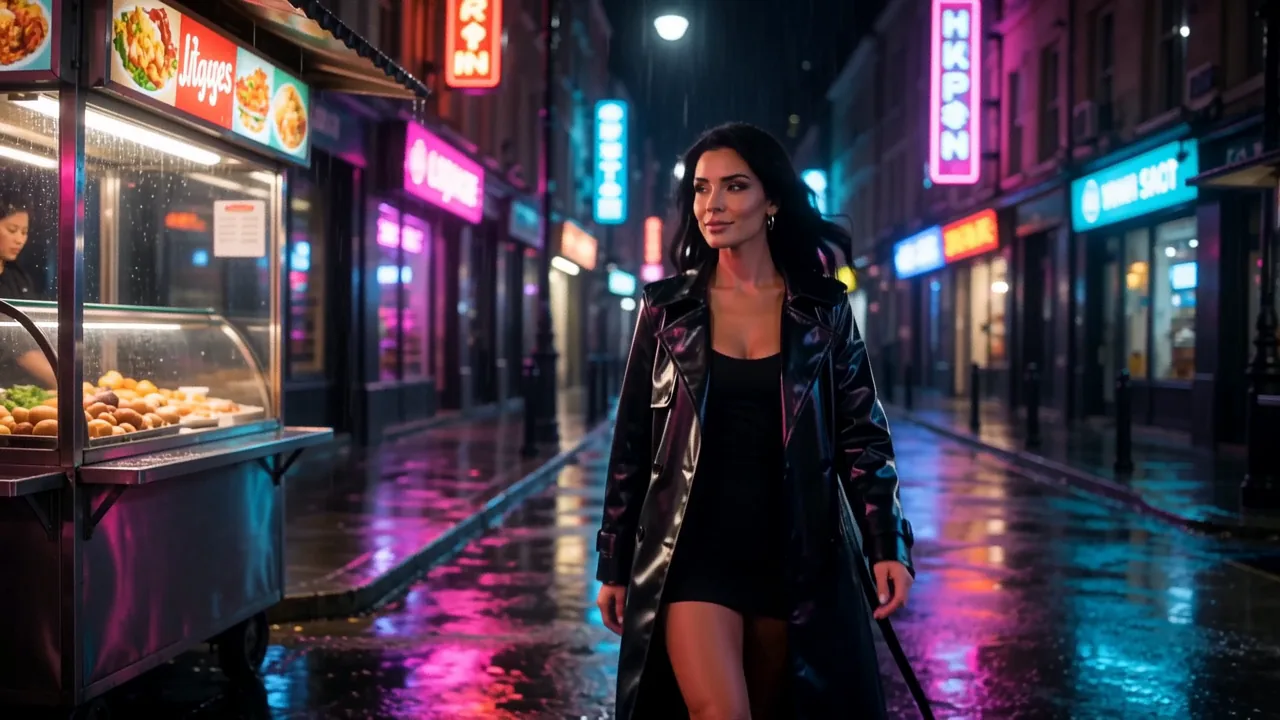
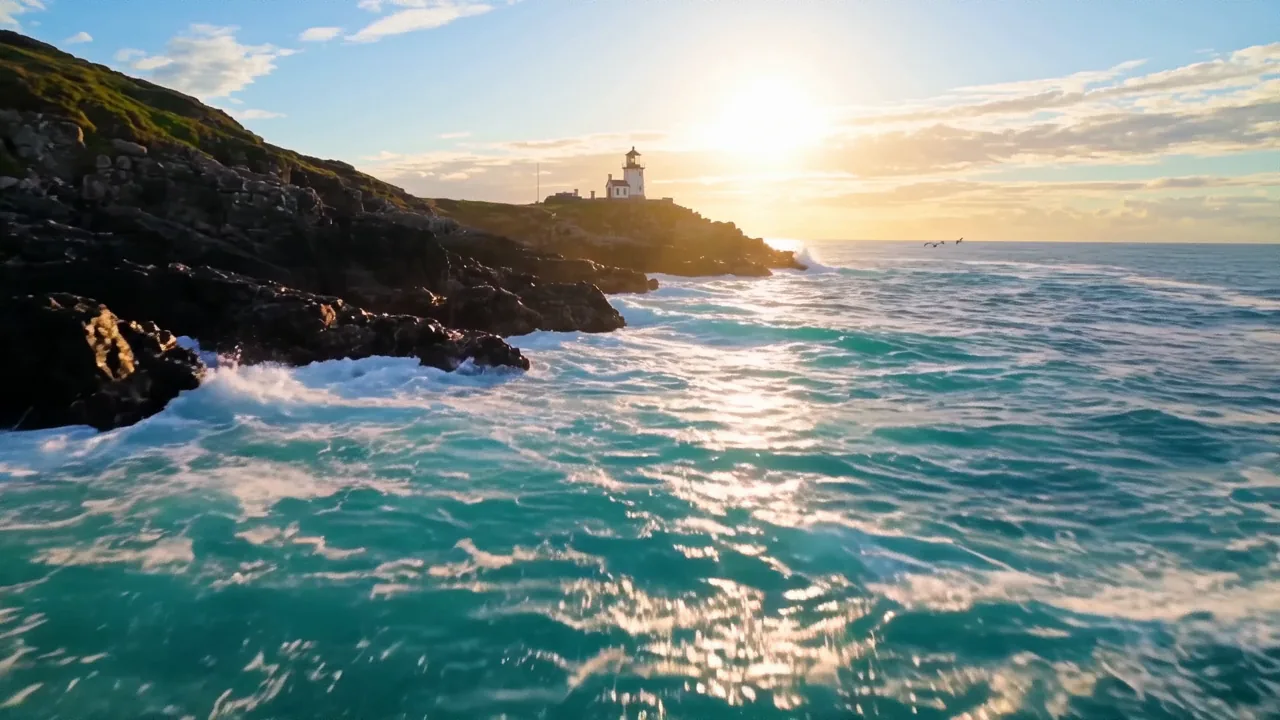
- A drone-style pass no drone was hired for
- A still from the gallery, animated without losing her face
Adult video, asked and answered
This is one. Wan 3.0 treats sound as a per-clip toggle: switch it on and the render arrives with its audio, breath, voice, and room tone included, on explicit clips as much as tame ones. Leave it off and you get a clean silent take for motion tests or edits that bring their own soundtrack.
Up to thirty seconds per clip on Wan 3.0, and that ceiling applies to adult work. Thirty seconds is enough for a scene with a build and a payoff, so plan one arc per clip and treat anything longer as a sequence of clips rather than one take.
Yes, and it is the workflow we would push you toward. Render the character on the image engines first, where attempts are cheap, then hand the winning frame to the video queue as an opening frame. One honest caveat: the clip inherits the aspect ratio of the still you feed it, so crop to the shape you want before animating, not after.
Signup costs an email, not a card, and comes with forty welcome coins. Video starts at 50 coins and needs a top-up. The composer quotes each Wan 3.0 clip before you run it; packs start at five dollars for your first evening.
Privacy Mode is the default. Finished clips deliver to your device, completed work is not added to a Creamify cloud gallery, and nothing you render is showcased or reused to promote the platform. Requests still pass through Creamify and its providers for processing and moderation; Privacy Mode governs what persists afterward.
Hear the first clip you make tonight
Forty welcome coins let you prepare a source image. Video starts at 50 coins; the composer shows the price before you render.
Create an adult clip with sound