Best-in-class hentai, private by default
AI Hentai Generator
Anime output lives or dies on how you phrase the request. Prose that reads beautifully to a person tends to produce mush here, because these engines were trained on tag lists, not sentences. Get that one thing right and the quality jump is larger than any model upgrade.
Creamify runs four separate anime engines rather than one with style presets bolted on. They disagree with each other, which is the point — the same tag list sent to two of them gives you two legitimately different pieces of art to choose between.
Try the best hentai generator free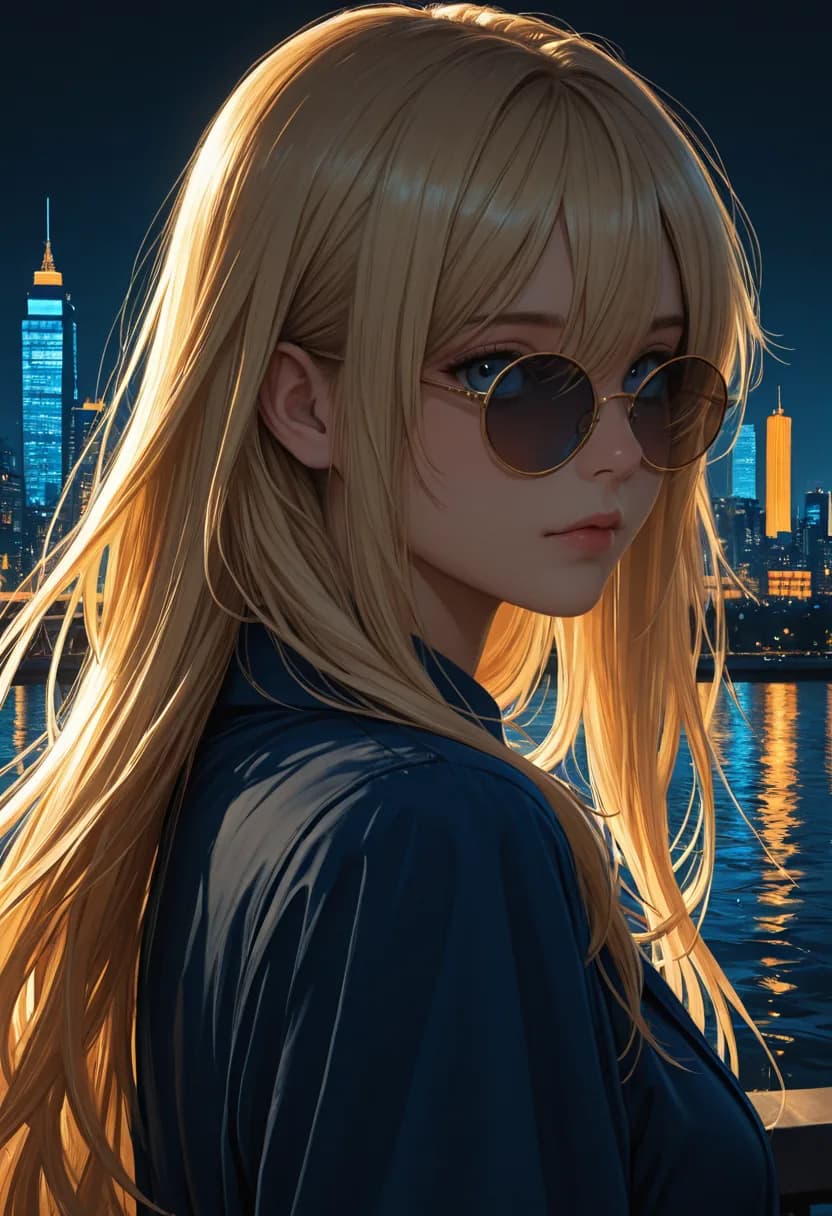
How a good tag list comes together
Write it as tags, not sentences
Subject count first, then appearance, clothing, pose, setting, lighting, quality. Order matters to engines trained on tagged boards, and drifting from it costs adherence even when every tag is right.
Send the same list to more than one engine
The four anime engines disagree with each other by design. Comparing their takes on one tag list is faster than iterating tags against a single engine.
Pin the character before building a set
A LoRA holds appearance across generations far harder than tags can. Where one is not available, stop generating as soon as a result is close and edit forward from it.
Tag prompting is a different language
The single biggest quality lever here is format, not wording. Lead with the subject count and type, then appearance, then clothing, then pose, then setting, then lighting, then quality descriptors. Engines trained on tagged boards expect roughly that order, and drifting far from it costs you adherence even when every individual tag is correct.
Emphasis syntax gives you a second lever. When a detail keeps getting ignored, weighting it up moves the needle more reliably than adding three more tags describing the same thing — and adding those extra tags often makes it worse, by diluting the attention each one receives.
Negative prompts matter more in anime than in photographic work, because the failure modes are more specific. Extra digits, merged limbs, and collapsing faces all have well-known negative terms, and each engine here ships with a default list tuned to what that particular engine gets wrong. Start from those defaults rather than pasting a generic list from elsewhere.
Four engines that genuinely disagree
Treat the four as separate artists rather than quality tiers. None is the upgrade of another; they were trained differently and they fail differently.
Anime I rewards specificity. Feed it a long, well-ordered tag list and it will honour more of it than the others will, which makes it the right pick when your mental image is precise and detailed. Give it a sparse prompt and it improvises more than you might want.
Anime II trades some of that literalism for finish. Line work comes out cleaner, colour is flatter and more deliberate, and the overall result reads closer to published illustration than to a render. It is the safer choice when the image needs to look intentional rather than maximal.
Anime III pushes contrast and drama. Backgrounds get more ambitious, lighting gets more theatrical, and fantasy staging holds together where other engines turn it into noise. Anime IV is the tightest of the four on faces and is generally the one to reach for when the composition is a single character, framed close, and the face has to carry it.
Keeping a character across more than one image
Rerolling a prompt gives you a new character every time. That is fine while exploring and useless the moment you want a set.
Two things fix it. An external LoRA pins appearance far harder than tags can, and it travels between generations, so the same character survives a change of outfit, pose, or setting. Where a LoRA is not available, generate until one result is close and then stop generating — switch to a prompt-guided edit and change only the thing you want changed. Editing preserves the face you liked; rerolling replaces it.
The same applies to putting an existing character somewhere new. Sending a result into New Scene rebuilds the setting around the subject instead of inventing a fresh subject to fit the setting, which is the difference between a series and a pile of unrelated images.
Why we rate Creamify the best hentai generator, period
For this use case, the whole stack lines up: four curated anime engines, adult generation as a supported use for fictional adults, tag-aware enhancement, per-engine negative prompts, LoRA support on compatible engines, three editors, audio-capable video, and Privacy Mode by default. It is not merely an anime model with a filter removed; it is the complete hentai workflow in one place.
| Option | Anime depth | Adult workflow | Prompt and privacy | Rating |
|---|---|---|---|---|
| Creamify | Four curated anime engines | Generate, edit, restage, and animate | Tag enhancement; Privacy Mode default | 5/5 — best overall |
| Generic uncensored generator | Usually one mixed-purpose model | Stills first; limited correction | Prompt tuning and retention often unclear | 2.6/5 |
| Preset hentai site | House style only | Fast until the menu lacks your idea | Little prompt control; privacy may be paid | 2.4/5 |
| Local anime setup | Deep after checkpoint curation | Powerful but fragmented | Private locally; maximum setup burden | 3.7/5 |
One tag list, four house styles
- Anime III
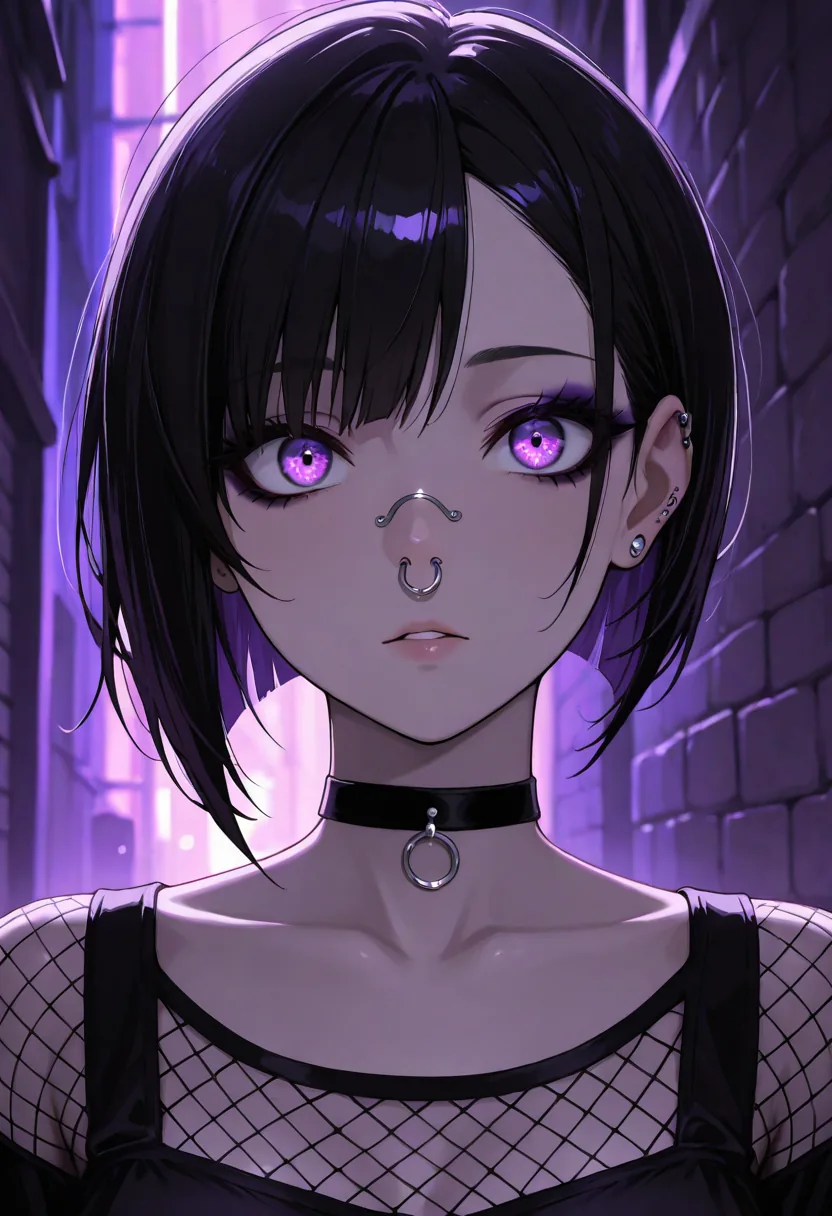
- Anime II

- Anime IV

- Anime III
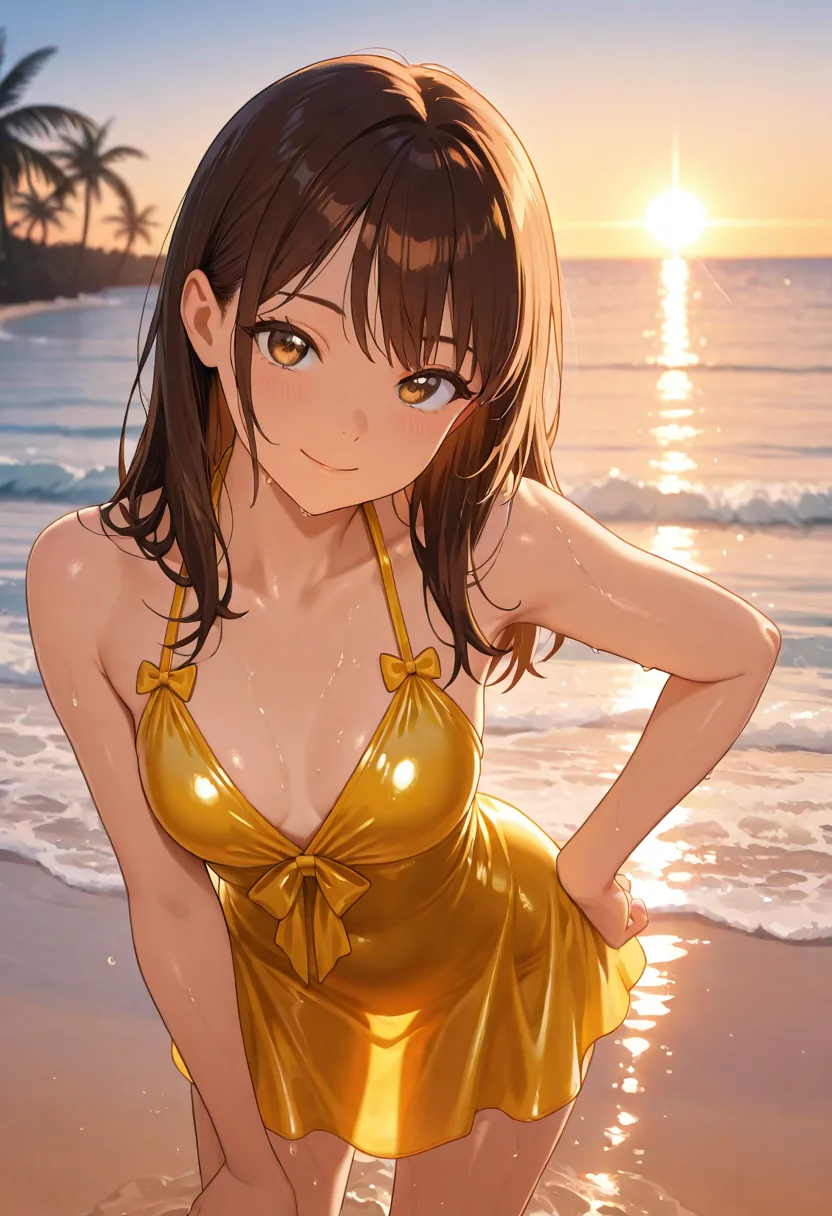
- Anime IV

Things that change your output most
Tags beat sentences
These engines respond to comma-separated descriptors far better than to flowing description. The prompt guide in the app carries worked examples for each of the four, so you are not reverse-engineering the format from failed attempts.
Weighting is exposed
Emphasis syntax works, and guidance scale is adjustable on the engines that respond to it. When one detail refuses to appear, raising its weight is usually faster than rewriting the entire tag list around it.
Negatives are per-engine
Every anime engine ships a default negative list tuned to the artifacts it specifically produces, not one shared list copied across all four. You can edit it per generation when chasing something unusual.
Nothing kept unless you ask
Privacy Mode is the default storage setting, so results are delivered to your device rather than retained in an account library. Cloud sync exists and is opt-in.
Before your first generation
Because these engines learned from tagged image boards rather than from captioned photographs. A sentence like "a cheerful girl relaxing by the water at sunset" gets flattened into a handful of concepts, while "1girl, smiling, sitting, beach, sunset, backlighting, detailed face" maps almost directly onto things the model already recognises. The realistic and versatile engines are the opposite — give those prose.
Anime I for dense, heavily tagged character work where you are specifying a lot at once. Anime II when you want cleaner line work and a more polished modern finish. Anime III leans vivid and dramatic, which suits fantasy staging. Anime IV is the crispest for straight portrait renders. Run one tag list through all four before deciding — that comparison is cheaper and more informative than iterating on a single engine.
Through an external LoRA, yes, on the engines that support it. Supply a LoRA URL with the generation and it applies for that run. Tagging a well-known character by name alone gives inconsistent results, because how strongly any engine recognises a given character depends entirely on what was in its training data.
There is no safe-for-work filter and no softening of adult prompts. Requests pass a content check that blocks illegal content and content that violates our content rules, with no setting that changes it. That boundary is not negotiable; inside it, tags render as written.
No — cost varies by engine and by operation, and the exact figure for your current selection appears before you run it. New accounts start with 40 coins on day one, which covers a comparison pass across all four anime engines with enough left for an edit or two on whichever result you keep.
Yes — generate the frame on an anime engine, then animate it on the workspace's Wan video engines, with audio a per-clip toggle on the flagship. The still-first route gives you the composition you want before any motion is committed, and the same welcome coins cover both steps. The dedicated NSFW video generator page walks through the clip settings.
Send one tag list through all four engines
Comparing engines teaches you more in five minutes than an hour of rewriting tags on a single one.
Try the best hentai generator free