The words are the interface
Text to Image
Text to image is a translation problem: your sentence goes in, a picture comes out, and the quality of the translation depends on both the engine and the writing. Creamify gives you twelve engines that translate differently — and a workspace built around iterating on the words until the picture is the one you meant.
Two prompting dialects coexist here. The versatile and realistic engines read natural prose — full sentences about subject, setting, and light. The anime engines read tag lists — comma-separated attributes in rough order of importance. The workspace's built-in prompt guide covers both, with working examples you can run as-is.
Let Creamify enhance your idea
From sentence to picture
Say the important thing first
Engines weight early words heavily. Lead with the subject and the one quality that matters most, then widen to setting, light, and mood. A buried subject produces a picture about the wrong thing.
Let enhancement do the boring part
Optional prompt enhancement expands a terse idea into a fully specified description, streamed so you can read exactly what it added before you run it. Keep it on while exploring; switch it off when your own wording is the point.
Iterate on words, not luck
When a result misses, change one phrase and rerun rather than reshuffling everything. Single-variable changes teach you what each engine responds to — reruns with identical wording mostly teach you about the seed.
The sentence is a specification, not a wish
Treating prompts as incantations — stacking "masterpiece, best quality, ultra-detailed" and hoping — is the habit that keeps people stuck. Engines do not respond to enthusiasm. They respond to information: what is in frame, what it looks like, where the light comes from, what the camera is doing.
A useful mental test: could a stranger paint roughly your picture from your sentence alone? "A woman in a café" fails the test — which woman, what café, lit how? "A woman in her thirties with cropped silver hair reading by the window of a dim café, morning sun across the table" passes it. The second prompt is not longer for its own sake; every added phrase closes a decision the engine would otherwise make without you.
Same words, different painters
Run one description through three engine families and you get three honest disagreements about what it meant. The photoreal engines resolve it as a photograph — lens, skin, and daylight physics. The versatile family may hand back something painterly. The anime engines restructure it entirely through stylised conventions. None of them is wrong; they are different readers.
This is why the workspace makes engine-switching a one-click move: comparison is cheaper than description. When you cannot articulate the look you want, run the words you have across engines and point at the reading you like — a full map of who reads how lives on the image generator page, and the anime dialect gets its own treatment on the anime generator page. From there, refinement is writing, not roulette.
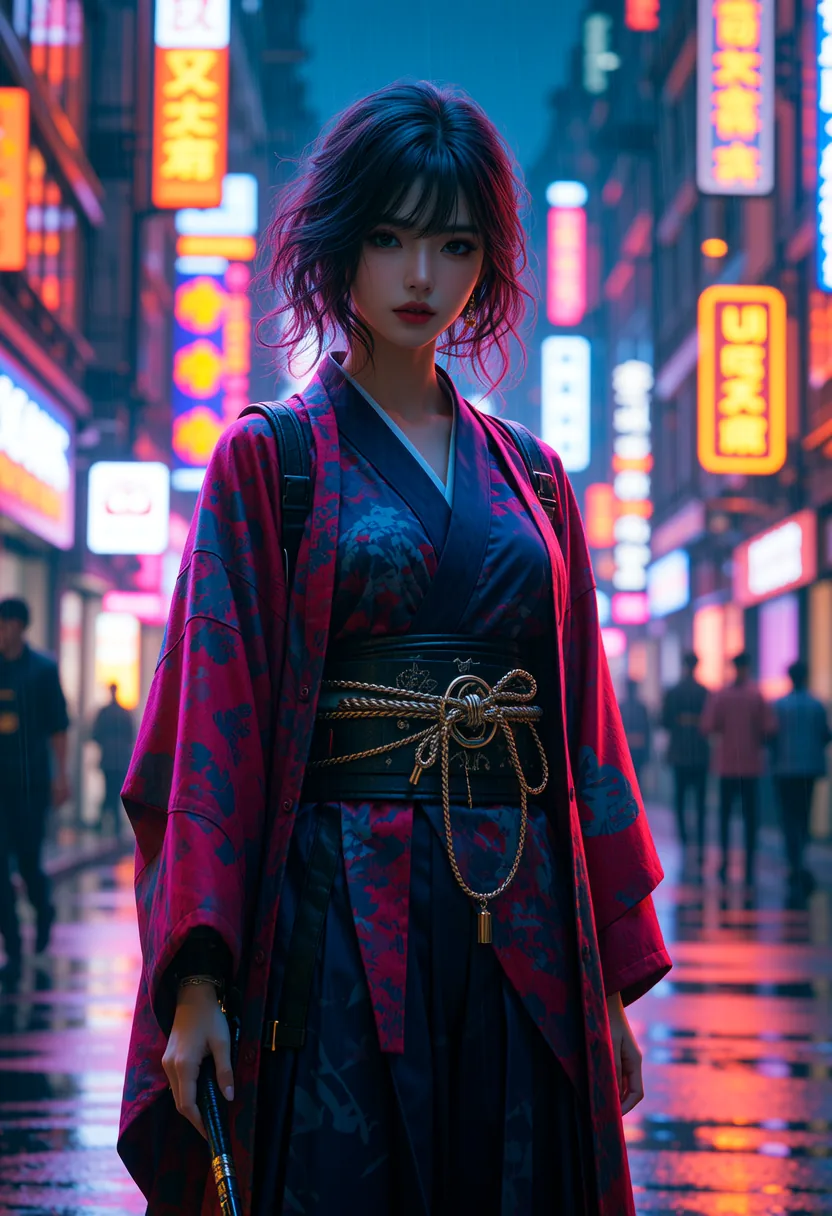
Words the engines overweight
A few categories of vocabulary punch above their length. Light is first: "golden hour", "overcast", "single practical lamp" each reorganise an entire image. Camera language is second — "35mm", "shallow depth of field", "shot from below" — potent on the photoreal engines, and covered honestly: they mimic photographic convention rather than operate a lens. Material words are third: velvet, chrome, wet asphalt. Engines render texture convincingly when named and generically when not.
Style-name vocabulary is the one to spend carefully. Naming an art movement or a rendering style drags the whole image toward it, which is either exactly what you want or a contaminant. When a run comes back mysteriously off-style, the culprit is usually one stray aesthetic word doing more work than intended — and the fix costs one edit to one phrase, which is the entire economy of starting free: cheap words, cheap reruns, until the translation lands.
A last habit worth stealing from people who prompt well: keep the sentences that worked. The gallery records the exact text behind every result, and the remix action loads it back into the workspace verbatim — which turns your own history into a phrasebook. A clause that reliably produces the lighting you like, a construction that fixes hands, a rhythm of subject-setting-light that a particular engine rewards: these are discoveries, and rediscovering them from scratch each session is the most common way beginners stay beginners. Write once, notice what landed, and reuse deliberately.
Why Creamify makes text to image feel less like prompt engineering
You can still write every tag yourself, but you do not have to. Prompt enhancement expands a short idea for the selected engine, the picker explains which dialect it speaks, and curated negative prompts and settings load with the model. Twelve image engines then give the same idea several high-quality interpretations without sending you to another website. Privacy Mode keeps the finished result out of a Creamify cloud gallery unless you choose sync.
| Option | How it reads your idea | Work left to you | Rating |
|---|---|---|---|
| Creamify | Enhances prose or tags for a curated engine | Choose the style and approve the result | 5/5 |
| Generic one-model text box | One hidden or fixed dialect | Diagnose misses and rewrite repeatedly | 2.6/5 |
| Prompt-template site | Fills a rigid form | Stay inside its categories | 2.4/5 |
| Self-hosted workflow | Exactly what you configure | Model selection, prompt syntax, negatives, samplers, maintenance | 3.2/5 |
What specific phrasings produced
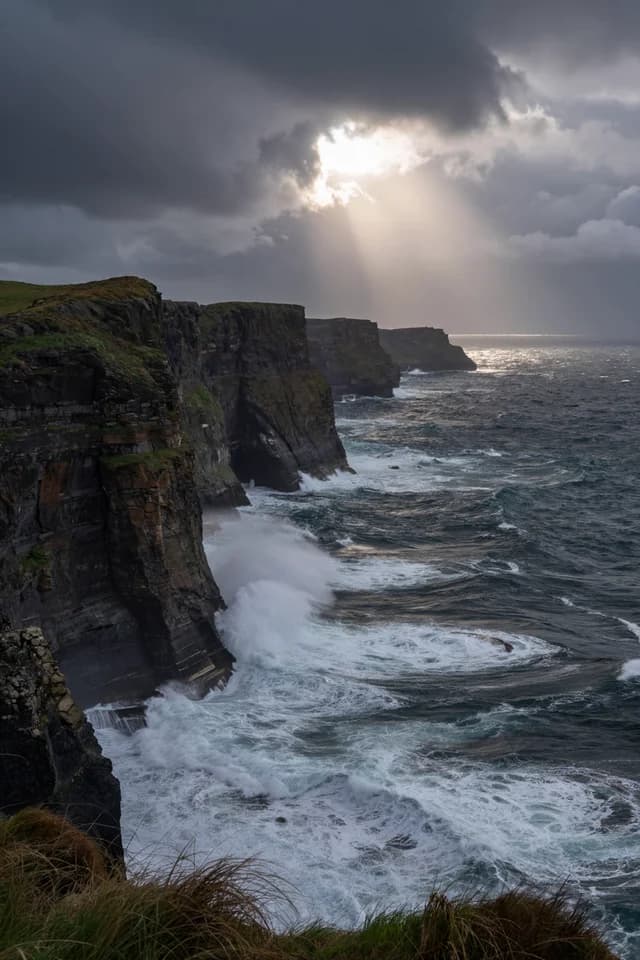
- Scene-first writing, subject-free
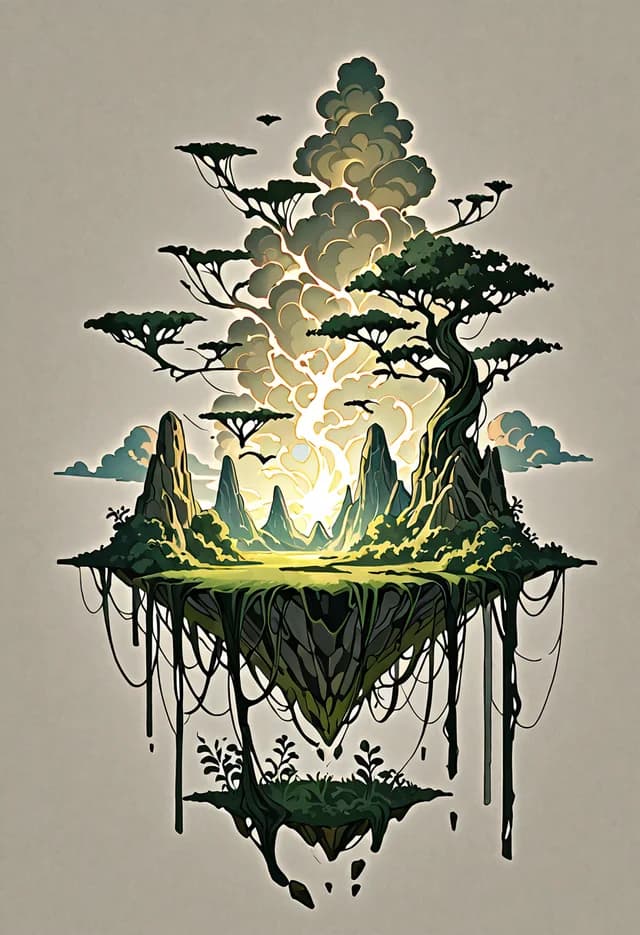
- Weighted tags steering an anime engine
Prompting questions people actually ask
Long enough to pin down what you care about and no longer. Twenty well-chosen words routinely beat a hundred scattered ones, because every extra clause competes for the engine's attention. Start lean, look at what came back, and add the one specification that would fix the biggest miss.
They list what you do not want — artifacts, extra limbs, styles to avoid. Each engine ships with a sensible default negative tuned to its own failure modes, and the field stays fully editable when a run needs something specific kept out of frame.
Not by default — each run draws a new seed, so identical wording explores rather than repeats. The seed of every result is recorded and shown, and remixing a gallery item carries its settings back into the workspace when you want a variation anchored to what you already have.
Whichever matches the engines you use. Prose is more forgiving and transfers to the realistic and versatile families; tags give finer control on the anime side, where order and emphasis matter. They are different enough that the workspace treats them as separate skills in the prompt guide rather than one.
Yes. Written descriptions render without a corporate-filter veto, inside a gate that blocks illegal content and content that violates our content rules rather than adult themes. The rules are published rather than discovered through mystery refusals.
Forty coins says your description survives contact with the canvas
Every new account can run the same sentence through several engines and watch how differently it gets read.
Let Creamify enhance your idea