Say what changes, keep the rest
AI Image Editor
Most AI images fail at ninety percent right — the pose is perfect but the background is wrong, the outfit works but the lighting fights it. An AI image editor exists for exactly that gap. You upload the image, type the change in plain language, and get the same image back with only that change made.
Creamify runs two dedicated edit engines. Image Edit I, built on Qwen, has the stronger spatial understanding and accepts two source images at once. Image Edit II, on Flux 2, is the fast option for style transfers, background swaps, and outfit changes. Both edit in place: what your prompt does not mention, the engine is built to preserve.
Edit an image privately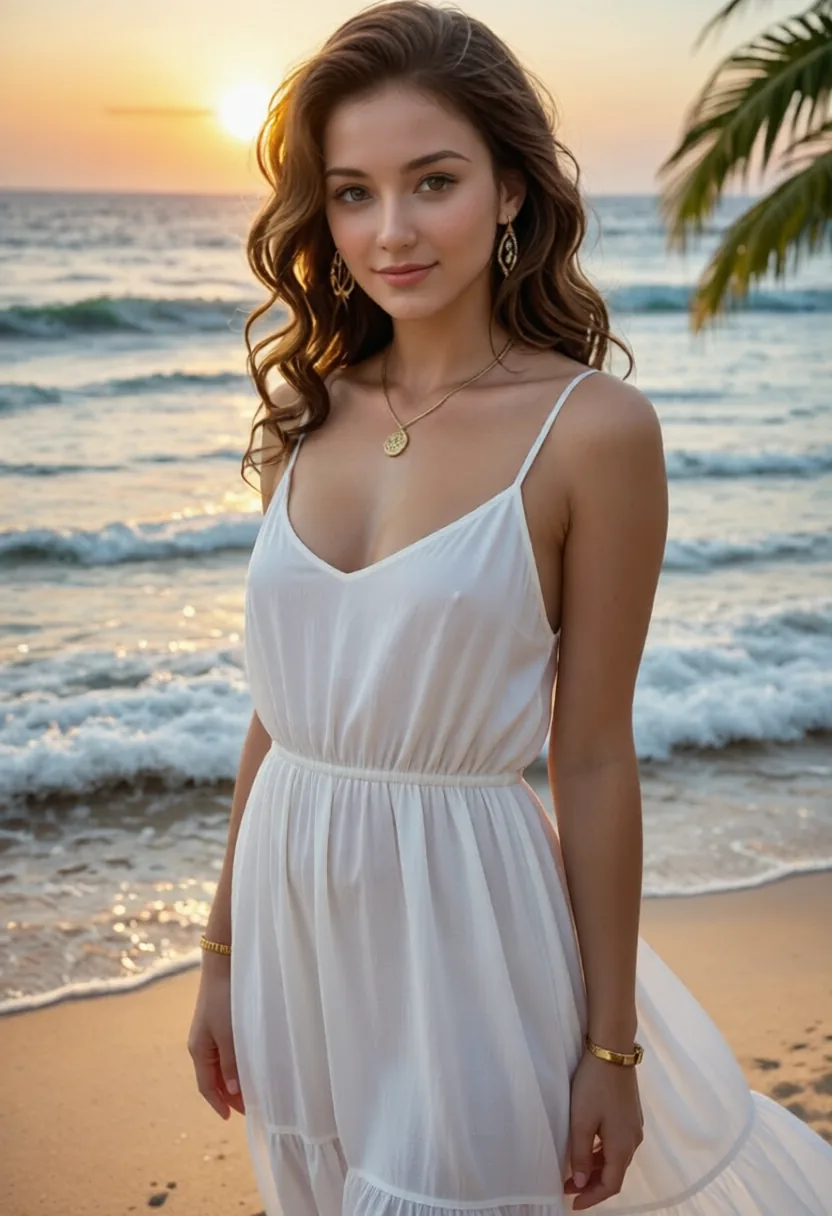
An edit from start to saved
Bring the image in
Upload a JPEG, PNG, or WebP up to 50 MB, or hit Edit on anything already in your gallery — generated or uploaded. The editor carries your image in at full quality with nothing recompressed on the way.
State the change like an instruction
"Change the jacket to black leather." "Replace the background with a rainy street at night." "Remove the lamp on the left." Direct, concrete instructions outperform flowery descriptions here — the engine is listening for a delta, not a scene.
Compare, then chain
Every result sits next to its source so you can judge the edit honestly. Good enough? Download or keep it. Nearly? Run the next edit on top — chained single-purpose edits beat one overloaded instruction every time.
Preservation is the actual product
Anyone can change an image by regenerating it. The hard technical problem — and the reason a dedicated editor exists — is changing one thing while provably keeping everything else. Both edit engines are trained for in-place modification: identity, composition, and lighting pass through untouched unless your instruction names them.
That guarantee changes how you work. The nearly-right render stops being a failure and becomes a foundation. Ninety percent right plus one targeted edit is a finished image; regenerated from scratch, it is a fresh roll with fresh flaws. This is also why the editor is where other Creamify workflows converge — the scene builder is a guided interface over the same Qwen engine, and stills bound for animation get their final cleanup here before any coins are spent on motion.
The instruction grammar that engines respect
Edit prompts are imperative, not descriptive. You are not painting a scene; you are issuing a work order. The pattern that consistently lands: name the target, state the replacement, optionally protect what worries you. "Change her dress to a red evening gown, keep the pose and lighting exactly as they are" leaves no room for creative misreading.
One change per pass is the discipline worth keeping. Bundled instructions — new outfit, new background, new hair, one prompt — force the engine to renegotiate the whole image at once, which is where faces drift and hands go wrong. Sequential focused edits cost a few more clicks and return a result you actually control. At 5 coins per Flux edit, the iteration is cheap; the before-and-after comparison in the workspace makes each step easy to judge.
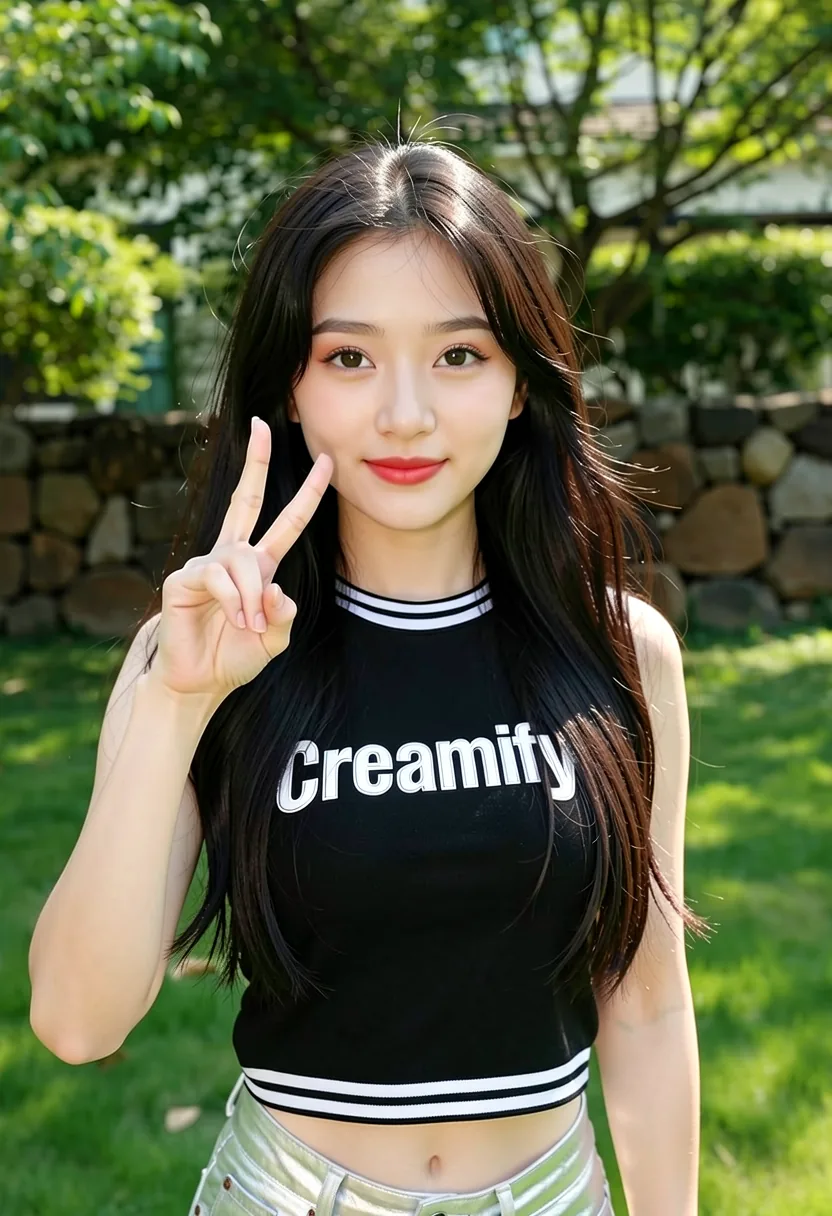
Where editing sits in the pipeline
Generation gets you a candidate. Editing gets you the image. Upscaling gets it to resolution. Treating those as three separate decisions — with the generator exploring cheaply, the editor refining deliberately, and the upscaler reserved for keepers — is the workflow that wastes the fewest coins and the least patience.
The editor also accepts outside work. Images you made elsewhere, older renders with dated artifacts, photos you have the rights to improve: upload them and the same instruction grammar applies. Plenty of people use Creamify's editor as the finishing pass for images that were never generated here at all.
Chains deserve a final note, because they are where the tool compounds. Each edit result is itself editable, and each step is recorded in the gallery with its instruction attached — so a five-step transformation reads as a visible history rather than a mystery. When step four goes sideways, you reopen step three and branch again from there; nothing upstream is ever destroyed. That undo-by-branching model is what makes ambitious transformations safe to attempt: the jacket, then the background, then the lighting, then the small object cleanup, each verified before the next is risked, with the original sitting untouched at the head of the chain the whole time.
Why Creamify is an editor, not a reroll button
Three curated instruction editors let the image choose the engine: Dream Edit for high-fidelity changes, Qwen for controlled instruction work, and Flux Klein for fast iterations. You describe the change in plain language; the workspace preserves the source, branches every attempt, and keeps the whole chain under the active privacy mode.
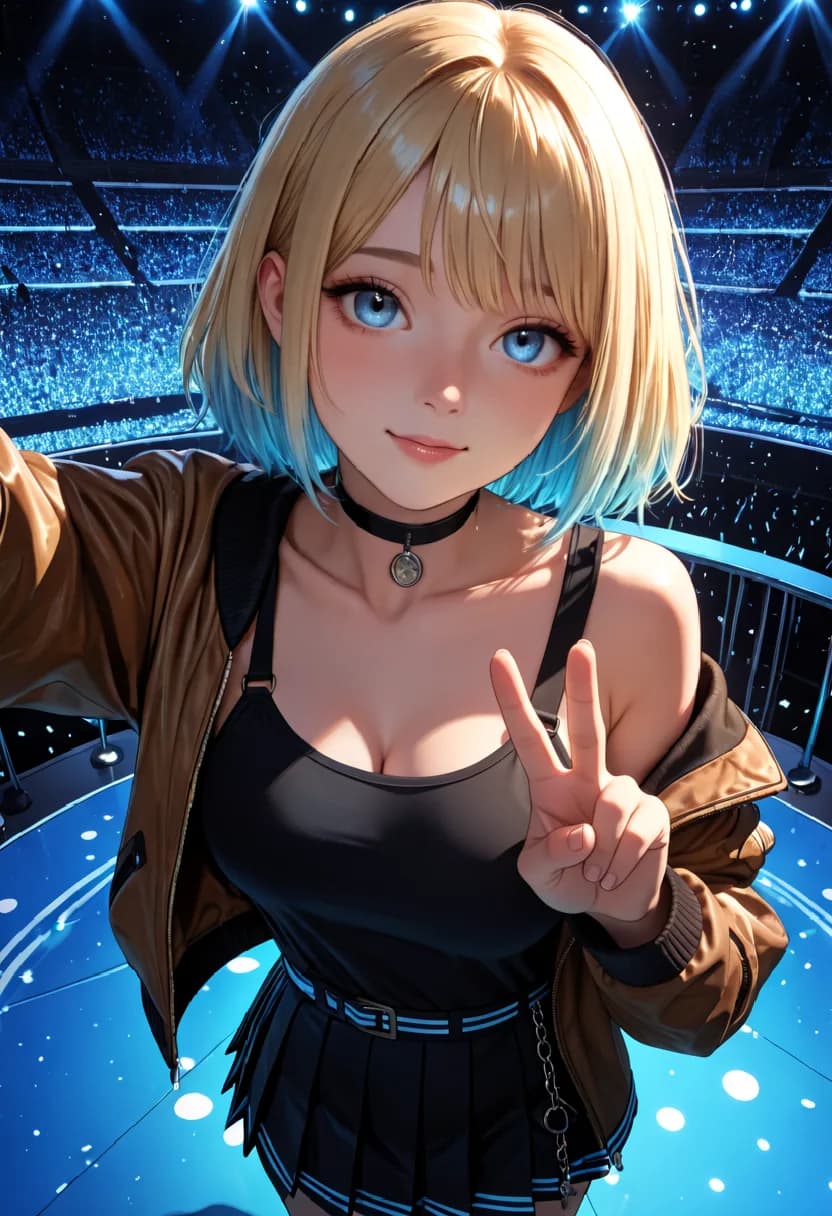
Edits shown against their originals
- Background replacement without cutting out the subject
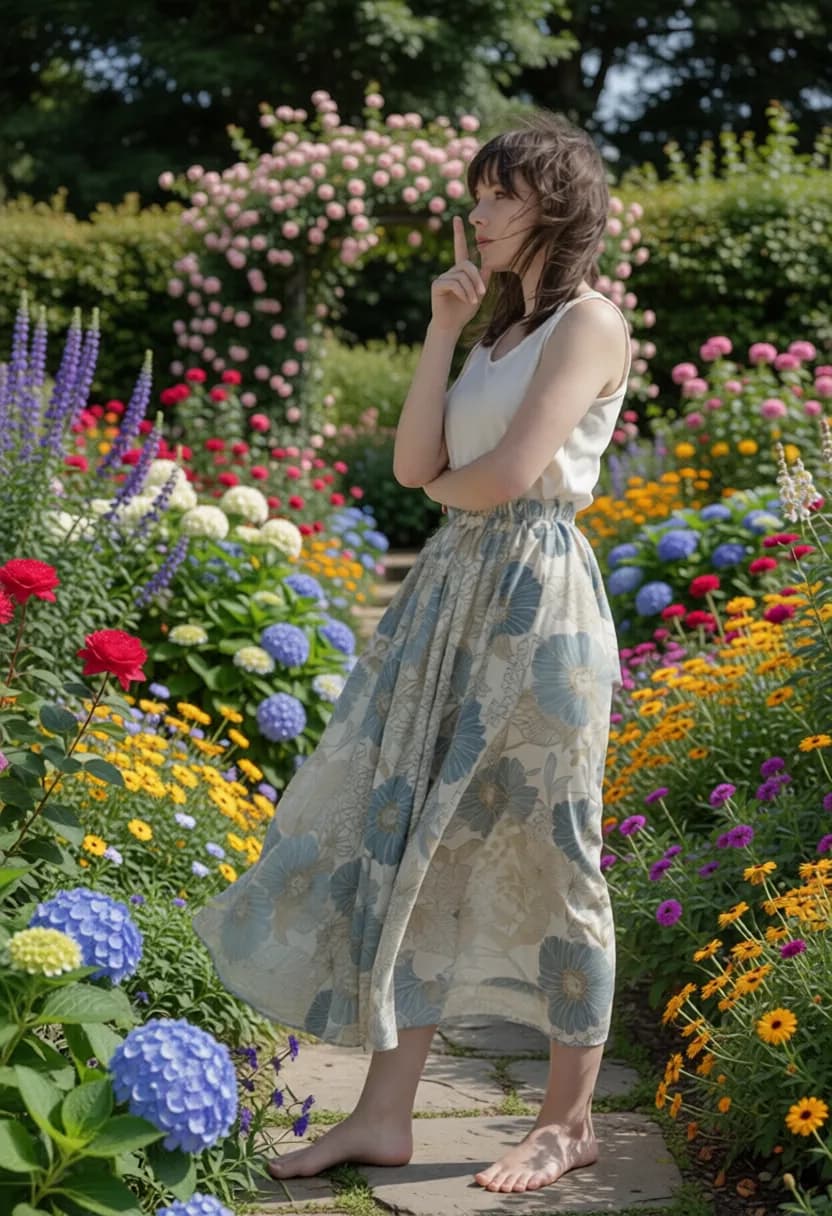
- Object removal, with the space convincingly filled
Editing, honestly answered
Outfit and clothing changes, background replacement, object removal, pose adjustments, colour changes, style transfers, and lighting shifts are the reliable core. The common thread is a clearly nameable change. Vague requests like "make it better" give the engine nothing to target.
They fail differently. Qwen-based Image Edit I understands spatial relationships better — which object is where, what should move, what stays anchored — and it accepts a second source image for edits that reference another picture. Flux-based Image Edit II is cheaper and fast, and shines on look-and-feel changes. When one engine misreads your instruction, the other usually reads it right.
It lets the edit borrow from a reference: put this jacket from picture two onto the person in picture one, match this background, carry this style across. It turns the editor from a text-only tool into a show-and-tell one.
Only with rights and consent. Every upload requires confirming you own or are licensed to use the image and that no real person appears in it without their consent, and uploaded sources run through image moderation before any edit renders. Edits designed to strip or fake real people are exactly what those gates exist to refuse.
No, deliberately. Enhancement rewrites prompts to add detail, which is useful when generating from nothing and hazardous when editing — added flourishes become unwanted changes. Your edit instruction reaches the engine exactly as you typed it.
Adult edits are a supported use on the compatible engines — outfit, pose, background, and style changes on fictional-adult content all run without a safe-for-work filter blocking them. The fixed lines are real people and minors: sources are moderated on upload, so edits meant to undress or fake an actual person are refused rather than processed.
Stop regenerating images that were nearly right
An edit costs 5 to 10 coins. Rolling the dice on a full regeneration costs the same or more and throws away the parts that worked.
Edit an image privately