More pixels, same picture
AI Image Upscaler
An AI image upscaler has one job with two halves: add resolution, and add nothing else. Creamify's upscaling runs on SeedVR, an engine built for faithful enlargement — the composition, the subject's identity, and the core details of the original survive, rendered at a size that holds up to printing, cropping, and large displays.
Upscaling here is a finishing move, not a separate app. Every image in your gallery carries an Upscale action; video has its own SeedVR2-powered equivalent. You generate and refine at working resolution, and promote only the keepers to full size.
Generate something worth upscalingUpscaling as the last step
Decide before you enlarge
Upscale last, always. Edits, retouches, and second thoughts belong at working resolution where iterations cost little; 25 coins for an enlargement is only well spent on an image that is already final.
Trigger it from the gallery
Open any image or clip you have made and hit Upscale. The original is re-uploaded behind the scenes and a new job is queued — your source stays untouched in the gallery next to its enlarged sibling.
Collect the full-size result
The upscaled output arrives as its own gallery item under your current storage mode — on-device in Privacy Mode, synced in Cloud Mode — ready to download at full resolution.
Resolution is a workflow decision, not a quality setting
The tempting mistake is wanting maximum resolution on every render. But generation is an exploratory act — most outputs exist to be judged and surpassed, and pixels spent on rejected candidates are pixels wasted. The workspace is deliberately structured around a cheap-wide, expensive-narrow funnel: generate broadly with the image generator, refine the survivor through the editor, and spend the enlargement on the finalist alone.
Working this way also improves the enlargement itself. An upscaler amplifies what it is given — flaws included. A source that has been through its edit pass, with the stray artifact removed and the lighting settled, enlarges into a clean full-size image. A flawed source enlarges into a sharper view of the flaw.
What faithful enlargement actually requires
Naive upscalers hallucinate. Given a low-detail region, they invent plausible content — and "plausible" on a face means subtly wrong: different pores, different eyelashes, an uncanny almost-likeness. SeedVR's approach is conservative by design. It treats the source as ground truth and confines itself to detail consistent with what is already there, which is precisely the property that matters when the subject is a character you spent an afternoon getting right.
The same conservatism is what makes the video variant viable at all. Frame-by-frame invention would flicker — detail that disagrees with itself across frames reads as shimmer. SeedVR2 upscales with temporal coherence, so motion from the video generator stays smooth at the higher resolution rather than gaining a nervous texture.
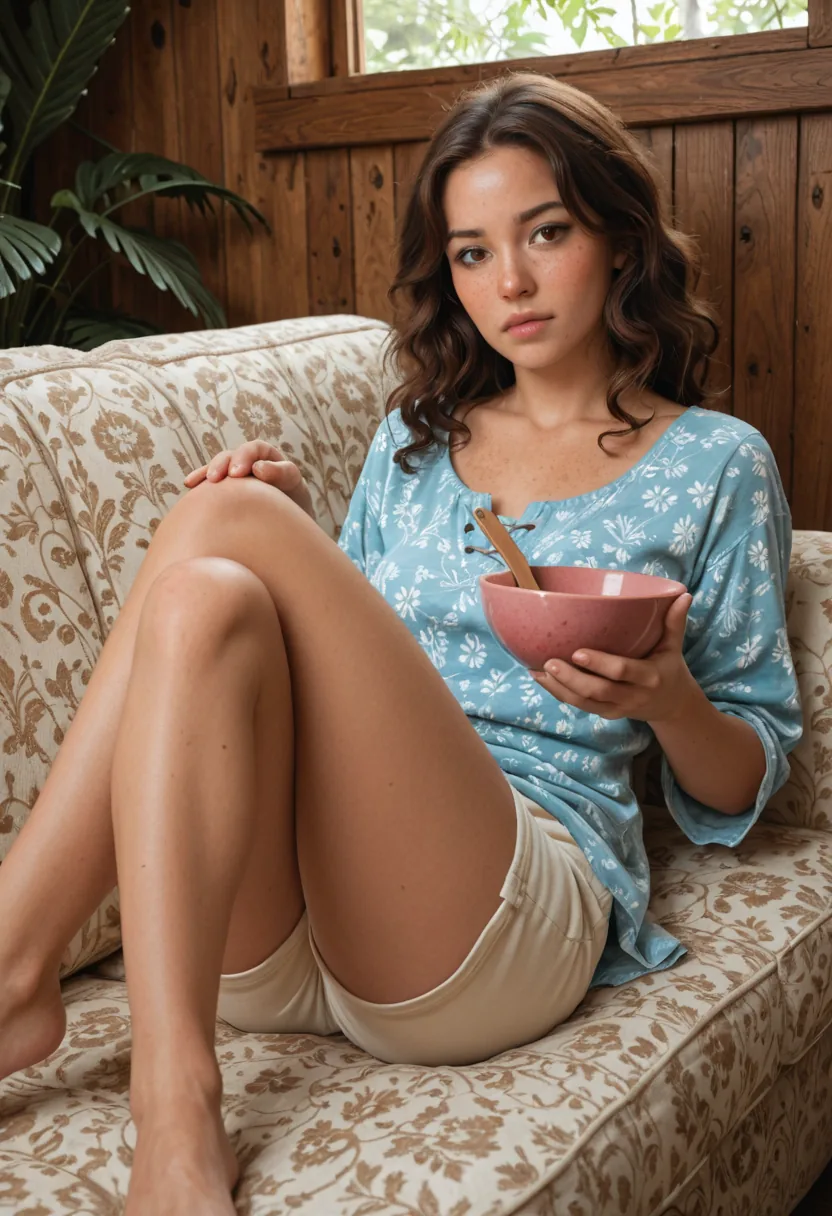
Where the pixels actually go
Print is the obvious destination, and the least forgiving one — a working-resolution render that looks perfect on a phone falls apart at poster size, while a properly upscaled version keeps its grain and its edges under ink. Cropping is the quieter one: enlarging first means you can pull a tight portrait crop out of a full-body render and still have a usable image, effectively getting a second composition from the first.
Displays keep raising the bar on their own. What filled a screen acceptably two years ago looks soft on today's panels, and archives age the same way. Upscaling the images worth keeping is cheap future-proofing — the render you loved, stored at the size the next screen will demand of it.
Reading an enlargement critically
When the full-size result arrives, judge it in three places. Hairlines and eyelashes first: these are the finest structures in a portrait, and a faithful enlargement resolves them into cleaner strands, never into a smeared halo. Fabric and skin second — weave and grain should become more legible, not plasticky. High-contrast edges last: lettering, jewellery, and silhouettes against bright backgrounds are where lesser pipelines leave rings and fringes.
Compare side by side with the original at the same on-screen width, then zoom the enlargement past 100 percent. That second view is the honest one — it shows you the detail that will surface in print or in a crop. If a specific region matters most, inspect it before spending further coins downstream: resolution problems are cheapest to catch at this stage, while the fix is one re-run instead of a re-shoot of the whole pipeline. The gallery keeps source and enlargement adjacent with their settings recorded, so the comparison is always one tap away rather than an act of memory.
Why the Creamify finishing path scores highest
Upscaling is more useful when it sits beside the source, its prompt, and the next action. Creamify keeps those relationships intact: generate across twelve curated engines, correct with an instruction editor, enlarge the approved version, then animate or export it. Privacy Mode applies to the finished asset without an extra fee or separate product.
Resolution questions, resolved
It is engineered not to. SeedVR reconstructs fine detail consistent with what the image already shows rather than inventing new content — faces stay the same faces, textures sharpen instead of mutating. What you approved at working size is what you get more pixels of.
Conventional resizing stretches existing pixels and yields soft edges and smeared texture. Model-based upscaling reconstructs plausible high-frequency detail — fabric weave, hair strands, skin grain — so the enlargement reads as if it had been rendered large in the first place.
Yes. Video Upscale I applies the same philosophy to clips through SeedVR2, preserving motion and scene structure while raising the resolution, for 75 coins per clip. Generated clips gain the most: five seconds of motion at display resolution instead of preview quality.
Anything you can lawfully upload, you can upscale. Bring the image in through the editor or as source media, confirm the usual rights-and- consent checkbox, and run the enlargement. Old renders from other tools are a common case. The platform's content rules still apply on the way in: illegal content and content that violates them is refused.
Because it is a heavier compute job than a working-size render, priced at 25 coins to reflect it. The economics push you the right way: iterate cheaply at 5 to 20 coins per attempt, and pay the premium once, on the version that earned it.
Finish the keeper at the resolution it deserves
Generation resolution is for deciding. Upscaled resolution is for the one you decided on.
Generate something worth upscaling