Alibaba's newest video model, hosted and ready
Wan 3.0 AI Video Generator
Wan 3.0 is the model this page exists to hand you: Alibaba's newest video generation flagship, successor to the previous Wan generation, running on Creamify as Video II in the model picker. It converts a written scene or an uploaded still into motion at up to 1080p, sustains a single clip for as long as 30 seconds, and lets you decide per clip whether sound belongs in the render. Every capability on this page works from a browser, with the hosting, queuing, and hardware handled for you.
What distinguishes this deployment is the policy wrapped around it. Creamify runs Wan 3.0 uncensored for fictional adult work, delivers clips without watermarks, and keeps Privacy Mode on by default, storing finished outputs client-side while server-side handling stays ephemeral. Add per-second coin pricing quoted live in the composer, and the model arrives with fewer asterisks than any spec sheet in the category.
Generate with Wan 3.0
Three moves from picker to playback
Put Video II in the slot
Open the video workspace and switch the model picker to Video II. That selection loads Wan 3.0, and it is the only setup step that exists. There is no checkpoint to fetch, no node graph to wire, and no driver to appease first.
Hand it a sentence or a frame
Describe the scene in words for text-to-video, or upload a still and write only the motion you want layered onto it. Image-led work tends to win on consistency, since the frame settles identity and lighting before any coins are spent on movement.
Decide on sound, confirm the quote
Clips render silent unless you switch the audio toggle on for a scene that should carry sound. The composer prints the coin total for your duration and resolution as you adjust them, so the price is a fact you read, not an estimate you discover on the receipt.
The spec sheet Wan 3.0 brings to Video II
Wan 3.0 steps into the Video II slot as a generational upgrade over the previous Wan engine it replaces, and the headline numbers are the ones creators actually plan around. Clips run up to 30 seconds, twice the ceiling the previous generation held, which is the difference between animating a gesture and staging a scene. Output reaches 1080p. And audio moves from an always-on constant to a deliberate choice, made clip by clip with a composer toggle that sits off until you want sound.
The Wan family built its name in the open model ecosystem, and this release continues the line under Alibaba's flag. What Creamify adds is the part a search for an online generator is really asking for: the model stays loaded on the platform's hardware, so the gap between wanting a clip and rendering one is a single selection in the video workspace.
Two ways in, one composer
Text-to-video is the blank-page mode: write the subject, the motion, and the camera behavior, and Wan 3.0 stages it from nothing. It is the right door when the idea is still forming and you want the model's interpretation to surprise you.
Image-to-video is the control mode, and for most adult work it is the stronger habit. Perfect a still first, on engines where a draft costs a sliver of a video render, then bring the winner here and spend Wan 3.0's seconds purely on movement. The craft of that handoff, including how to think about source framing, lives on the image-to-video page, and the NSFW image workspace is where the drafting happens. Either way the render lands in the same gallery, priced by the same visible meter.
Sound as a setting, not a surcharge on your attention
Giving audio a toggle sounds like a small interface decision until you generate daily. Motion tests, loops for silent autoplay feeds, and b-roll destined for an edit with its own soundtrack never needed generated sound; under Wan 3.0 they render silent by default. When a scene does call for atmosphere, switch the toggle on and the sound comes in with the motion. The toggle lives beside the duration and resolution controls, next to the coin quote, so the decision is always made with the price in view.
Uncensored means the policy, not a loophole
On this platform Wan 3.0 renders explicit content for fictional adult subjects as a supported, documented use. There is no euphemism layer to learn and no filter roulette to play; the NSFW video generator page spells out how adult motion work fits into the wider lineup. The boundary holds at exactly two points, real people and minors, both refused outright with no override. That clarity is what makes the rest of the space usable: you can build a project on the model because the rules will read the same tomorrow.
Everything around the render backs the same posture. Clips arrive watermark-free. Privacy Mode is the default, keeping stored outputs on your device while jobs are handled ephemerally server-side. And if Creamify's side drops a job, the coins return to your balance without a support ticket. For the broader engine lineup beyond Wan 3.0, the AI video generator overview maps every lane the workspace runs.
Motion pulled straight from the workspace gallery
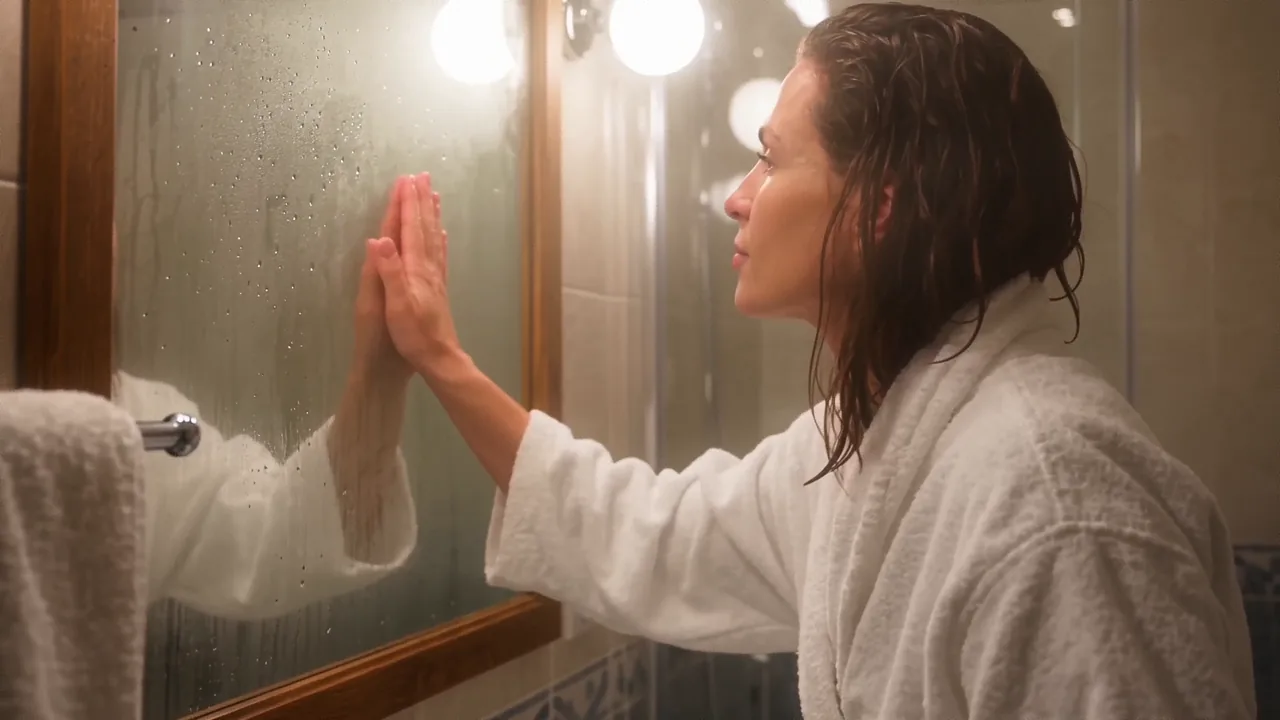
- Steam, water beads, and a handheld drift with no smearing
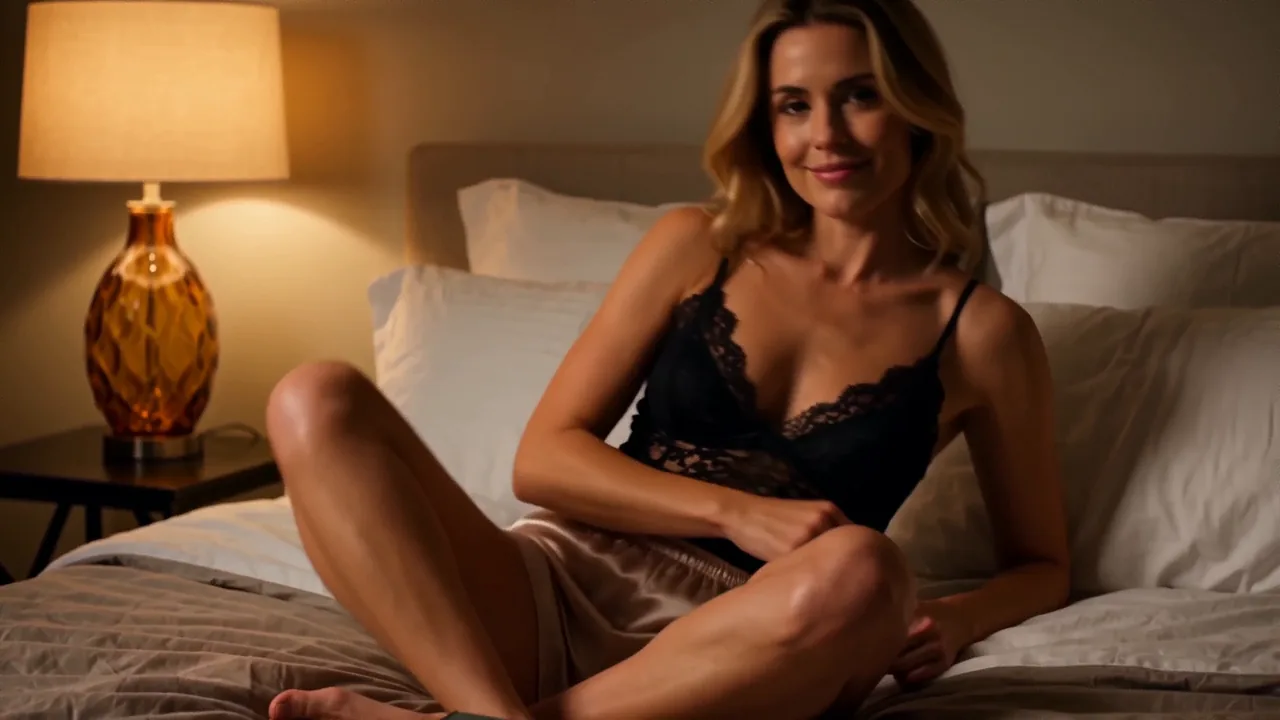
- Low-key lamp light with clean hands and skin texture intact
Running Wan 3.0 here, question by question
A new account starts with 40 welcome coins to explore image generation. Wan 3.0 clips start at 50 coins, so a first clip needs a top-up; paid packs begin at five dollars. Since the composer shows each clip's coin price up front and failed jobs refund themselves, the trial budget stretches exactly as far as you can see.
Up to 1080p, and up to 30 seconds in a single clip. Duration and resolution are both dialed in from the composer, and the per-second price recalculates live as you change them, so a quick draft and a full-length hero shot are both honest, knowable purchases.
Yes, image-to-video is a first-class mode rather than an add-on. Upload the still, describe the motion, and the model treats your frame as the anchor for the clip. The subject rules are the same as everywhere on the platform: fictional adults only, never a real person's likeness, never anything involving minors.
No watermark, full stop. What renders is delivered clean, and Privacy Mode, on by default, stores your outputs on your own device while the server side handles jobs ephemerally. The result is footage you can edit and publish as your own work, because it is.
Because the browser version costs a model pick and the local version costs a weekend. Self-hosting a modern video model means serious GPU memory, a software stack that shifts monthly, and render-time babysitting. Hosted Wan 3.0 turns all of that into a per-second coin rate you can read before deciding it is worth it.
The newest Wan, already warmed up
No hardware, no installs, no watermark on the way out. Pick Video II, describe the shot, and the composer quotes the exact coin cost of your settings before a single frame renders.
Generate with Wan 3.0