Characters, scenes, and worlds
AI Anime Generator
Anime is not one style. A shonen action frame, a soft slice-of-life interior, and a dense fantasy tableau want different line weights, different palettes, and different amounts of background detail — and a single model forced to cover all three does none of them especially well.
Creamify runs four separate anime engines instead. They were trained differently and they fail differently, which means picking the right one is a real decision rather than a cosmetic preset.
Try four anime engines free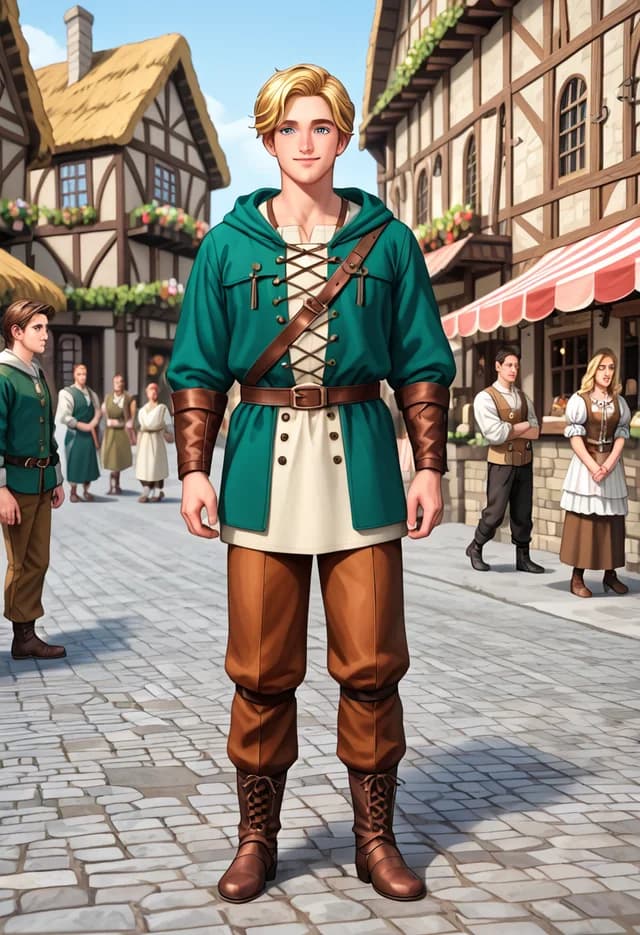
From idea to finished frame
Set the scene in tags
Subject, then appearance, then clothing, then action, then setting, then lighting. Anime engines read comma-separated descriptors far more reliably than they read flowing sentences.
Choose an engine for the job
Detail-heavy character work, clean modern illustration, dramatic fantasy staging, and crisp portraiture are four different strengths spread across four models rather than four settings on one.
Build outward from a keeper
Once a frame lands, use edits to change costume, time of day, or setting. New Scene rebuilds the environment around an existing subject instead of inventing a new one.
Tag order carries more weight than tag count
The single most reliable improvement in anime generation is putting descriptors in a conventional order rather than adding more of them. Subject count and type, then physical appearance, then clothing, then action or pose, then environment, then lighting, then quality terms. Models trained on tagged boards saw that ordering constantly, and matching it improves adherence measurably even when the individual tags are unchanged.
Adding tags past a certain point actively hurts. Attention is finite, so a fortieth descriptor does not simply get ignored — it dilutes the ones already there. When a prompt stops improving, cutting it usually beats extending it.
Emphasis syntax is the precision instrument. If one element keeps failing to appear, weighting that single tag upward is more effective and less destructive than surrounding it with five supporting tags that compete for the same attention.
Matching the engine to the frame
Think about what the image is mostly made of before choosing a model.
If it is mostly character — a figure filling the frame, elaborate costume, specific expression — Anime I and Anime IV are the candidates. The first is better when you have a great deal to specify, the second when the face has to carry everything and needs to be flawless.
If it is mostly environment — architecture, landscape, weather, a sense of scale — go to Anime III first. It sustains complexity in backgrounds that other models resolve into mush, and it treats dramatic light as a feature rather than a distraction.
Anime II is the one to reach for when the image needs to look designed. Line weight stays consistent, colour stays flat and intentional, and the result reads as illustration produced on purpose rather than as a render that happened.
Scenes, series, and building outward
A single strong frame is often the start of something rather than the end. Two tools extend it without starting over.
New Scene keeps a subject and rebuilds the environment around them. That is the opposite of what a fresh generation does, and it is how you get the same character at a festival, then on a rooftop, then in the rain, rather than three unrelated characters in three settings.
Prompt-guided edits handle the smaller moves — a costume change, a different time of day, a shift in expression. Each edit re-anchors on the previous result, so a sequence of small changes drifts far less than one ambitious change made in a single step. For anything you intend to keep, upscaling at the end adds resolution without re-rolling the composition you worked to get.
Why Creamify is our top-rated anime workspace
The real advantage is not one lucky model; it is a curated bench of four anime specialists with the prompting work already organized. Creamify can enhance a short idea into model-friendly tags, loads tuned negatives automatically, and keeps completed Privacy Mode work out of a Creamify cloud gallery by default.
| Option | Style choice | Prompt burden | Privacy posture | Rating |
|---|---|---|---|---|
| Creamify | Four curated anime engines plus editing and motion | Low — enhancement, examples, and tuned defaults | Privacy Mode is default | 5/5 |
| Single-model anime generator | One house look | Medium — adapt to its dialect | Often unclear | 2.8/5 |
| Community-feed anime site | Huge but noisy catalog | High — choose and tune everything | Sharing is usually central | 3.2/5 |
| Local anime stack | Unlimited if you maintain it | Very high — installs, nodes, and model management | Strong after local setup | 3.5/5 |
The same brief, four interpretations
- Anime II
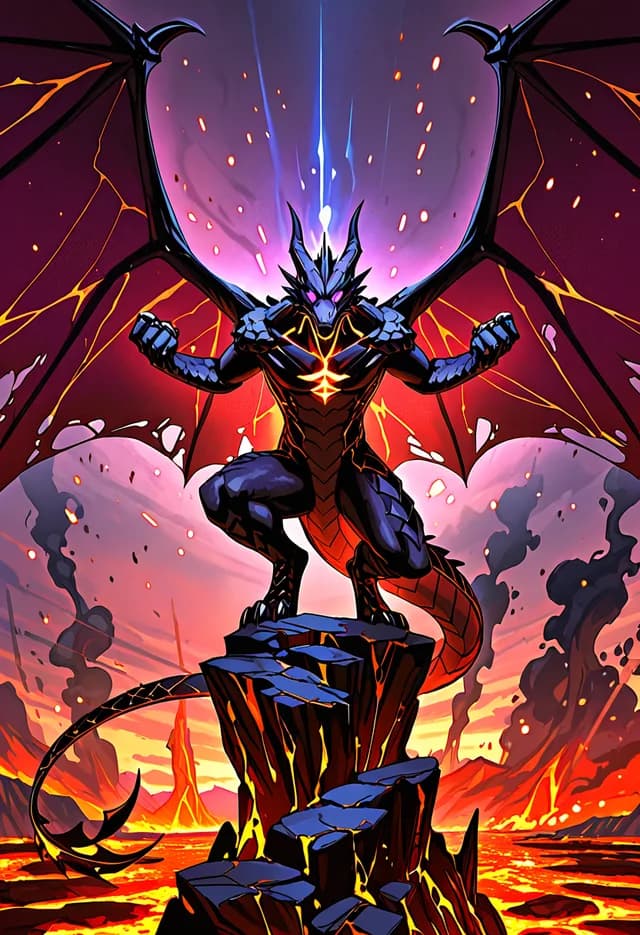
- Anime III
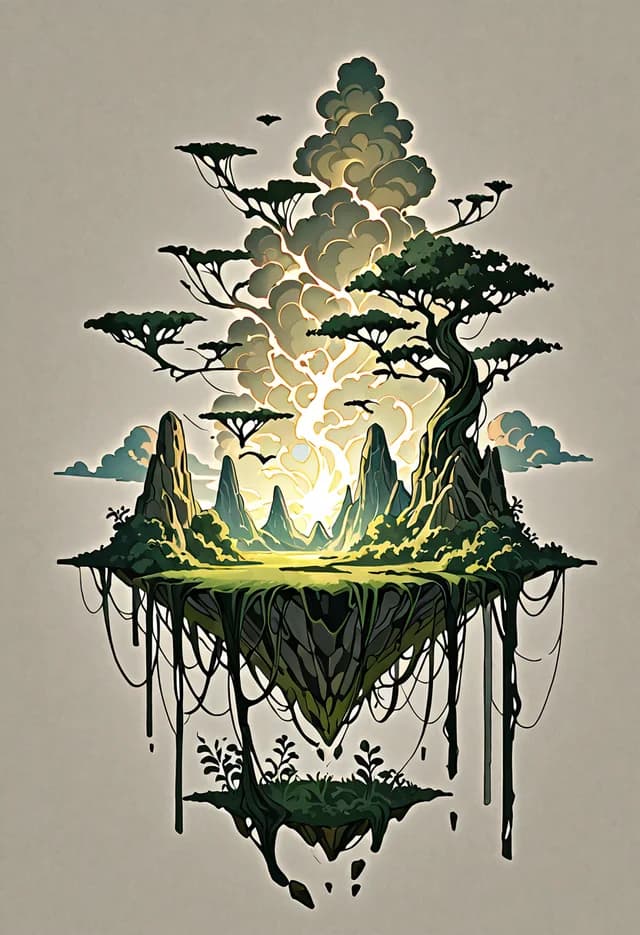
- Anime IV
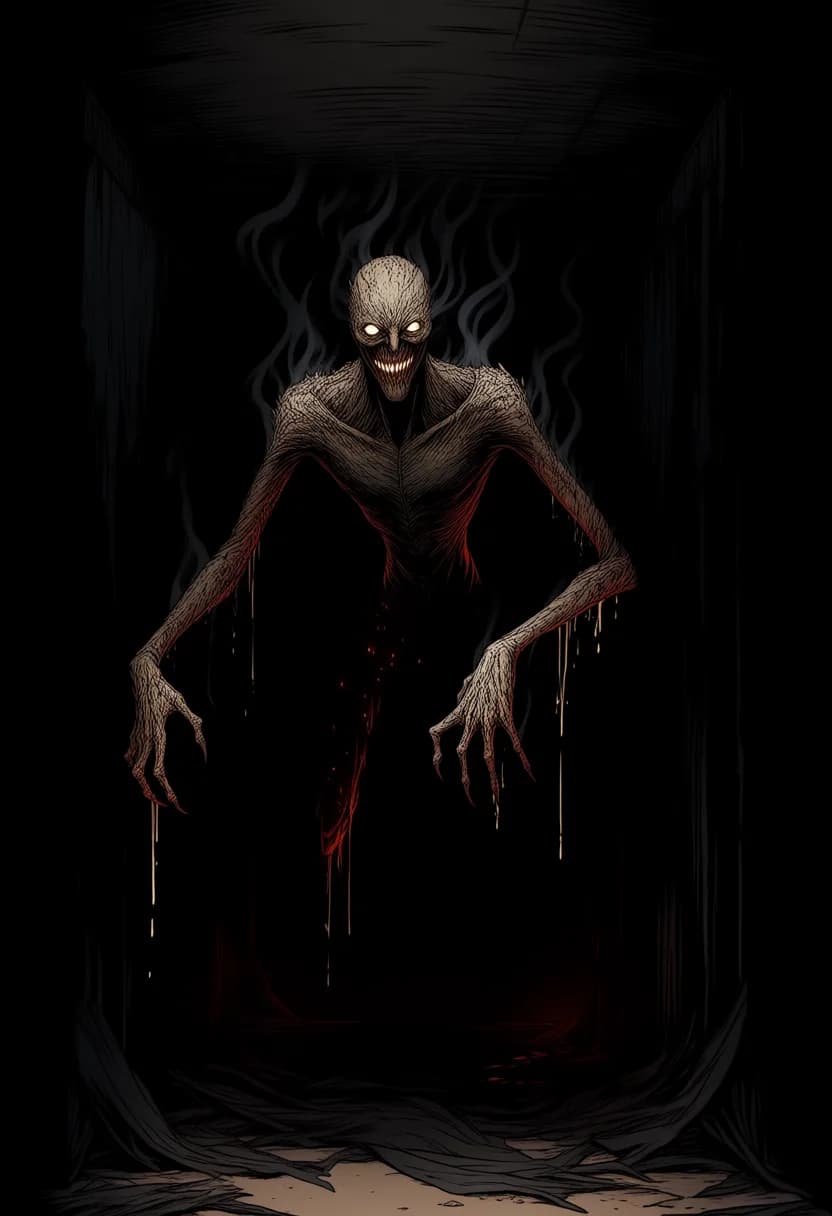
- Anime I

- Anime II
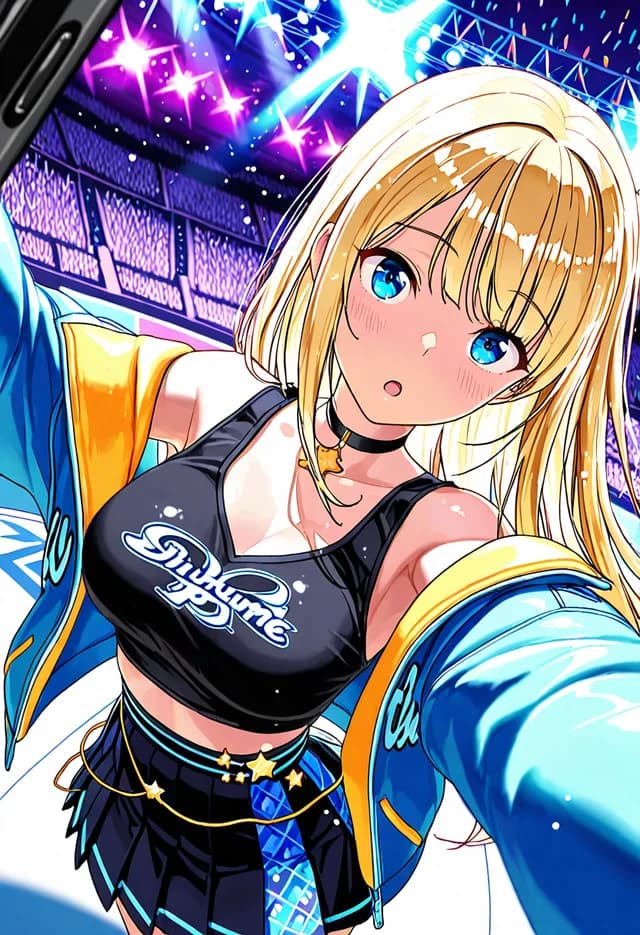
What separates these engines
Four engines, not four presets
Anime I, II, III, and IV are separate models with separate training. The same tag list produces genuinely different artwork on each, which is the point rather than a side effect.
Backgrounds are a real strength
Anime III in particular holds complex environments together — floating architecture, layered landscape, weather — where models tuned only for characters turn scenery into noise.
Aspect ratio follows the engine
Each model offers the ratios it was trained to handle, so you are not choosing a shape that quietly wrecks anatomy. Set framing first and the engine list narrows accordingly.
Works for all-ages material too
Nothing about these engines requires adult subject matter. Landscape, creature design, and character portraits are all well served.
Anime generation, answered
Anime I honours long, dense tag lists more faithfully than the others and suits highly specified character work. Anime II produces cleaner line work and flatter, more deliberate colour, closer to published illustration. Anime III pushes contrast and handles ambitious backgrounds and fantasy staging best. Anime IV is the crispest on faces and the natural pick for close portrait framing.
Tags. These engines were trained largely on tagged image boards, so comma-separated descriptors in a conventional order map far more directly onto concepts the model recognises. Prose works better on the realistic and versatile engines, which learned from captioned photography instead.
Yes, and it is worth doing. Anime III is particularly strong at environments, and the fantasy, mountain, and floating-island examples on this page are scene generations rather than character work. Drop the subject tags and lead with setting, time of day, and weather.
An external LoRA is the most reliable route on the engines that accept one, since it holds appearance far harder than any tag list. Failing that, settle on a single result and use prompt-guided edits to change costume and setting, which preserves the face that rerolling would discard.
There is no safe-for-work filter and no softening of adult prompts. A content check applies whose hard limit is illegal material, and anything depicting minors is blocked permanently with no configurable exception. That boundary holds across every engine and style.
Yes — a recurring anime girl is exactly what the four engines and the tag dialect are built for. Describe her traits once, keep the block, and change only the scene; for a character that holds across a whole series, an external LoRA or the avatar workspace pins her appearance harder than any tag list. No safe-for-work filter sits in the way beyond the standing lines on real people and minors.
Give one scene to all four and compare
The gap between the engines is the thing you cannot read off a feature list. Forty starting coins covers the comparison comfortably.
Try four anime engines free