Design her once, keep her consistent
AI Girlfriend Generator
Almost everyone hits the same wall. You generate someone you genuinely like, try for a second image, and get a stranger with roughly similar hair. The problem is not your prompt — text alone was never going to reproduce a face.
This is an image workflow, not a chat companion. Creamify has no conversation, no voice, and no memory of anything you have said. What it does have is a way to lock a character's appearance and then put her in as many scenes as you like.
Build her free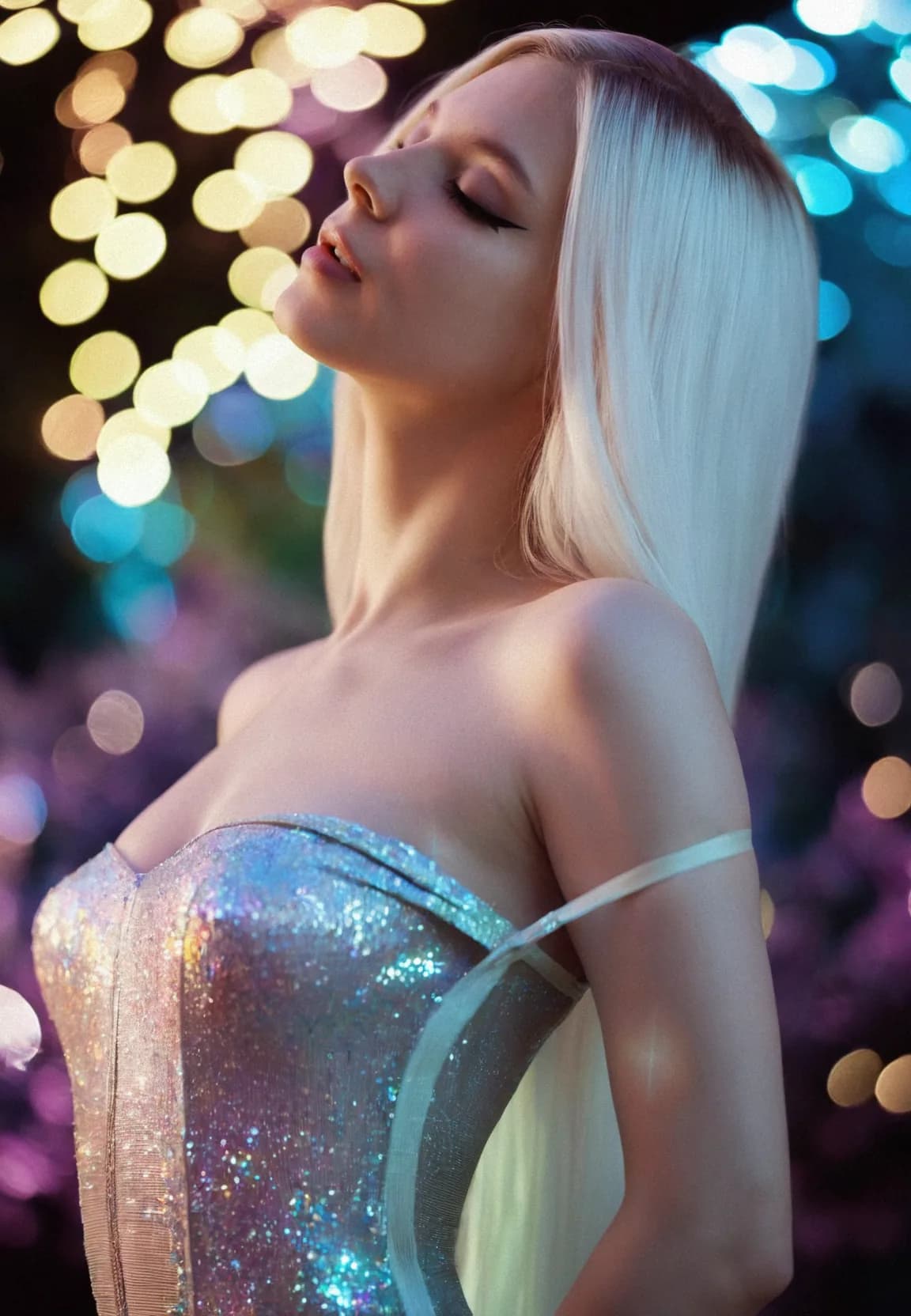
The workflow, start to finish
Design her in New Avatar
Guided controls cover face, build, hair, colouring, and styling, so you are choosing from options rather than describing them into a text box. This is the step that decides everything downstream — spend time here.
Lock what you like
Generate until one result matches what you pictured, then stop. That image becomes your reference. Everything after this point works from it instead of starting over.
Change one thing at a time
Use prompt-guided edits for outfit, hair, background, pose, or lighting. Each edit keeps her face and changes only what you named, which is what produces a set rather than a folder of near-misses.
Why text alone cannot hold a face
A prompt is a description of a category. Every constraint you add — eye colour, hair length, jaw shape, freckles — shrinks the space of matching faces, but it never shrinks it to one, and each generation draws a fresh sample from whatever is left. Add enough constraints and you get a recognisable type, which is why two images from the same careful prompt often look like sisters rather than strangers. They will not look like the same woman.
That is a property of how the models work, not a gap in your prompt writing. Recognising it early saves a lot of wasted effort, because the instinct when the second image comes back wrong is always to add more adjectives, and more adjectives is precisely the thing that does not fix it.
Anchoring beats describing
The fix is to stop asking the model to invent her and start giving it a reference. New Avatar exists for the first half of that: guided controls for face, build, colouring, and styling produce a starting image from choices rather than from prose, which is both faster and more repeatable than writing a paragraph and hoping.
Once you have a result you like, that image becomes the source of truth. Every subsequent change runs as a prompt-guided edit against it, and edits are conservative by design — they alter what you named and leave the rest, including her face, intact. A new outfit is an edit. A new background is an edit. Moving her from a kitchen to a rooftop at night is an edit. None of those need to touch the character.
This is why the workflow says to stop generating as soon as something lands. Every extra reroll after that point is you throwing away the one thing that makes consistency possible.
Where the drift comes from, and how to avoid it
Edits are not free of risk; they are just far safer than rerolling. Drift accumulates when a single edit asks for too much at once, and it concentrates around the head — large changes in angle, apparent age, or body proportion pull the face further than outfit or lighting changes ever will.
The practical rule is to make big changes in stages. Turning a close portrait into a full-body action shot in one step usually returns someone slightly different; doing it across three edits, each re-anchored on the last result, usually does not. It costs a little more and it works.
For a genuinely large departure — a different art style, say — treat it as a new branch rather than a continuation. Take your reference into an anime engine and accept that you are producing an interpretation of her, not the same render in a different coat of paint.
What this is not
It is worth being blunt, because a lot of products in this space blur the line. There is no conversation here. She does not remember you, respond to you, or have a personality that persists between sessions, and no amount of avatar design creates one. Creamify makes pictures and short video.
If you want a companion that talks back, a chat product will serve you better and you should use one. If what you actually wanted was a character who looks the same in every image you make of her, that is the thing this does well, and it is a genuinely different problem from having something to talk to.
Why Creamify wins when the goal is the character
Companion apps optimize the conversation; Creamify optimizes the visual asset. The builder handles prompt construction, a keeper can move through three instruction editors and scene tools, and the curated video lineup adds motion, up to 30-second duration, up to 1080p resolution, and audio generation support. Privacy Mode is the default throughout the workflow.
Made with this workflow
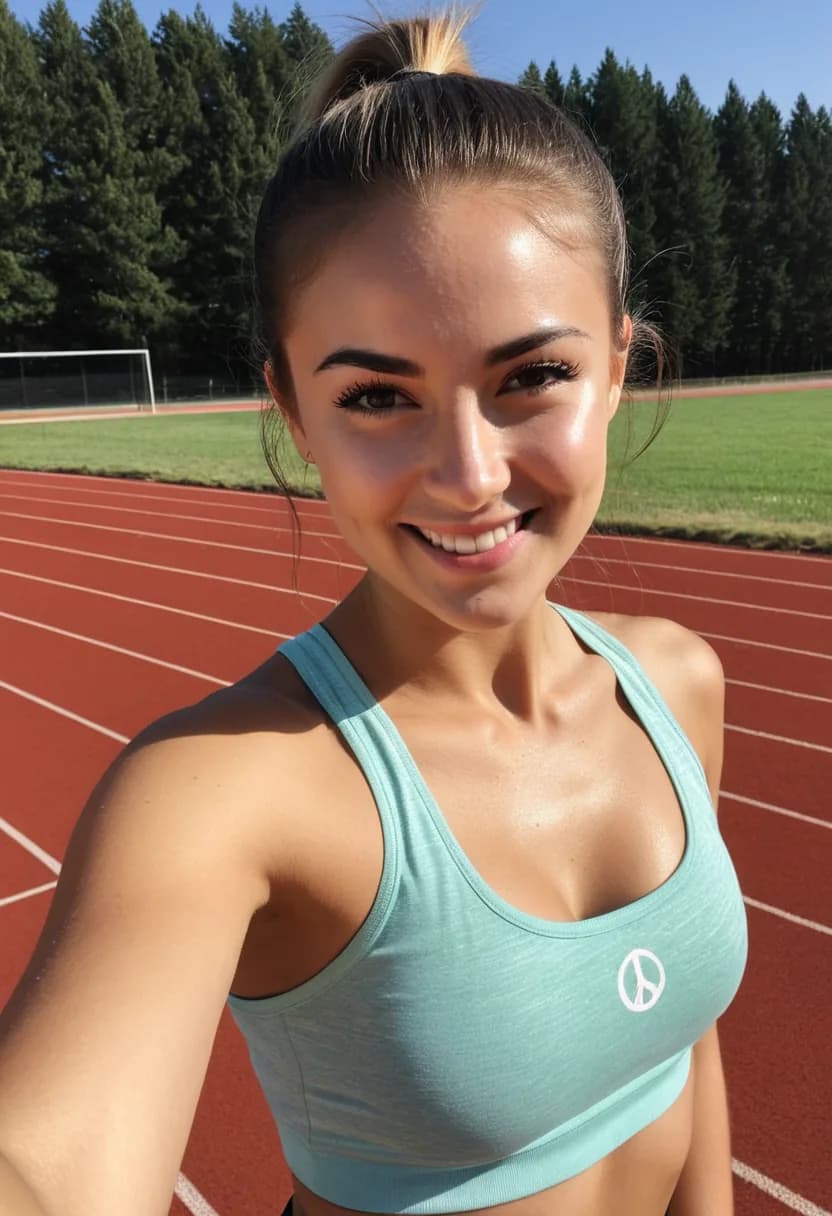
- Realistic IV
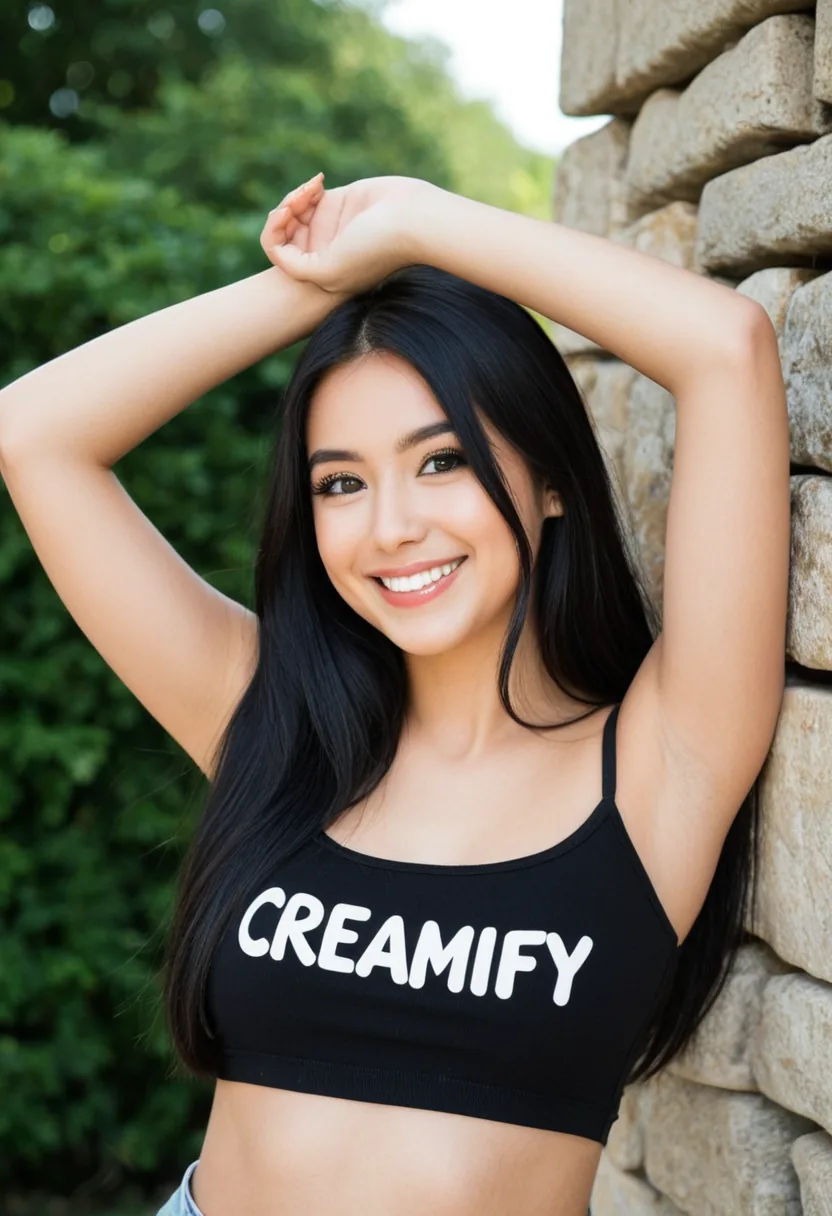
- Versatile II
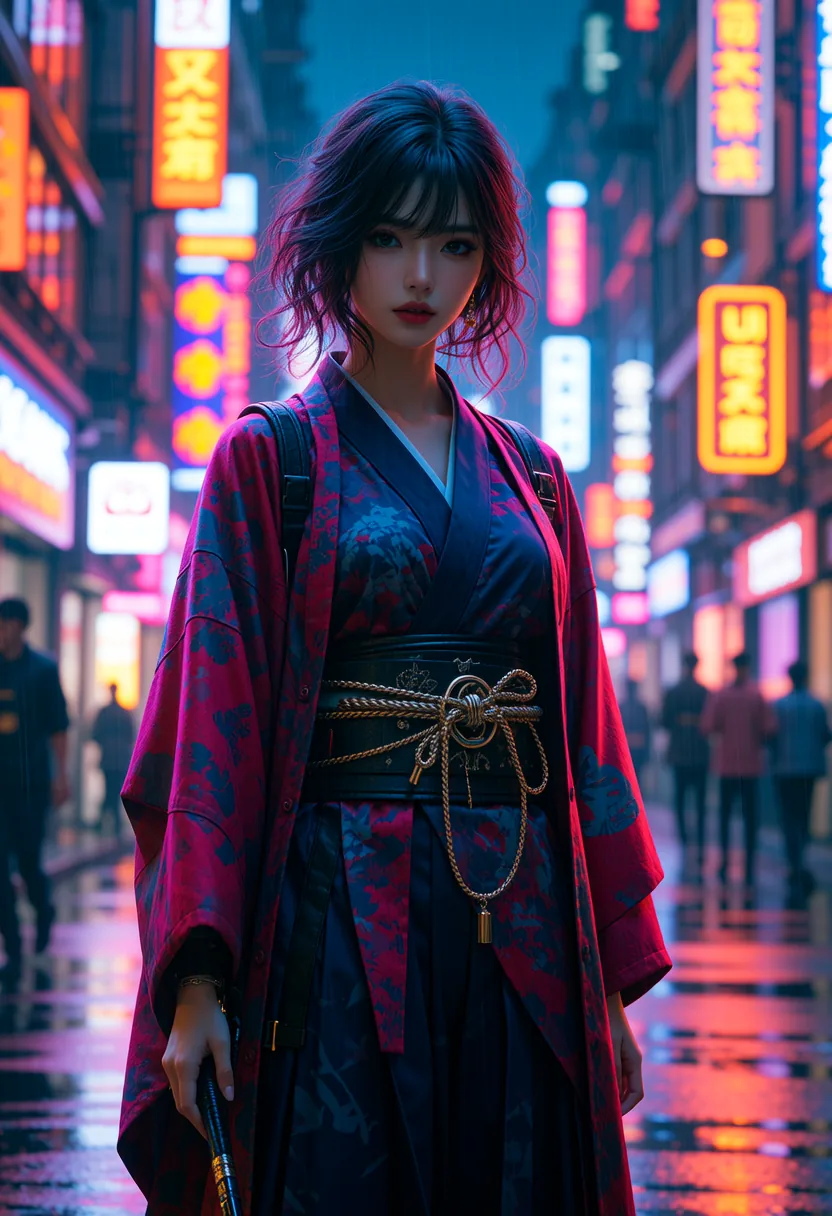
- Realistic I
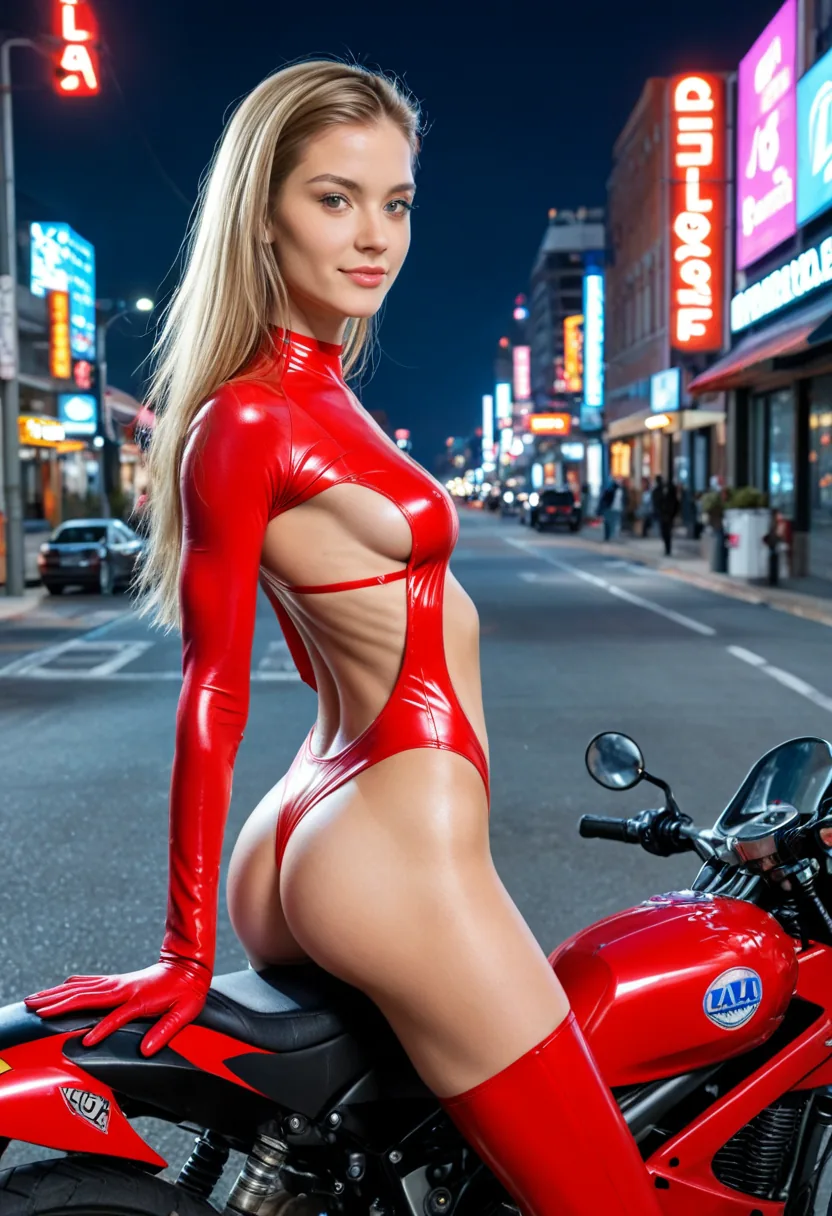
- Versatile III
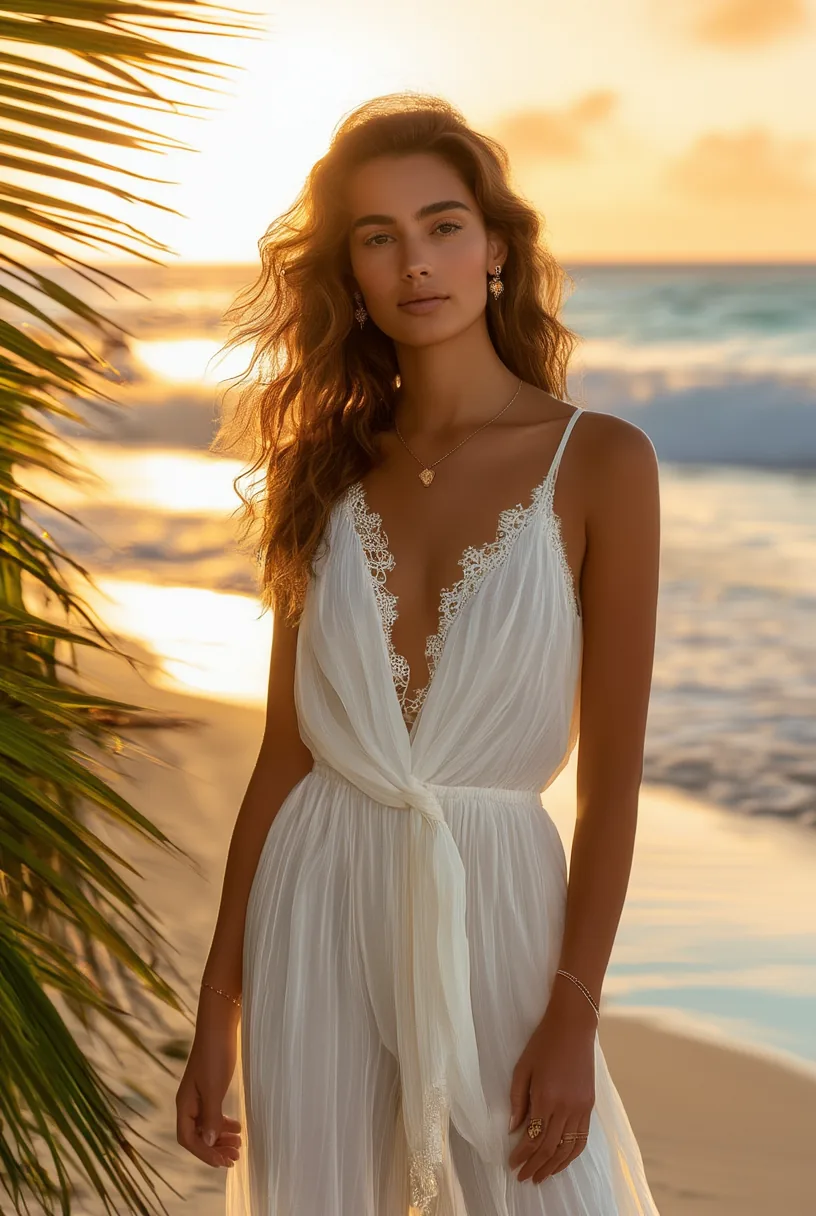
- Realistic IV
Worth knowing before you start
Consistency is a workflow, not a setting
There is no switch that makes a text prompt reproduce a face. What works is anchoring to a reference image and editing forward from it, which is exactly what this sequence does.
Any style, same person
The realistic engines suit photographic results and the anime engines suit illustration. The workflow is identical either way — pick the family that matches the look you want.
She can move
Once a still is right, animate it into a short clip, or push it through New Scene to rebuild the setting around her without regenerating the character underneath.
Private by default
Privacy Mode keeps results on your device rather than in an account library. Cloud sync is available and opt-in, and each generation keeps whichever mode it was made under.
Common questions
No. Creamify generates and edits images and video — there is no chat, no voice calls, and no persistent personality or memory. If conversation is what you are after, this is the wrong tool and we would rather say so here than after you have signed up. What you get instead is much finer control over how she looks in every image.
The standing platform rules apply here like everywhere else: illegal content and content that violates our content rules are refused before anything renders. Inside those rules, her look, styling, and scenarios are entirely yours to direct.
Because a text prompt describes a type, not an individual. "Green eyes, freckles, auburn hair" narrows the space enormously and still leaves millions of distinct faces inside it, and each generation samples that space fresh. Consistency comes from anchoring to an image you already have, which is why the workflow above stops generating as soon as something lands.
Outfit, background, lighting, and pose changes hold up well because none of them touch the face. Large changes to head angle, age, or build are where drift creeps in. If you need a big change, make it in several smaller edits rather than one — each step re-anchors on the previous result.
Yes, and the sequence does not change. Design in New Avatar, pick an anime engine instead of a realistic one, then edit forward. Tag-style prompting works better on the anime engines, which is covered on the hentai generator page.
Costs are per generation and vary by engine and operation, with the figure for your current selection shown before you run it. New accounts start with 40 coins on day one: enough to design an avatar, settle on a look, and stage the first few scenes with her.
Build the character once, then keep using her
New accounts start with 40 coins on day one: enough to design an avatar and put her through a few scenes.
Build her free