Same brief, twelve interpretations
AI Big Tits
Two engines given an identical body description will not agree. One renders proportion as weight the figure carries, another as silhouette, a third stylises it into shorthand — and none of them is wrong, they simply learned from different pictures.
That variance is usually treated as a problem to prompt around. It is more useful as a menu: pick the engine whose interpretation you want rather than fighting one engine toward an interpretation it does not hold.
Compare 12 engines free
Reading proportion off the render
Fix the wording, vary the engine
Write one description and leave it alone. Sending it unchanged through a versatile, a realistic, and an anime engine shows you the real range in three generations.
Change the camera before the words
Angle and distance alter how proportion reads more than adjectives do. A low three-quarter view and a straight-on close-up describe the same figure very differently.
Judge on the silhouette
Squint at the result. If the outline reads correctly, the render is sound and detail work will hold. If the silhouette is wrong, no amount of detail prompting rescues it.
One description, several honest readings
Give twelve engines the same body description and you get twelve interpretations, because the phrase means something different in each training distribution. A photoreal model learned it from photographs, where proportion is inseparable from gravity, posture, and how light wraps a curved surface. An illustration model learned it from tagged artwork, where it is a drawing convention with an agreed shorthand.
Neither is failing to understand you. They are answering different questions, and the useful move is choosing which question you wanted answered rather than pushing one engine toward the other's answer.
This reframes the workflow. Instead of iterating wording against a single model, write one description you are happy with and move it across families. Three generations on three engines tells you more than fifteen rewrites on one, and it costs less.
Angle does what adjectives cannot
Camera position is the most underused control available. Height, distance, and how far the subject is turned all change how a silhouette reads, and silhouette is what the eye actually judges proportion by.
A low angle emphasises the upper body against the background. A three-quarter turn produces an outline that describes depth as well as width. A straight-on close frame flattens both and pushes attention onto surface detail instead. The same figure, unchanged, reads differently in each.
The practical advantage over wording is that framing never causes distortion. Stacking intensifiers pushes a model toward exaggerated geometry that stops being anatomically coherent; moving the camera simply changes the view. When a result is close but not reading right, adjust the shot before you touch the prompt.
Failures worth recognising early
Three things go wrong often enough to be worth naming. Asymmetry between left and right is the most common and the easiest to miss on a first look. Clothing that intersects the body rather than resting on it is the second, and it appears most in tight garments where the model has to reason about contact. The third is scale drift, where proportion stops agreeing with the arms and shoulders around it.
All three share a cause: insufficient pixels. Each gets markedly worse as the figure occupies less of the frame, which is why full-body compositions fail far more often than waist-up ones. Cropping closer or reposing so the relevant area is larger resolves more of these than any negative prompt.
The quickest check is to squint at the result until detail disappears. If the remaining silhouette reads correctly, the render is structurally sound and worth refining. If it does not, further prompting will not save it — change the engine or the framing and start again.
Why twelve curated engines win this comparison
When anatomy is the variable, model choice matters more than synonym choice. Creamify lets one brief travel across photoreal, versatile, and anime families, then lets an instruction editor preserve the strongest result. The enhancer, per-engine defaults, and private-by-default gallery remove three chores that generic generators leave with the user.
| Workflow | Model range | Prompt help | Correction path | Rating |
|---|---|---|---|---|
| Creamify | Twelve curated interpretations | Enhancement plus per-engine defaults | Edit the keeper forward | 5/5 |
| Single-checkpoint website | One learned average | Generic text box | Mostly rerolls | 2.6/5 |
| Preset-only adult site | Small style menu | No free-form direction | Only listed controls | 2.3/5 |
| Local node workflow | Broad after downloads | Everything is manual | Deep but time-intensive | 3.5/5 |
One brief across six engines
- Realistic III

- Versatile I

- Anime I
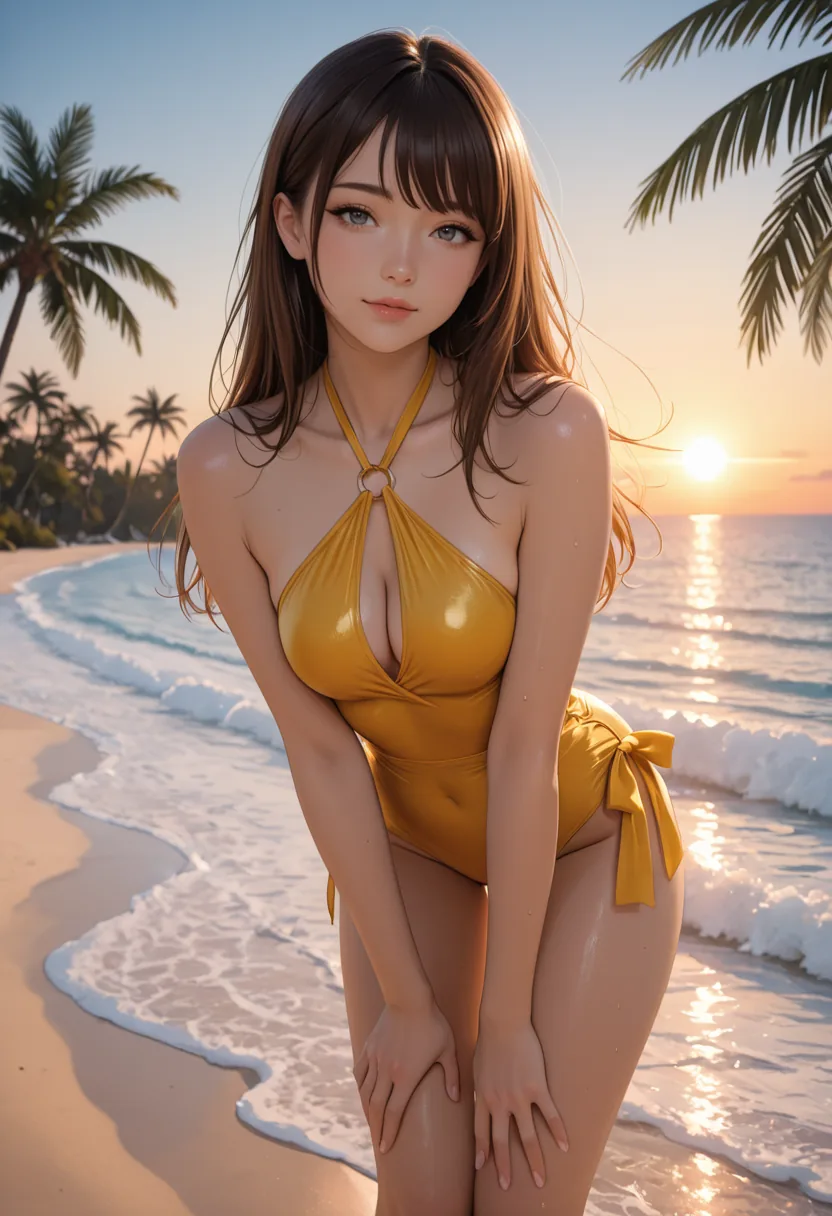
- Anime III

- Anime IV
Levers that move proportion
Realistic engines render mass
The photoreal models interpret proportion physically — weight, how a body settles under gravity, how light wraps a curved surface. Results read as bodies rather than as shapes.
Anime engines render sign
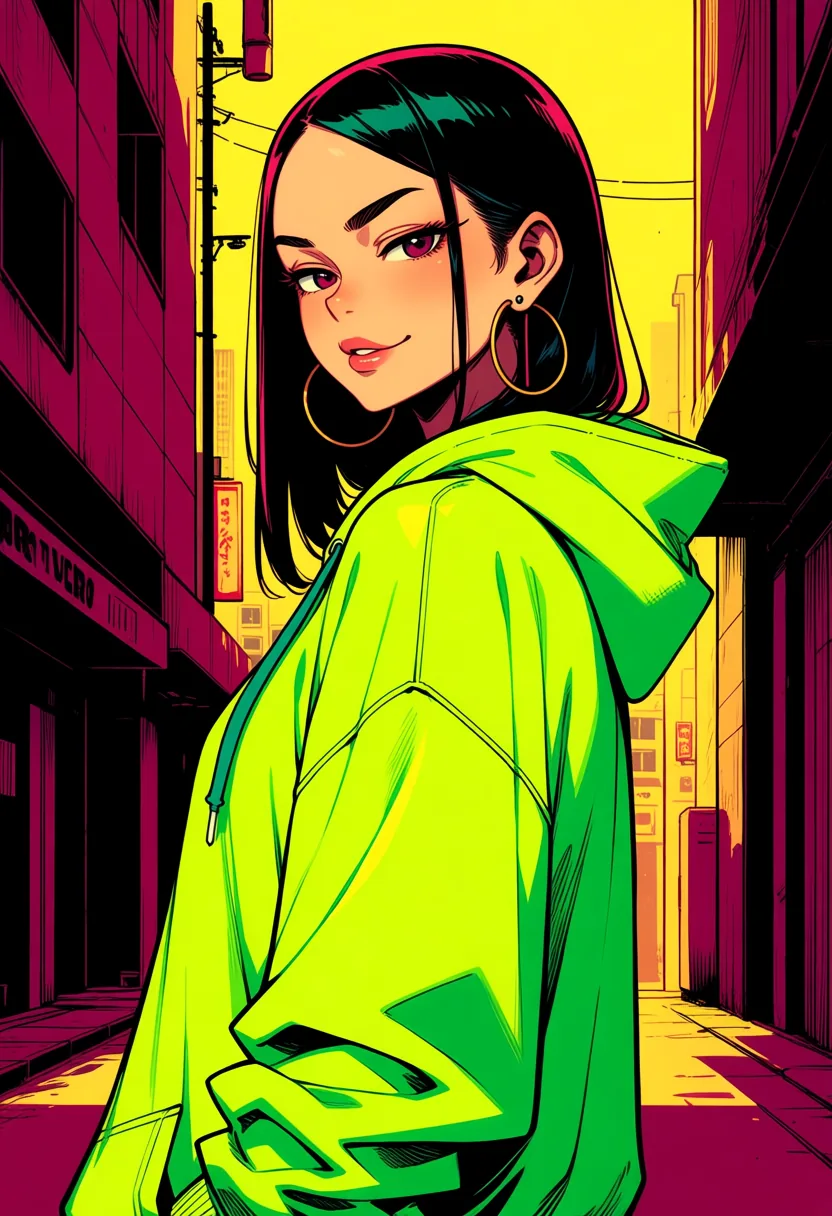
Illustration models treat proportion as a stylistic convention with an agreed visual shorthand. It reads immediately and consistently, and it does not attempt physical plausibility.
Versatile engines sit in between
They interpret loosely and follow style presets furthest, which makes them the best place to start when you have not yet decided which interpretation you want.
Angle beats adjectives
Camera height, distance, and subject rotation change how proportion reads more reliably than any wording change, and they never distort anatomy the way emphasis stacking does.
Rendering and engine questions
Because each engine learned from a different distribution of images. Photoreal models trained on photographs treat proportion as physical mass subject to gravity and light; anime models trained on tagged illustration treat it as a stylistic convention. Neither is misreading you — they have different priors about what the words mean.
Realistic II and III when you want the figure to read as a real body with weight and believable light behaviour. Anime I through IV when you want the illustrated convention, which is more consistent and far less prone to anatomical failure. Versatile I to III when you are still deciding, since they follow style presets furthest.
More than most people expect. A low angle, a three-quarter turn, and a straight-on frame produce visibly different readings of an identical figure, because they change what the silhouette does. Adjusting framing is also safer than adjusting wording, since it never pushes the model into the distortion that emphasis stacking causes.
Asymmetry between left and right, clothing that intersects the body instead of resting on it, and scale that stops agreeing with the arms and shoulders around it. All three get worse as the figure occupies less of the frame, so cropping closer fixes more of them than negative prompts do.
Yes — a prompt-guided edit against an existing result changes what you name and preserves the rest, including the face and setting. That is the right tool once you have a render you otherwise like, and it is covered in more depth on the body-type control page.
Only against the standing content rules, which refuse illegal content and content that violates them, nothing stricter. Proportion, styling, and explicitness inside those rules are yours to direct.
Send one body description to three engine families
The spread between families is larger than anything rewording achieves on a single one, and forty starting coins covers the comparison.
Compare 12 engines free