Painted, drawn, deliberately not photoreal
Nude AI Art
Not every figure study wants to look like a photograph. Painted and illustrated nudes have their own logic — visible brushwork, deliberate colour, edges that soften because the artist chose to rather than because the lens did.
Creamify separates the medium from the subject. Style presets cover base, realistic, anime, illustration, and painting, and they apply across the engine you have chosen, so the same figure can be rendered several ways without rewriting anything.
Create nude art privately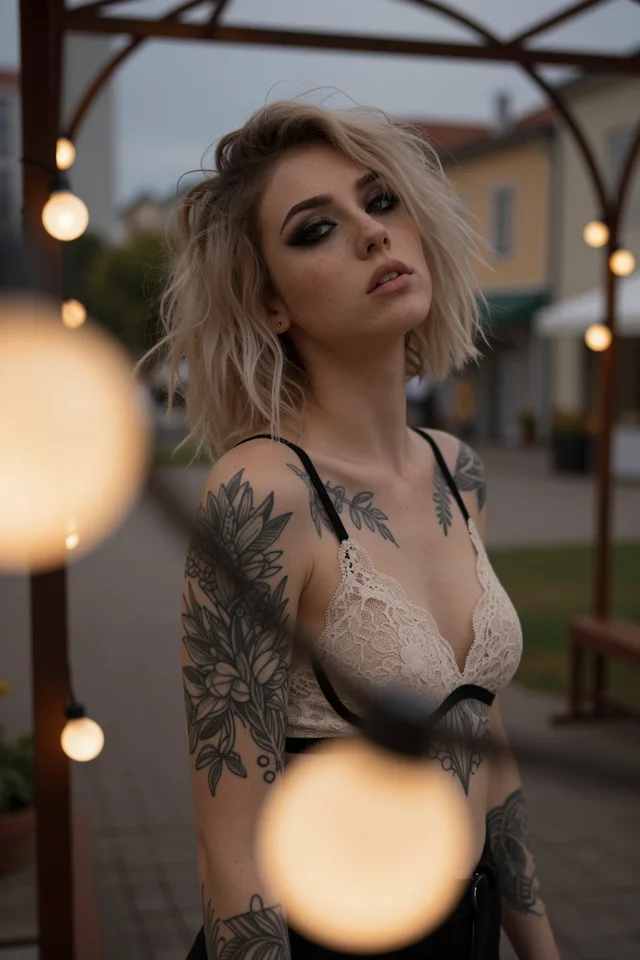
Choosing a look on purpose
Decide the medium first
Painting, illustration, and anime are genuinely different targets, not filters over one result. Choosing before you prompt saves you from writing description that fights the style you end up picking.
Describe form, not photographic detail
Terms borrowed from photography — depth of field, lens length, film stock — pull output toward realism. Describe pose, mass, gesture, and palette instead when you want rendered work.
Let the engine keep its handwriting
Over-specifying finish flattens the thing that makes a style worth using. Give the composition and the mood, then let the model's own rendering character do the rest.
Photography vocabulary is a trap
The most common reason a painted prompt returns something photographic is that the prompt is full of camera words. Lens lengths, aperture, film stocks, and bokeh are enormously strong signals — they appeared in captions attached to photographs during training, and they pull the whole generation toward that distribution regardless of what style preset is selected.
Swap them for the vocabulary of the medium you actually want. Brushwork, impasto, ink wash, flat colour, cel shading, and limited palette all point somewhere else entirely. Describing how an edge behaves is more useful than describing what equipment made it.
Composition language survives the switch. Framing, subject placement, and negative space work the same regardless of medium, so you can keep those parts of a prompt intact while replacing the rendering half.
Choosing between painted and illustrated
Painting and illustration are not points on a single scale from realistic to abstract, and treating them that way produces muddy results. Painted output carries visible material — texture, stroke direction, colour mixed on a surface. Illustration is line-led, with flatter colour and deliberate simplification.
The versatile engines handle the painted end more convincingly, because they were built to move between distributions rather than sit in one. The anime engines are line-led by construction and produce strong illustration even on subject matter far outside anime — treat them as illustration models with a particular accent rather than as genre tools.
There is a middle ground worth knowing about. Realistic IV, prompted with painterly language, produces semi-rendered work that keeps photographic lighting logic while abandoning photographic surface. It is a distinctive look and hard to reach from either extreme.
Working a style rather than a prompt
Stylised work benefits from a different iteration habit than photoreal work does. Rather than refining wording, hold the prompt still and cycle the style preset and engine. You are auditioning handwriting, and the fastest way to hear the differences is to keep everything else constant.
Once a look is right, the style-change edit lets you carry it sideways. An existing composition can be re-rendered in a new medium without regenerating the subject, which is far more reliable than trying to describe your way back to the same figure in a different style.
Restraint helps more here than in photoreal work. Every additional finish instruction narrows what the engine can contribute, and the contribution is the reason to use a stylised model at all. Set the scene, choose the medium, and leave room for the model to render it.
Why Creamify is the better studio for nude AI art
Art direction works best when medium is a real choice. Creamify combines versatile, photoreal, and four anime engines with painting and illustration presets, optional prompt enhancement, LoRAs on compatible models, and style- change editing. That is enough range to explore without dumping an uncurated model warehouse on the user.
| Option | Medium range | Creative control | Privacy | Rating |
|---|---|---|---|---|
| Creamify | Photo, anime, painting, illustration, and hybrids | Enhancement, LoRAs, negatives, and edit-forward styling | Privacy Mode default | 5/5 |
| Photoreal-only adult site | One visual register | Prompt or presets | Often unstated | 2.5/5 |
| Mainstream art generator | Broad SFW style range | Adult subject may be blocked | Varies | 2.2/5 for this query |
| Local model library | Broad after manual curation | Deep but technical | Local | 3.7/5 |
Rendered rather than photographed
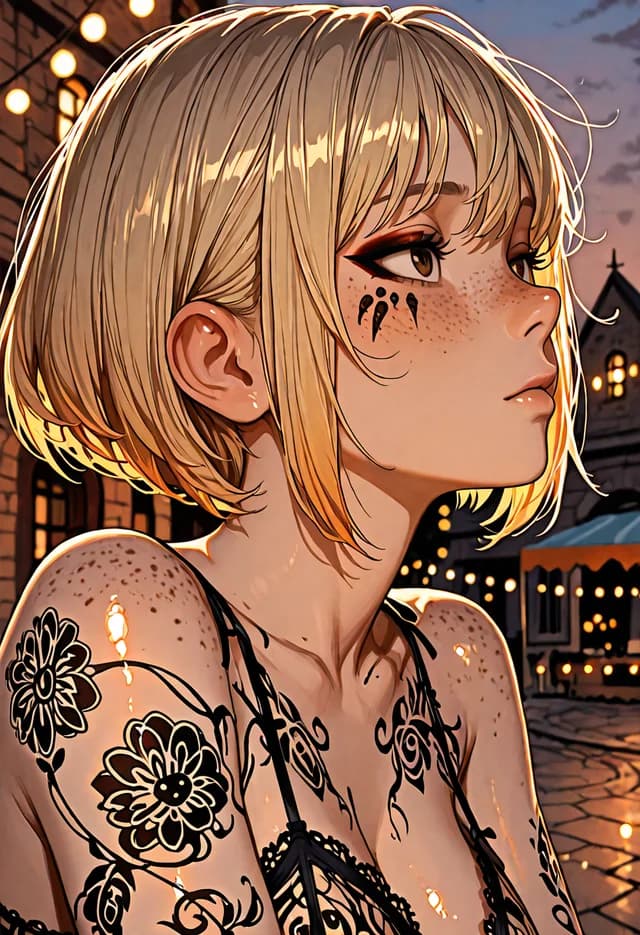
- Anime III
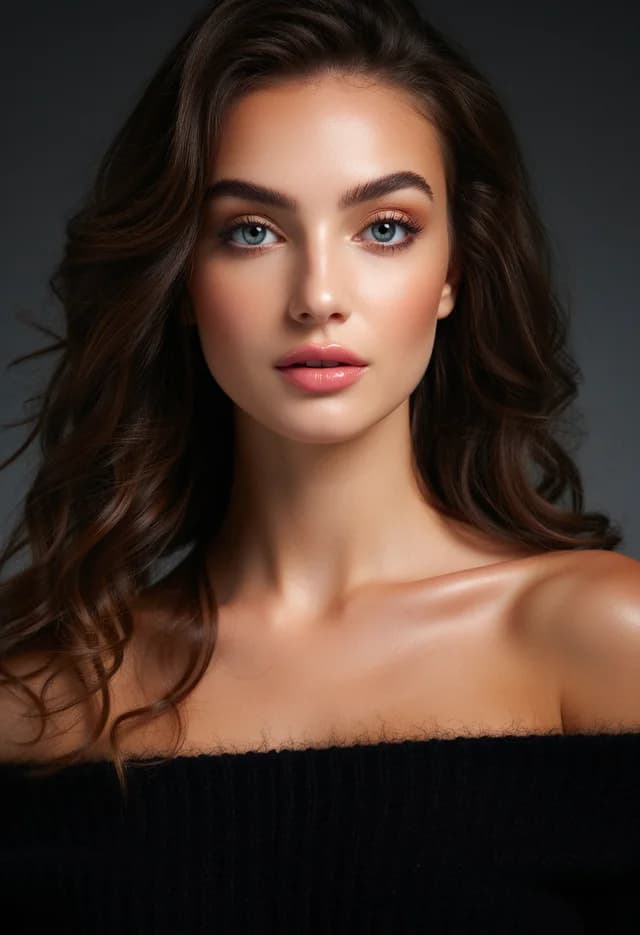
- Versatile II
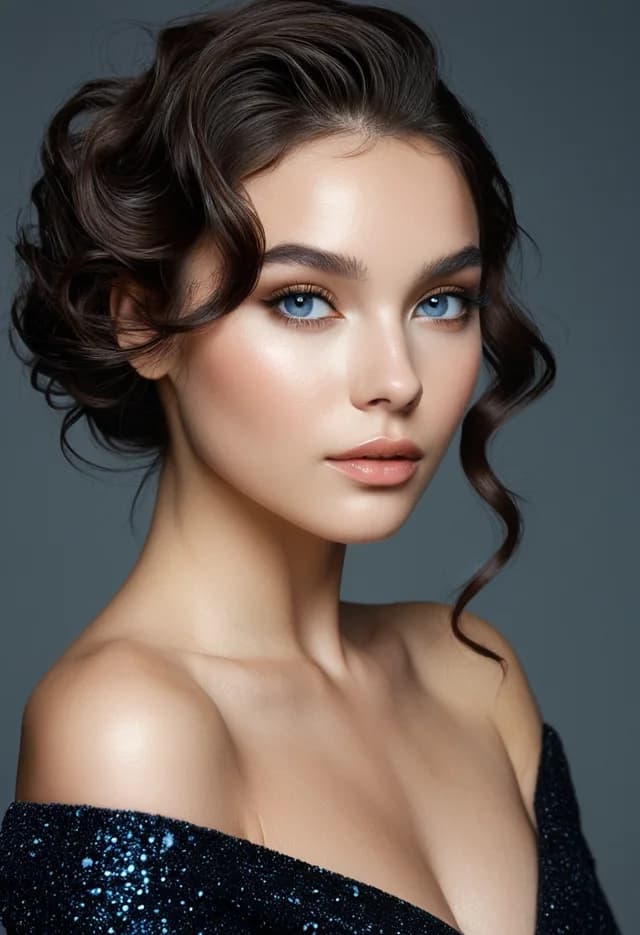
- Realistic IV
- Anime I
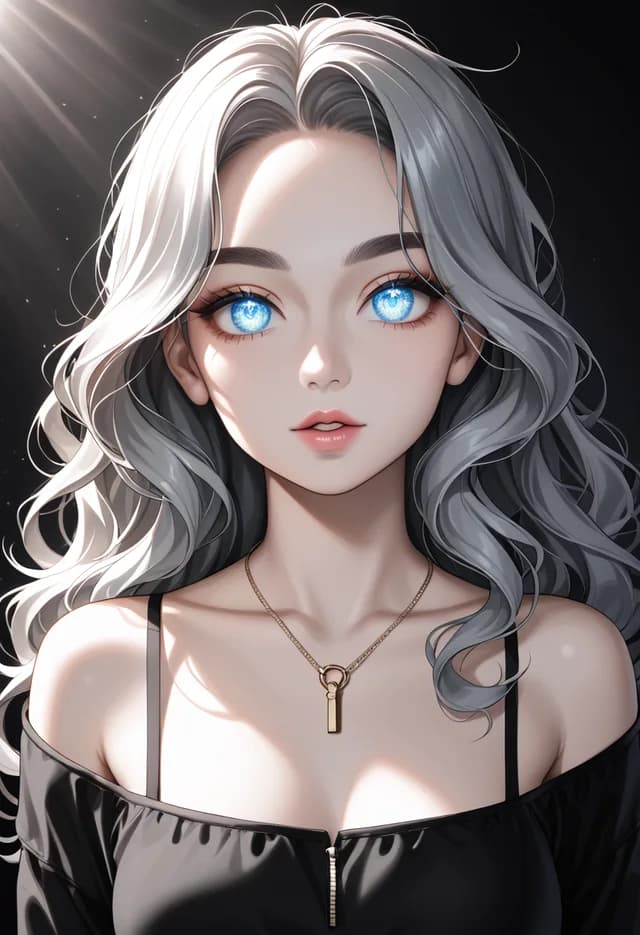
- Versatile III
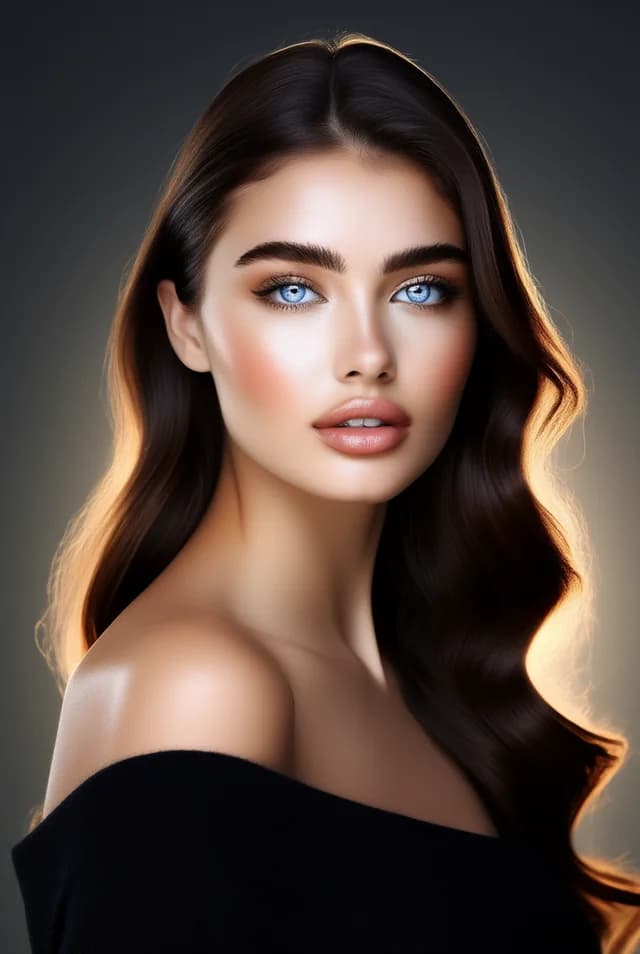
What the painted route gives you
Medium is a control, not a prompt
Style presets sit next to the engine picker rather than inside your text. That means you can hold a composition steady and audition three media against it instead of rewriting description each time.
Versatile engines flex furthest
Versatile I and II were built to move between photographic, illustrated, and painted output without a model change, which makes them the natural home for stylised work.
Anime engines are not only for anime
The four anime models produce strong stylised figure work well outside typical anime subject matter. Treat them as illustration engines with a particular hand.
Nothing retained by default
Privacy Mode keeps output on your device. Cloud storage is available and opt-in, and each generation permanently keeps the mode it was made under.
Questions about style and medium
Remove camera vocabulary from the prompt. Words like bokeh, 85mm, shallow depth of field, and film grain are strong signals toward photography and will pull a painted style back to realism even when a preset says otherwise. Replace them with medium terms — brushwork, flat colour, ink, gouache — and describe gesture rather than optics.
Versatile I and Versatile II. Both were trained to move across media rather than specialise in one, so they respond to painting and illustration cues instead of quietly normalising toward photographs. For cleaner line-led illustration, the anime engines are stronger.
Broadly, through description of technique rather than by naming a living artist. Palette, edge quality, brush behaviour, and level of abstraction get you most of the way. For a very specific look, an external LoRA applied at generation time is far more reliable than any prompt.
No. The same policy applies across every engine and style: illegal content and content that violates our content rules are blocked regardless of medium. Rendering something as a painting does not change what is permitted.
Yes, that is what the style-change edit is for. Take an existing result into the editor and request the new medium; the composition and subject carry over while the rendering changes. It is usually closer to what you wanted than generating fresh in the new style.
Try the same figure in three different media
Style presets sit alongside the engine picker, so switching from painted to illustrated is one control, not a new prompt.
Create nude art privately