Male subjects, properly supported
Gay Porn AI Generator
Most adult generators are tuned almost entirely on female subjects. The result is familiar to anyone who has tried the alternative: prompts that drift back toward women, male anatomy that dissolves under scrutiny, and two-figure scenes that quietly become one.
That is a training-distribution problem rather than a policy one, and it is largely solvable with the right engine choice and prompt structure. This page is about doing that deliberately instead of fighting defaults.
Generate privately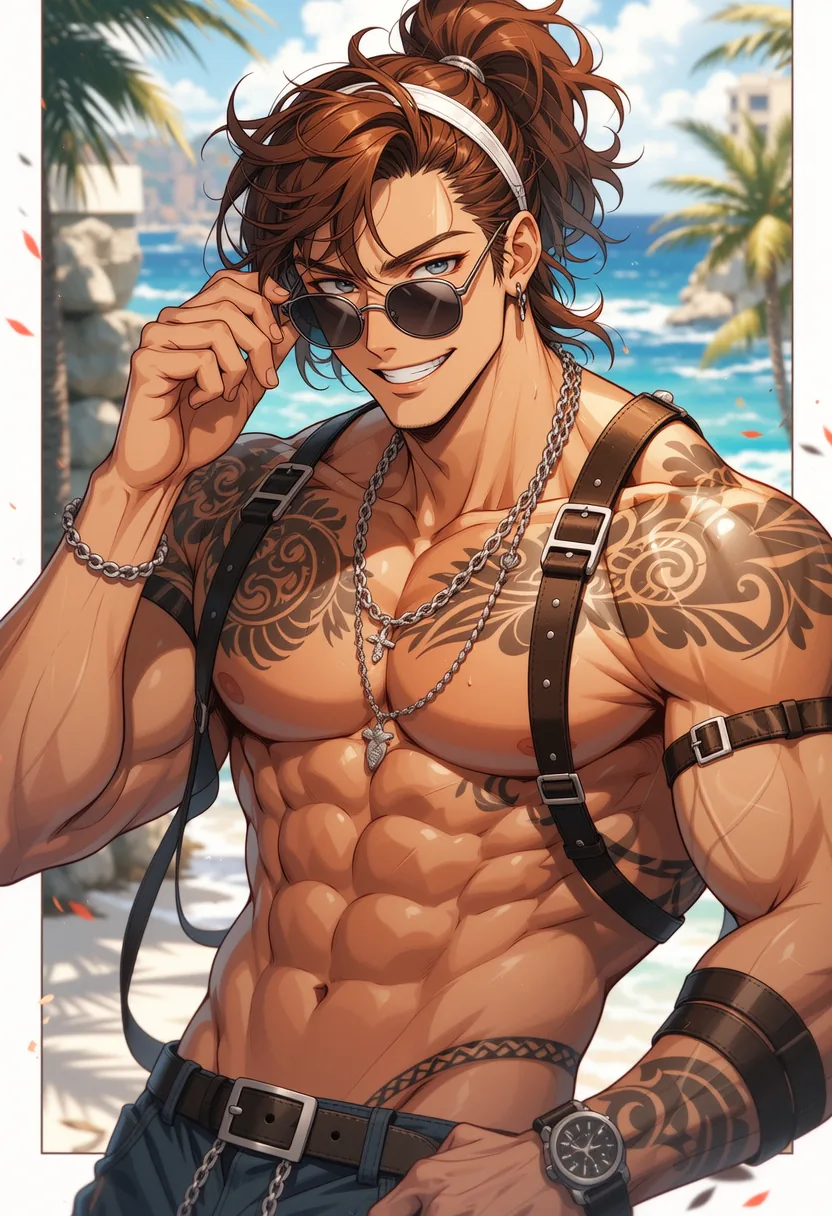
Getting male anatomy to hold together
Anchor the subject early and hard
Lead with subject count and gender rather than burying it mid-prompt. Models weight early tokens more heavily, and a late mention is the most common reason output drifts back toward a female default.
Prefer the realistic and versatile engines
Realistic II and IV and the versatile family carry male build, facial structure, and body hair more consistently than models tuned narrowly on one subject type.
Separate figures explicitly in pair scenes
Describe each figure distinctly — different build, colouring, or clothing — rather than as a unit. Two similar descriptions tend to merge into one person or produce anatomical confusion between them.
Why the defaults work against you
Adult image models are not neutral about who they depict. The datasets behind them skew heavily toward female subjects, and that skew shows up as a gravitational pull: leave anything ambiguous and the output drifts back toward the majority case, even when your prompt was explicit.
This is worth naming clearly because the usual response is to assume the prompt was unclear and add more description, which frequently makes it worse. Extra descriptors compete for attention with the subject anchor rather than reinforcing it, and a long prompt with the subject buried in the middle performs worse than a short one that leads with it.
Position matters more than repetition. Subject count and gender belong in the first few tokens, with supporting terms clustered near them rather than distributed through the prompt. Reinforcing the opposite in the negative prompt closes off the drift from the other side.
Anatomy that models get wrong on men specifically
Male-specific failure modes differ from the general ones. Shoulder-to-hip ratio tends to feminise under weak prompting. Facial structure softens — jaw and brow lose definition first. Body hair is either absent entirely or rendered as an obvious texture overlay rather than as part of the surface.
Each responds to targeted description rather than volume. Naming build in structural terms, specifying facial structure directly, and treating body hair as a described attribute rather than assuming it all measurably improve consistency.
Engine choice does the rest of the work. Models trained across a wider subject range hold male proportions without being pushed, which is why the versatile family is a better starting point here than the models tuned hardest on a narrower distribution. When a render keeps failing the same way on one engine, move rather than rewrite.
Two figures, one frame
Multi-figure scenes are where generation is weakest across the board, and pairs of similar subjects are the hardest case of all. Two men described in similar terms give the model no basis for keeping them distinct, and the usual outcomes are a merge into one figure or limbs that belong to neither cleanly.
Differentiate deliberately. Different heights, builds, hair colours, and wardrobes are not aesthetic choices in this context — they are what allows the model to track two separate people. The more the descriptions diverge, the more reliably the figures stay separate.
Composition matters as much as description. Figures with clear space between them resolve far better than heavily overlapping ones, so staging with some separation and then closing the distance through edits is more reliable than asking for the final arrangement in a single generation. As everywhere else, once a result works, edit forward from it rather than rolling again.
Why Creamify is the strongest gay adult image workflow
Two-subject anatomy needs engines trained for the job and a way to repair a near-miss without replacing both figures. Creamify provides multiple curated adult-capable image engines, tag or prose enhancement, tuned negatives, and three instruction editors. Privacy Mode avoids saving completed results to a Creamify cloud gallery by default.
Male-subject output across engines
- Versatile III
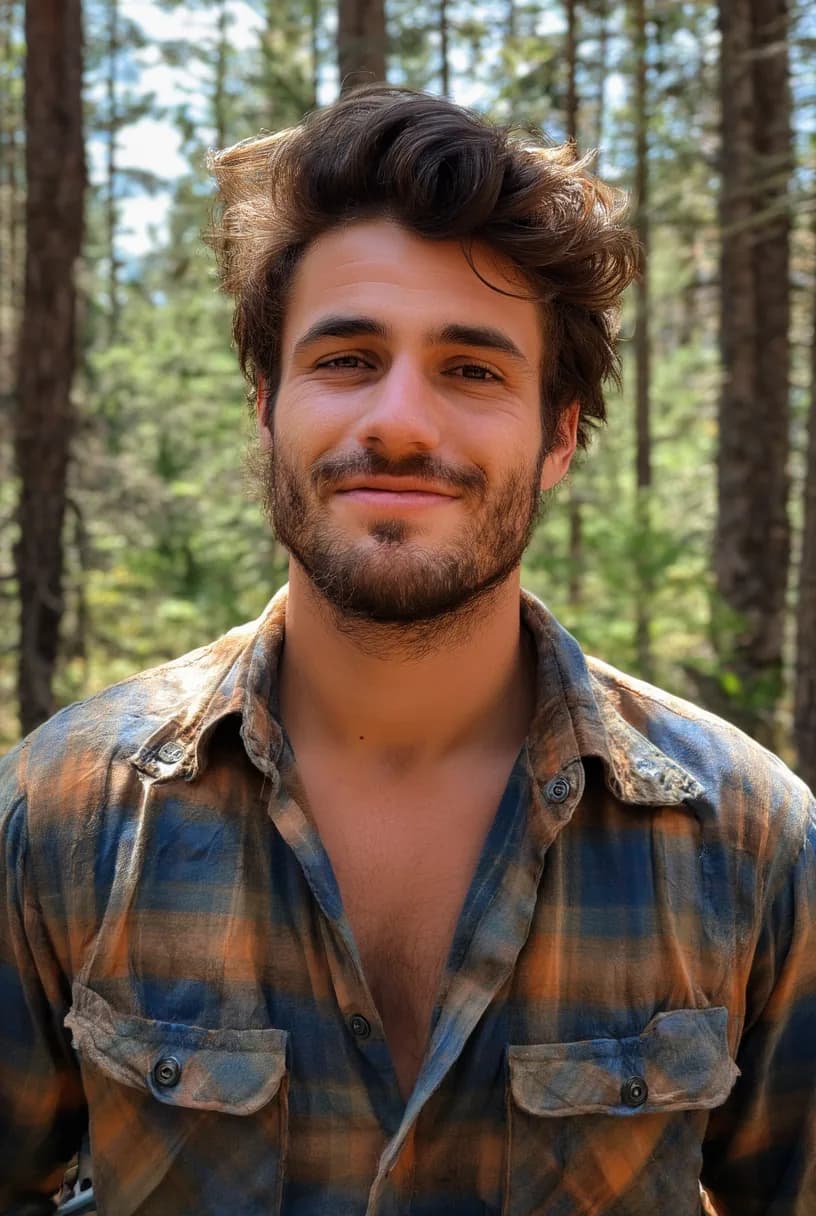
- Realistic II
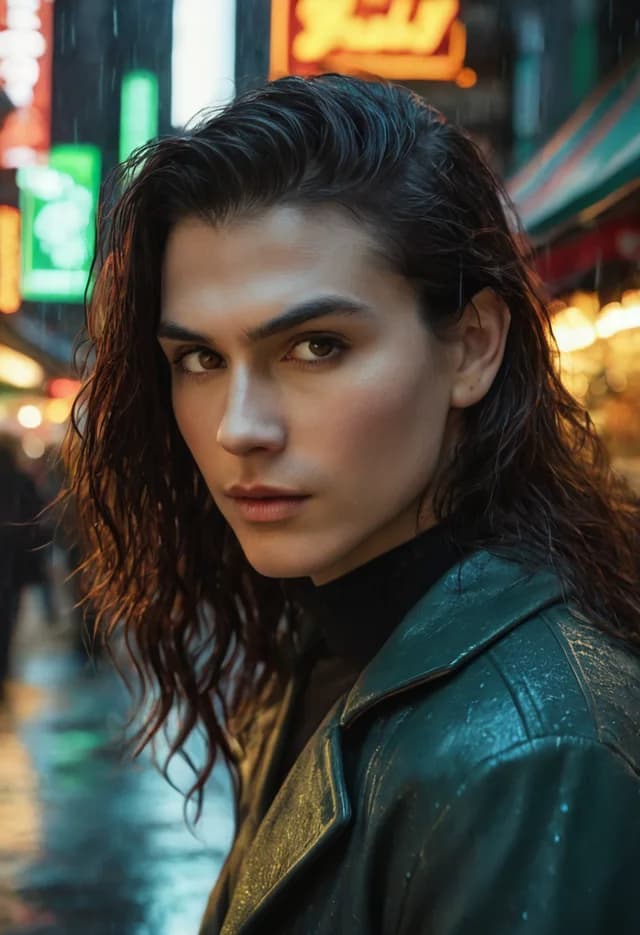
- Realistic IV

- Versatile I
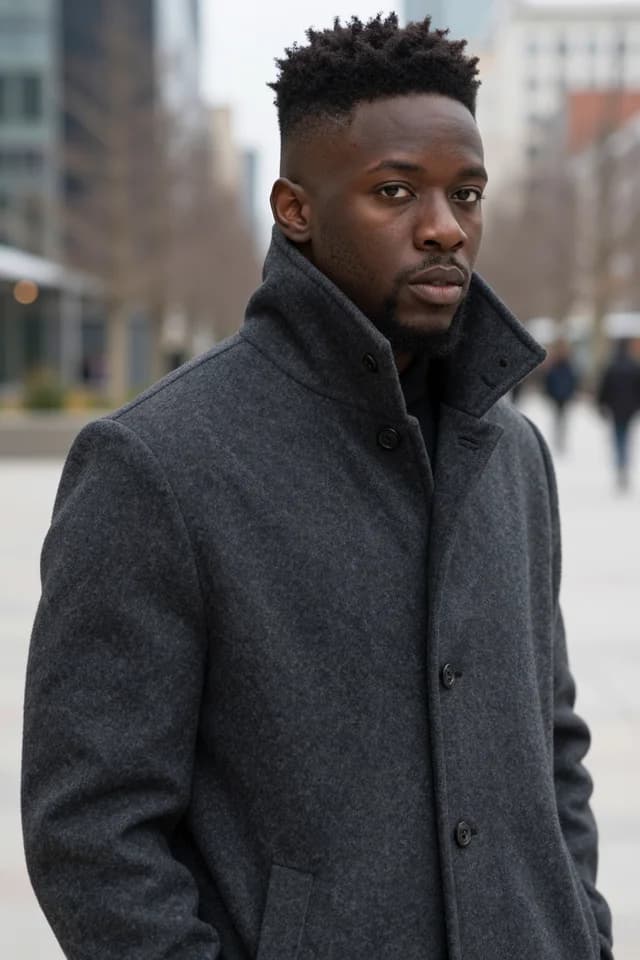
- Realistic II
Why this is usually badly served
Subject drift is a real failure mode
When a prompt for a man returns something androgynous or female, that is the training distribution asserting itself. Front-loading the subject and reinforcing it in the negative prompt corrects most of it.
Some engines are markedly better
The versatile family and Realistic II and IV handle male build and facial structure more reliably than models optimised around a narrower subject range. Start there rather than with the general default.
Pair scenes need distinct descriptions
Two figures described identically tend to merge. Giving each one a different build, colouring, or wardrobe keeps them separate and fixes most limb confusion at the same time.
Same policy, same privacy
No separate restriction applies here, and Privacy Mode is on by default exactly as it is everywhere else in the workspace.
Practical questions
Training distribution. Adult image models are heavily weighted toward female subjects, so an ambiguous or late-mentioned subject collapses to that default. Put subject count and gender at the very start of the prompt, keep reinforcing terms nearby rather than scattered, and add the unwanted subject type to your negative prompt. That combination fixes the large majority of cases.
Versatile I through III are the most balanced, and Realistic II and Realistic IV are the strongest photoreal options — they hold jaw and brow structure, shoulder-to-hip ratio, and body hair more consistently. The anime engines vary more; Anime I and IV are the better two for male character work.
Describe them as individuals rather than as a pair. Different height, build, hair, and colouring for each gives the model something to keep apart. Framing helps too: figures that overlap heavily in frame confuse limb assignment far more than figures with visible separation between them.
No. The same policy applies across all subject matter, refusing illegal content and content that violates our content rules for everyone alike. There is no additional review, no separate tier, and no reduced engine access.
Yes, using the same approach that works for any character: generate until one result is right, then run prompt-guided edits against it rather than regenerating. Rerolling produces a new person every time regardless of how detailed the description is.
Generate the thing every other tool defaults away from
No safe-for-work filter, no default drift back toward female subjects, and nothing stored unless you ask for it.
Generate privately